

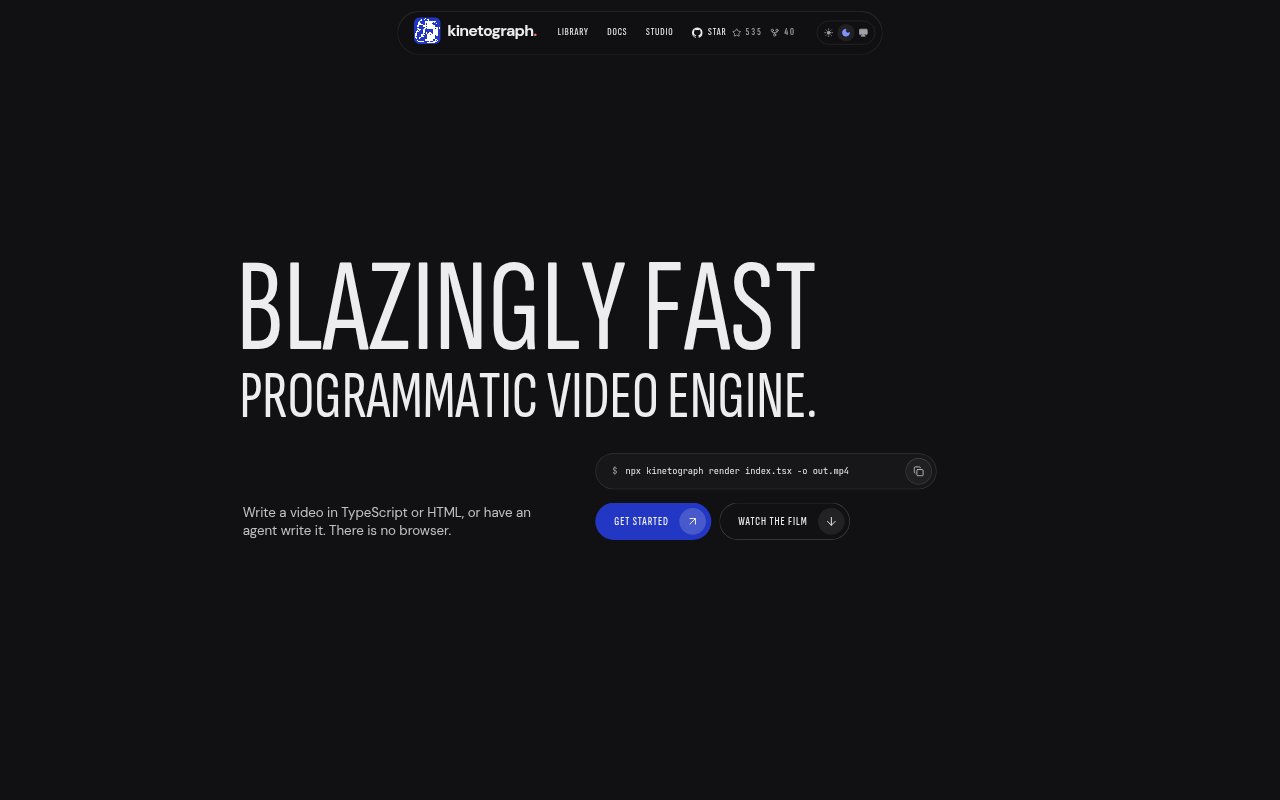
What is Kinetograph?
Kinetograph is an open-source engine for creating and rendering programmatic video, aimed at developers and creators who want to make videos in code or work with an AI agent. Projects can use TypeScript with Remotion’s API or HTML pages, including HyperFrames projects. A Rust compositor draws frames without a browser, and the included Studio provides a local preview and editing interface. Rendering runs on your computer, with GPU support and a CPU fallback.
Kinetograph Features:
Code-Based Video: Build compositions in TypeScript with Remotion’s API, or create HTML pages using CSS, SVG, Canvas 2D, WebGL shaders and Web Audio.
GPU Rendering: A Rust compositor draws video frames on the GPU using Metal, Vulkan or D3D12, and falls back to the CPU when a GPU is unavailable.
Agent Commands: Commands support JSON output, and the Kinetograph MCP server exposes them as tools an agent can use to render stills and inspect a scene graph.
Reference Analysis: Give an agent a reference video to analyze its frame timing, layout, color, typography and shadows, then check generated shots against it.
Local Studio: Studio runs on your computer and combines a live preview, timeline, settings form and chat with your coding agent, without requiring an account.
Timeline Markup: Annotate a preview by pinning, boxing or drawing, or move and trim clips; notes and selected spans can be sent to your agent with a message.
Local Export: Render MP4 files on your computer rather than a cloud renderer, with FFmpeg included in the npm package.
Kinetograph Benefits:
Faster Turnaround: Shorter render times can make iteration more practical; in one measured test, a 60-second 1080p film rendered in 10.26 seconds on an Apple M4.
Clearer Feedback: Frame-specific annotations and selected timeline spans give an agent concrete context, helping you communicate visual changes without relying on vague descriptions.
Keep Work Local: Local rendering means project output does not need to be uploaded to a cloud renderer, which can suit work that should stay on your computer.
Reusable Visual Style: Analyzing a reference reel gives you measured visual details to work from, making it easier to create new videos with a consistent look.
Flexible Production: Using TypeScript or HTML lets developers build on familiar web technologies instead of adapting their video work to a browser-based editor.
Use Cases:
Launch Films: Create a launch film from a TypeScript project, combining animated visuals and sound effects in a single coded composition.
Animated Charts: Turn chart data into a short animated Canvas 2D video for a product update, presentation or explainer.
Captioned Footage: Add captions and graphic overlays to existing video when preparing a short clip for a presentation or social post.
Reference-Matched Reels: Use a reference reel to guide timing, color and typography when producing a series of videos in a shared visual style.
Vertical Animations: Build portrait-format pieces such as paper-cut scenes or dioramas for mobile-first video placements.