

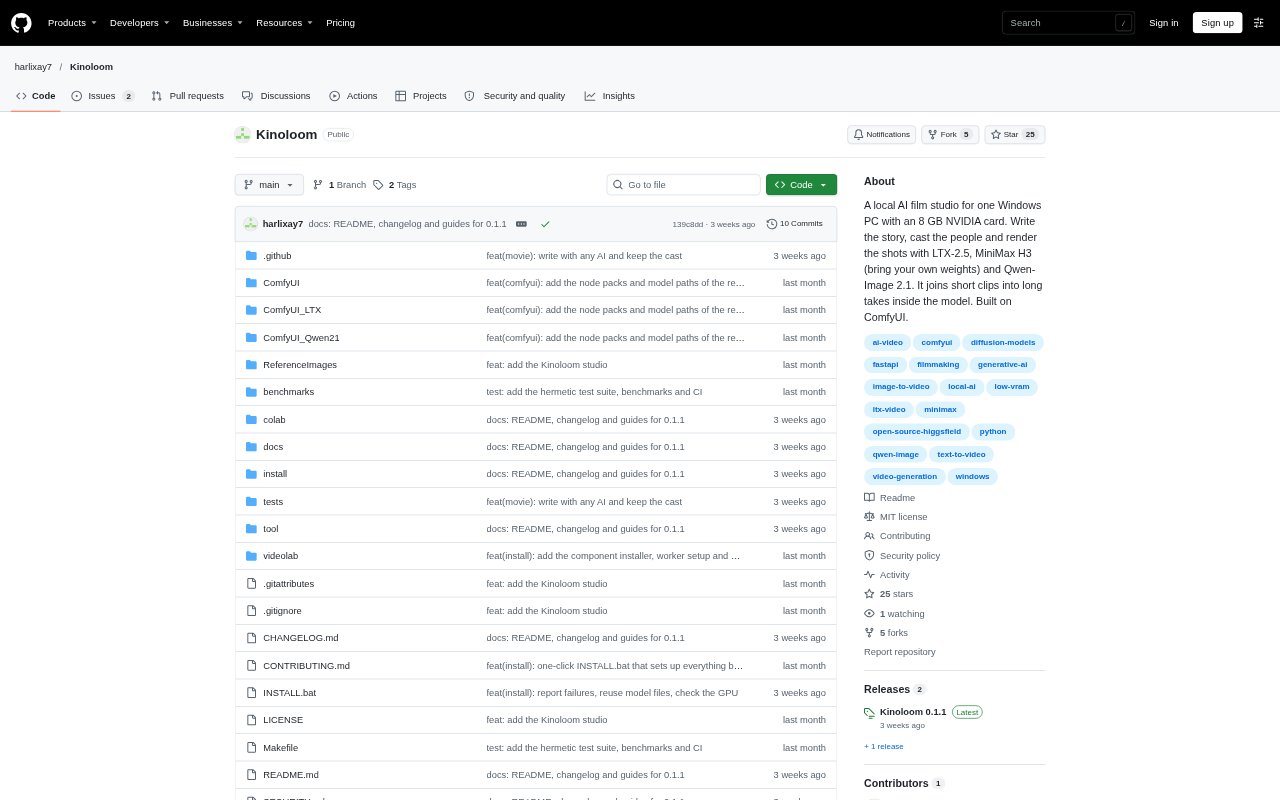
What is Kinoloom?
Kinoloom is a local filmmaking web app for Windows PCs that turns a written story and cast into AI-generated shots and an assembled film. It combines an LLM-assisted story workflow and a character-and-location bible with image and video models, then checks and cuts the rendered material. It is for filmmakers who want to experiment with open video models on their own computer; the documented setup uses an NVIDIA GPU with 8 GB of VRAM and 64 GB of system RAM.
Kinoloom Features:
Story Development: An LLM works with you to write a story, with a project bible for keeping character and location details consistent.
Cast and Frames: Image models generate cast portraits and opening frames, with portraits available as references when creating those frames.
Video Generation: Render shots with LTX-2.5 or MiniMax H3, with MiniMax H3 weights supplied by the user.
Latent Clip Chains: Join short video links into longer takes inside the model, passing each link's ending into the next before decoding.
Quality Checks: Check rendered shots for motion issues and, for LTX-2.5 and H3, whether faces still resemble the cast references.
Film Assembly: Use the assembler to cut the generated material into a film after rendering and review.
Local Model Setup: Run the studio on a Windows PC, streaming model parts from system RAM to an 8 GB NVIDIA graphics card.
Kinoloom Benefits:
Local Production: Keeping generation on your own machine gives you a way to make AI-assisted films without sending the rendering work to a hosted studio.
Lower VRAM Barrier: Streaming model parts lets a supported 8 GB graphics card run models larger than its video memory.
Smoother Joins: Decoding joined links together can reduce the visible jumps that may appear when separately rendered clips are hard-cut.
Story Consistency: A shared reference for people and places helps keep recurring details aligned as you develop multiple scenes.
Review Before Cutting: Checking motion and character likeness gives you a chance to spot problems before assembling the film.
Use Cases:
Short Film Development: Build a short narrative from a written story, through cast creation and rendered scenes, to an assembled film.
Extended Single Takes: Create a longer continuous shot by linking several short model-generated clips rather than cutting them together as separate shots.
Recurring Characters: Develop a story with the same people and locations appearing across multiple scenes.
Visual Preproduction: Generate cast portraits and opening frames to establish the look of a scene before rendering its motion.
Local Model Experiments: Try open video models on a compatible Windows PC when you want to make film material on your own machine.