
What is KIRA Company Director?
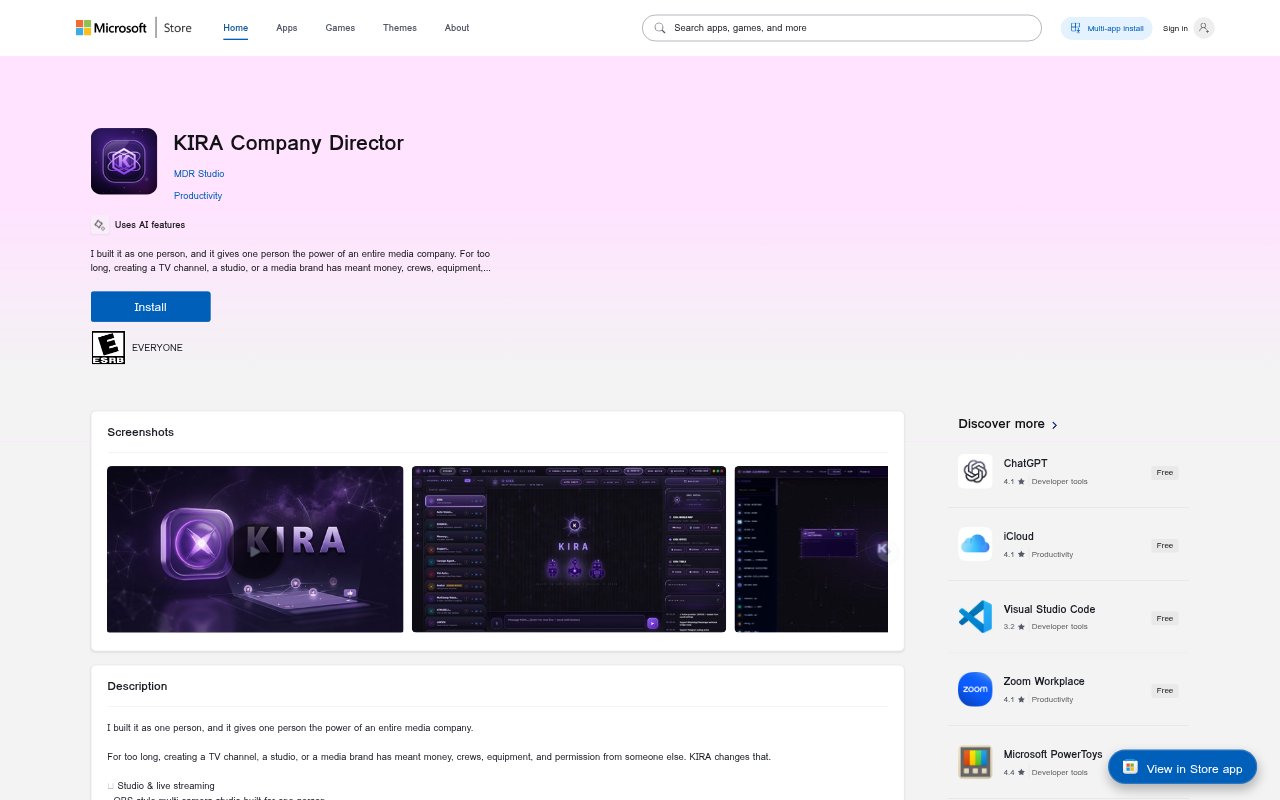
KIRA Company Director is a Windows application for creating, producing, and publishing media, aimed at people who want to run a studio or media brand on their own. It combines live production, AI agents, automation, knowledge tools, and office and media utilities in one application. It is available for personal use on Windows 10 and 11, 64-bit.
KIRA Company Director Features:
Live Production: A multi-camera studio modeled on OBS supports screen recording and simultaneous live broadcasts to four platforms.
AI Agents: The app includes 44 AI agents, with custom instructions, nine avatar agents, and dedicated video-creation and HTML agents.
Autonomous Agents: Some agents can use the computer's processing power to carry out autonomous tasks.
Content Automation: A node-based automation system supports custom nodes, while macros can automate content tasks and scheduling.
Knowledge and Memory: Kira Notes provides a memory system, and search covers 179 open-source libraries with holographic descriptions.
Office and Media Tools: Built-in tools include Sheets, Presentations, video compression, face swapping, OCR, media utilities, and video and image editors.
Publishing Utilities: The app also includes translation and dubbing, a converter hub, fact-checking, webhooks, and secure remote access.
KIRA Company Director Benefits:
Solo Production: A single creator can manage studio work and publishing without needing to assemble a production crew or separate equipment.
Lower Entry Cost: Free personal use makes the listed production and media tools accessible without a personal-use software fee.
Fewer App Changes: Having office, editing, conversion, and production utilities together can reduce the need to switch between separate applications.
Flexible Assistance: Custom instructions let users adapt agents to their tasks instead of relying only on fixed-purpose assistance.
Repeatable Workflows: Automation nodes and macros can make recurring content tasks and scheduling more consistent.
Use Cases:
Independent Channel: A solo publisher can plan and produce a channel using the studio, content agents, and bundled media tools.
Live Show: A creator can record a screen-based or multi-camera show and broadcast it to four platforms at once.
Content Scheduling: A media operator can build repeatable workflows for preparing content and automating its scheduling.
Media Localization: A creator can use translation and dubbing tools when preparing media for audiences speaking other languages.
Office and Research: A small team or solo founder can prepare presentations, work with spreadsheets, search the library collection, and fact-check material.