

What is Klap?
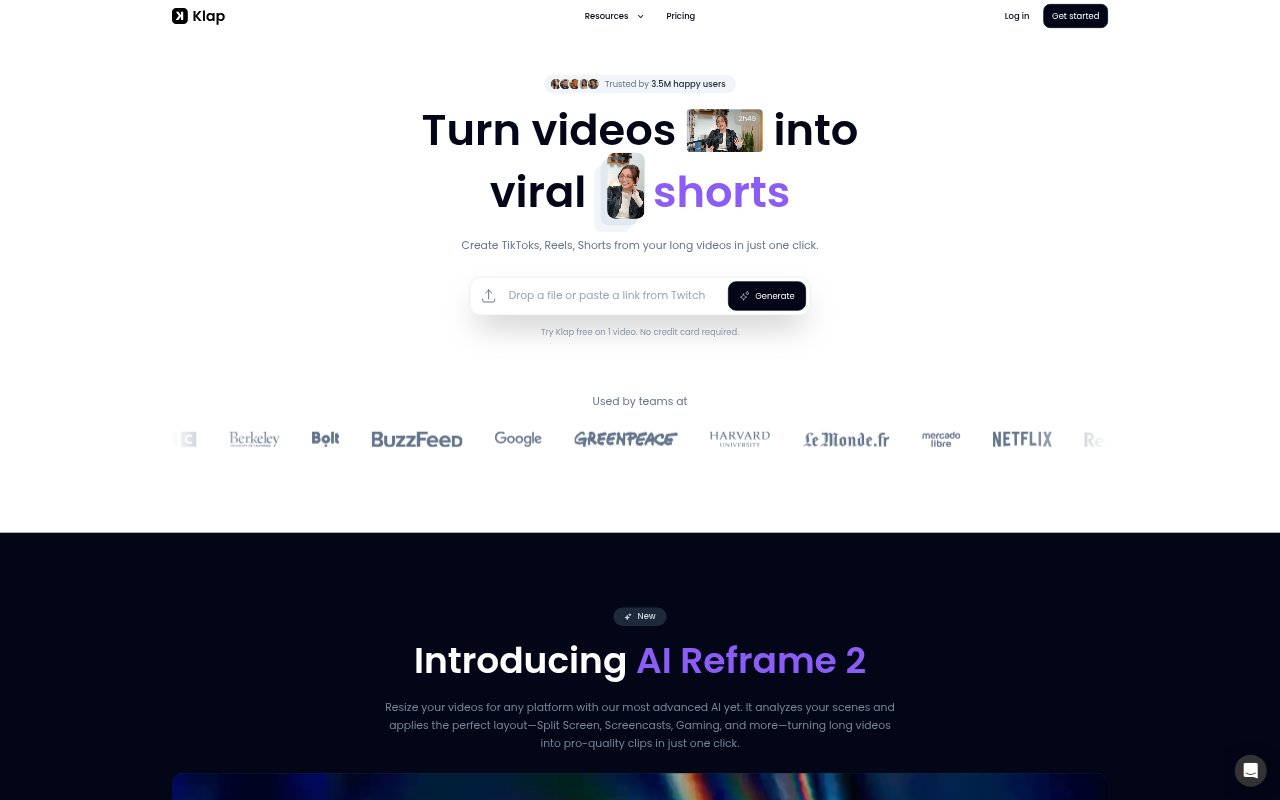
Klap turns long videos into short clips for TikTok, Instagram Reels and YouTube Shorts. Creators, marketers and teams can provide a YouTube link or upload a video, then review and edit the clips Klap generates. It is geared toward spoken content such as podcasts, interviews, webinars, training videos and product reviews. The clips can be customized, exported and scheduled for social channels, with automation options for teams that want to connect clipping and posting to their existing workflows.
Klap Features:
Video To Clips: Provide a YouTube link or upload a video file, and Klap identifies topics to turn into shorter clips.
AI Reframing: Klap adjusts framing to keep attention on the important subject and offers layouts such as split screen, screencasts and gaming.
Captions And Transcription: It transcribes and edits videos in 52 languages, adds responsive subtitles and can generate captions to accompany clips.
Clip Scoring: Generated clips receive virality scores, giving users a way to compare their potential before deciding what to publish.
Brand Customization: Users can adjust fonts, colors, logos and framing to fit their brand before exporting clips.
Export And Scheduling: Klap supports high-resolution exports and scheduling to TikTok, YouTube, Instagram and LinkedIn, with additional posting workflows available through integrations.
Workflow Integrations: Connect Klap with Zapier, Make or n8n, use its MCP options with AI assistants, or access its REST API.
Klap Benefits:
Less Editing Time: Automating the first pass of clipping and captioning leaves creators with less repetitive editing work and more time for other production tasks.
More From Recordings: A single long recording can supply multiple short-form posts, helping teams extend the usefulness of content they have already produced.
Faster Clip Review: Topic selection and clip scores make it easier to focus review on promising moments instead of searching through an entire recording.
Consistent Brand Style: Reusable choices for logos, colors and fonts help keep clips visually aligned across a creator's or team's social output.
Simpler Publishing: Export and scheduling options reduce the handoffs between editing a clip and preparing it for social distribution.
Use Cases:
Podcast Repurposing: Turn a recorded podcast episode into short excerpts with subtitles for sharing on TikTok, Reels or YouTube Shorts.
Webinar Highlights: Pull focused moments from a webinar recording and prepare them as short clips for follow-up social posts.
Interview Clips: Create concise excerpts from interviews for teams that want to share useful answers beyond the full-length video.
Training Content: Break spoken training videos into shorter segments that can be shared individually on social channels.
Regular Video Posting: Set up a workflow that sends new videos for clipping, then exports or schedules selected clips for social accounts.