

What is KLING AI?
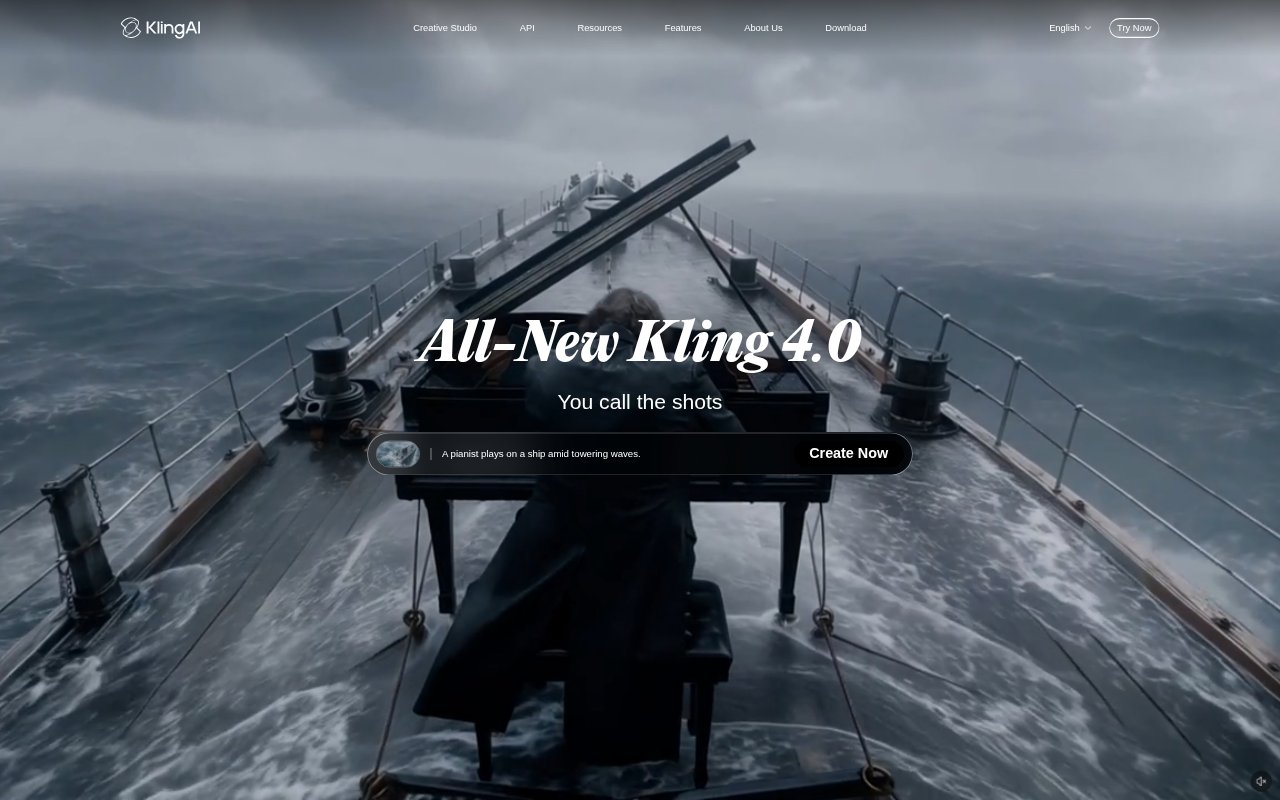
Kling AI is a creative studio for generating and editing AI videos and images from text prompts, still images, and visual references. It is aimed at creators, marketers, and production teams making everything from social clips to commercial and narrative work. Kling 4.0 supports directed video generation with controls for motion, camera work, and scene progression, while Canvas brings brainstorming, scripts, storyboards, and post-production into a shared project space.
KLING AI Features:
Text and Image Video: Generate video from a written prompt or still image, with options to describe the action, setting, camera movement, dialogue, and sound.
Motion and Camera: Direct subject movement and camera shots, including tracking shots, camera orbits, close-ups, and wider scenes.
Visual References: Use Omni Reference to guide a generation with up to 15 combined image, video, and subject references.
Keyframe Direction: Guide scene changes, poses, and composition with start and end frames or up to 10 flexible keyframes.
Video Editing: Make targeted changes to subjects, backgrounds, actions, and camera angles, or use an existing video as a guide for new versions.
Canvas Projects: Brainstorm with an agent, create scripts and storyboards, generate creative assets, and organize or refine work through multiple post-production rounds.
KLING AI Benefits:
Explore Unfilmable Scenes: Develop visual ideas that would be difficult to capture with a camera, without needing to arrange a physical shoot.
Keep Visual Identity: Carry recognizable characters, products, and styles across shots instead of having each new scene drift from the intended look.
Revise Existing Footage: Try alternate actions, subjects, or visual styles using an existing clip as a starting point rather than rebuilding the scene from scratch.
Shape Longer Sequences: Plan the order and development of key moments to create connected action instead of relying on a single brief visual beat.
Keep Work Organized: Bring ideation, asset creation, and rounds of refinement into one project space, helping creative work retain its context.
Use Cases:
Product Showcases: Turn product, model, or brand images into on-model fashion clips and styling content for e-commerce listings.
Brand Advertising: Create beverage or consumer-goods ads that show packaging, product benefits, and occasions for use.
Electronics Demos: Build product breakdowns and feature demonstrations for consumer electronics marketing and e-commerce videos.
Music Videos: Create visual sequences for a song or virtual performer, using generated footage to bring an artist’s look to life.
Narrative Shorts: Develop story-driven short films with generated scenes, consistent characters, and directed camera movement.