

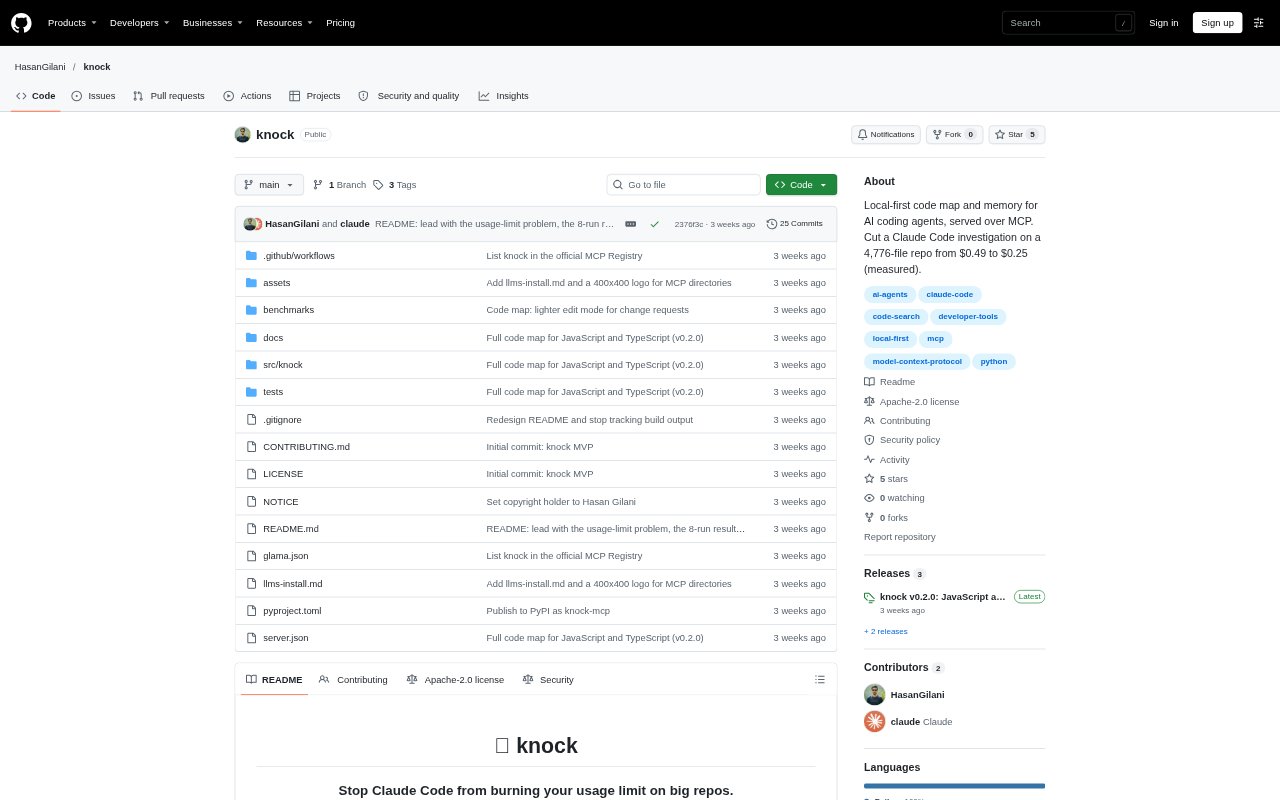
What is Knock?
Knock is a local code map and memory tool for developers using AI coding agents, with a setup documented for Claude Code through MCP. It indexes a repository and gives the agent compact, relevant code references instead of requiring it to search through files from scratch. The index and saved notes stay on the developer’s machine, and Knock needs no API key.
Knock Features:
Code Maps: The map tool returns task-relevant code skeletons with function signatures, exact line ranges, callers, callees, and related documentation.
Symbol Lookup: The open tool retrieves line-numbered code for a function, class, file skeleton, or specified line range, along with callers and callees.
Repository Indexing: Knock indexes code, documentation, configuration, dependencies, and recent commits without running the contents of the repository.
Saved Findings: An agent can save useful discoveries for future sessions, with notes linked to the files and lines they came from.
Freshness Checks: Knock re-reads changed files and marks saved notes stale when their cited files have changed.
Language Coverage: It builds full code maps for Python and JavaScript or TypeScript, and extracts functions and classes for Go, Rust, Java, and other languages.
Knock Benefits:
Less Repository Hunting: Developers can spend less time waiting for an agent to grep through files or launch a sub-agent before addressing a code question.
Lower Reading Load: Agents can focus on relevant snippets instead of consuming large amounts of context from whole files and broad searches.
More Useful Sessions: Saved findings let later sessions build on earlier investigations rather than repeating the same repository exploration.
Faster Onboarding: A newcomer can get pointers to setup guidance, deployment documentation, code locations, and recorded design rationale in one place.
Potential Cost Savings: In a reported test on a 4,776-file repository, Claude Code’s median session cost was lower with Knock, though results vary by task and repository.
Use Cases:
Trace a Feature: Use a task-based map to find the endpoint, middleware conventions, and tests involved when adding a feature across modules.
Investigate a Bug: Ask an agent to locate relevant code and past fixes when diagnosing a failure such as a test that cannot connect to Redis.
Understand Decisions: Look up the reasoning behind an architecture or dependency choice, such as why a project uses one database over another.
Explore Deployment: Get references to deployment instructions and related configuration when setting up an unfamiliar repository.
Resume an Investigation: Save a non-obvious debugging discovery so the next coding-agent session can use it without repeating the original search.