

What is Koala?
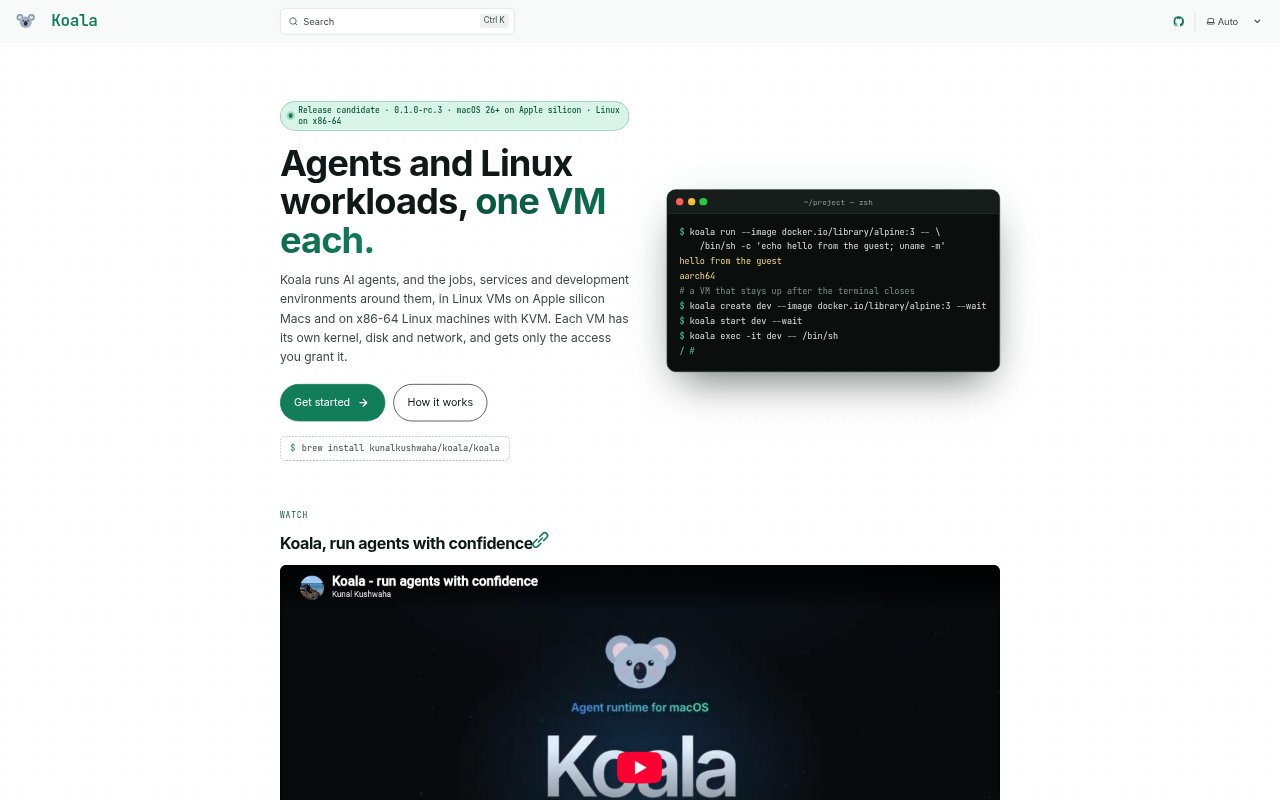
Koala runs AI agents and other Linux workloads in separate virtual machines on Apple silicon Macs or x86-64 Linux machines with KVM. It is aimed at people who want to run agents, jobs, services, or development environments without giving them unrestricted access to the host. A command-line interface and per-user manager handle VM setup and operation, while policies control access to credentials and network requests.
Koala Features:
Per-Workload VMs: Each agent, job, service, or development environment runs in its own Linux VM with a separate kernel, disk, and network.
Host Platform Support: Koala runs on Apple silicon Macs with macOS 26 or newer and on x86-64 Ubuntu 24.04 systems with a suitable kernel and KVM access.
Credential Broker: API keys stay in the host's key store, while a broker adds them only to requests allowed by the configured policy.
Default-Deny Access: VMs start without access to host files, secrets, the local network, or other VMs, and access is granted through host-side controls.
Agent Templates: Templates can set up an agent's VM, policy, volume, and setup commands, showing a plan and requesting confirmation before making changes.
Flexible VM Lifecycles: Run a command in a fresh VM that is removed when the command ends, or keep a VM running after its terminal closes.
OCI Image Support: VMs can use OCI images from Docker Hub or a private registry, with images pinned by digest when a VM is created.
Koala Benefits:
Reduced Key Exposure: An agent does not receive the real API key inside its VM, limiting the chance that a compromised workload can take the credential.
Narrower Workload Access: Starting with access denied lets operators grant only the host and network permissions a workload needs.
Safer Experimentation: Separate VM boundaries provide a contained place to run agents, scripts, and other workloads that should not run directly on the host.
Repeatable Setups: Templates bring an agent's environment and setup steps together, making it easier to recreate a configured workload.
Less Privileged Operation: Everyday VM management runs through a per-user service, so routine use does not require a root daemon.
Use Cases:
Run AI Agents: Create an isolated VM for an autonomous agent and restrict which API requests and models it can use.
Test Untrusted Code: Run builds, tests, and scripts in fresh VMs that are discarded when the command finishes.
Keep Agent Services: Run an agent or other service in a persistent VM that remains active after the terminal session ends.
Build Development Environments: Set up a Linux environment for development work without running its workload directly on the Mac or Linux host.
Provision From Templates: Use an agent template to configure its VM, data volume, credential policy, and setup commands in one reviewed plan.