

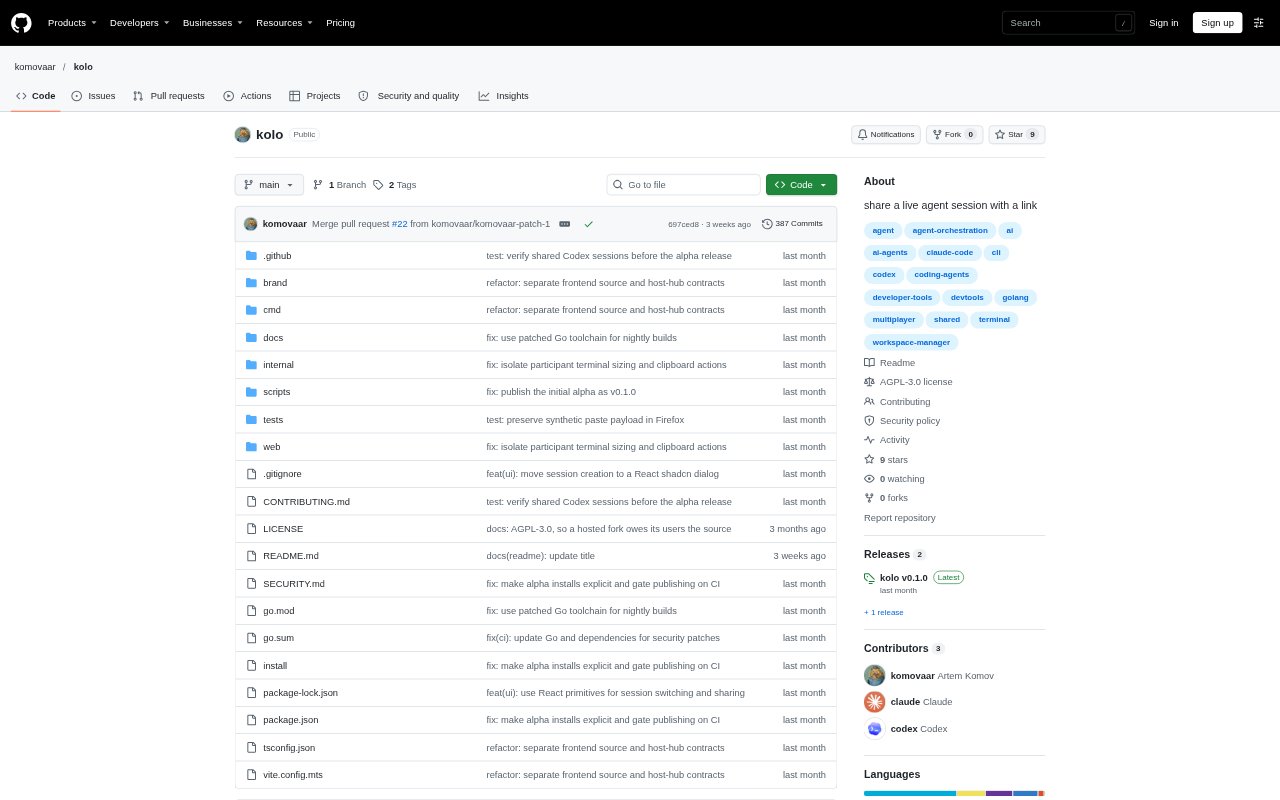
What is Kolo?
Kolo lets a team share a live AI coding session through a browser link, while the host runs agents on their own machine. It supports Claude Code, Codex CLI, and OpenCode, and gives participants a shared terminal where they can watch, prompt, approve steps, or continue work. It is an experimental alpha for trusted teams; agents use the host user's permissions, so its intended setup calls for a dedicated VM containing only the projects and credentials meant to be shared.
Kolo Features:
Link-Based Access: The host starts Kolo in a project and shares the invitation link printed in the terminal; teammates join in a browser without installing anything or pasting a token.
Shared Terminal: Participants see the same terminal session and can enter prompts, approve steps, or continue from where a teammate stopped.
Agent Adapters: Built-in adapters support Claude Code, Codex CLI, and OpenCode, with custom agent descriptions available for other tools.
Read-Only Members: Hosts can let observers follow a session without control, while deciding which members are allowed to control sessions.
Flexible Deployment: Run the hub and host together with kolo up, or separately using kolo serve and kolo host.
Setup Checks: The kolo doctor command checks the setup, while agent status is detected from terminal output.
Kolo Benefits:
Shared Context: Teammates can follow prompts and terminal activity as it happens, reducing the need to relay each step separately.
Smoother Handoffs: A teammate can continue an existing session where another person left off instead of starting the work over.
Easy Participation: Browser access without a local installation or token-pasting step makes it simpler to bring others into a session.
Controlled Involvement: Hosts can include people who need visibility while reserving session control for selected members.
Shared Project Work: The team can collaborate in the host's running project session without each participant needing to run the agent locally.
Use Cases:
Pairing on Code: Two developers can work through an agent's coding task together, with one entering prompts and the other reviewing output or approving steps.
Live Code Review: A developer can invite teammates to watch an agent session and inspect its terminal activity while a change is being worked on.
Task Handoffs: When an agent-assisted task changes owners, the next teammate can join the same session and pick up from its current state.
Team Walkthroughs: A host can demonstrate an AI coding workflow to colleagues, letting them observe without giving everyone control of the session.
Remote Debugging: Teammates can join a host's project session to investigate an issue together, sharing terminal context and taking turns interacting with the agent.