
What is Komo?
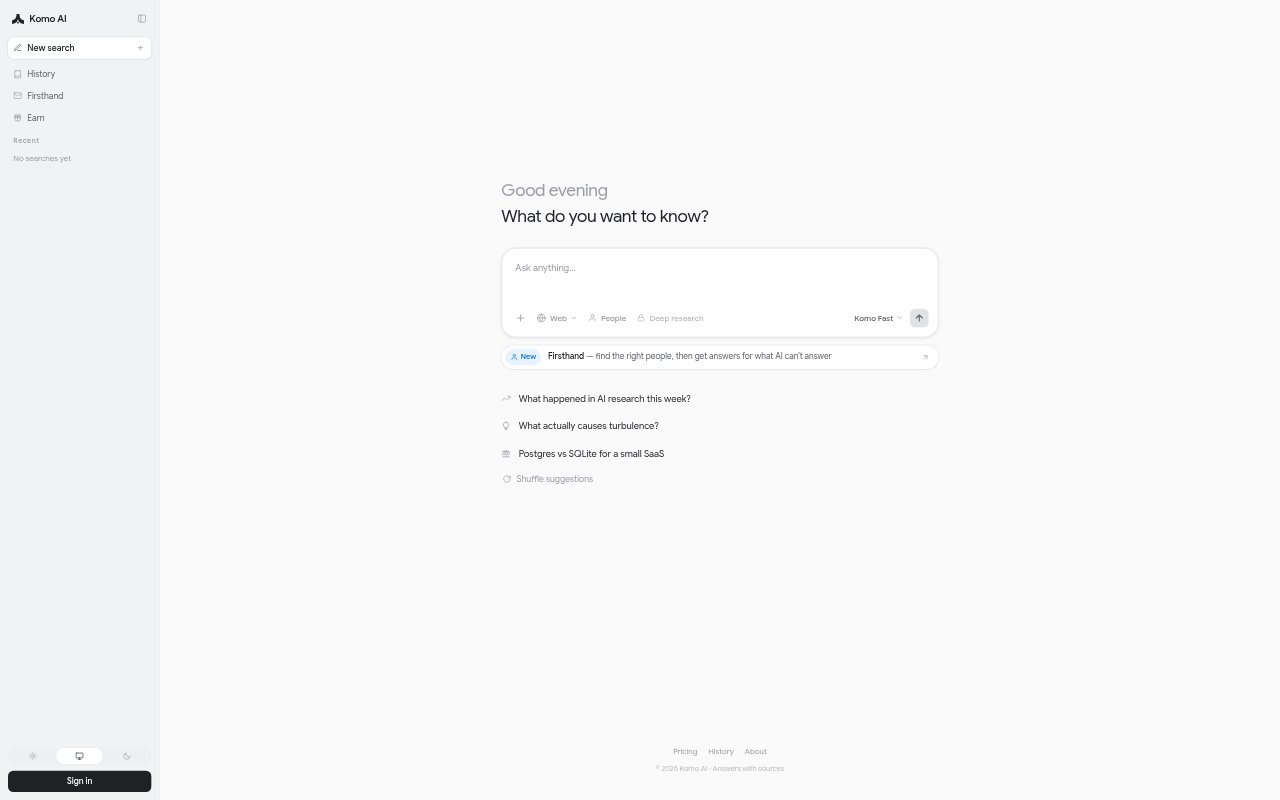
Komo is an AI search engine that searches the web and returns answers with sources. It offers a free account with daily credits, plus an upgrade for premium AI models, deep research, and people search. Searchers can use its focus modes and search history, while usage is metered in one credit currency. It suits people who want a direct response alongside material they can inspect.
Komo Features:
Web Search: Komo searches the web in response to questions, making web information the basis for its search experience.
Source Answers: Answers are provided with sources, giving users references to consult alongside the generated response.
Focus Modes: The free plan includes all focus modes, letting users access these search options without upgrading.
Premium Models: An upgrade provides access to premium AI models as well as Komo Fast and budget models available on the free plan.
Deep Research: Deep research is available as an upgrade option for users who want to go beyond a standard search.
People Search: The upgrade includes people search, a dedicated option for looking up information about people.
Credit Metering: Usage is metered through one credit currency, and free accounts receive credits each day to use Komo.
Komo Benefits:
Checkable Answers: Having sources beside an answer makes it easier to review where information came from before relying on it.
Flexible Research: The choice of standard search, deep research, and people search gives users different ways to approach an information need.
Low-Commitment Start: Daily free credits and no card requirement let people try the search experience before deciding whether to upgrade.
Usage Awareness: A single metered credit currency gives users a consistent way to follow usage across the paid options.
Return To Searches: Search history helps users revisit earlier inquiries instead of needing to start those searches over from memory.
Use Cases:
Quick Fact Finding: Use Komo to ask a one-off question and get a web-based answer with sources to inspect for added context.
Background Research: Use its standard search to gather sourced information when preparing to discuss an unfamiliar topic.
In-Depth Inquiry: Choose deep research when a topic calls for a more extensive investigation than a quick search.
People Lookup: Use people search when the research task involves finding information about a person.
Resume Research: Return to search history when continuing an earlier inquiry or checking what you looked up previously.