

What is Koody?
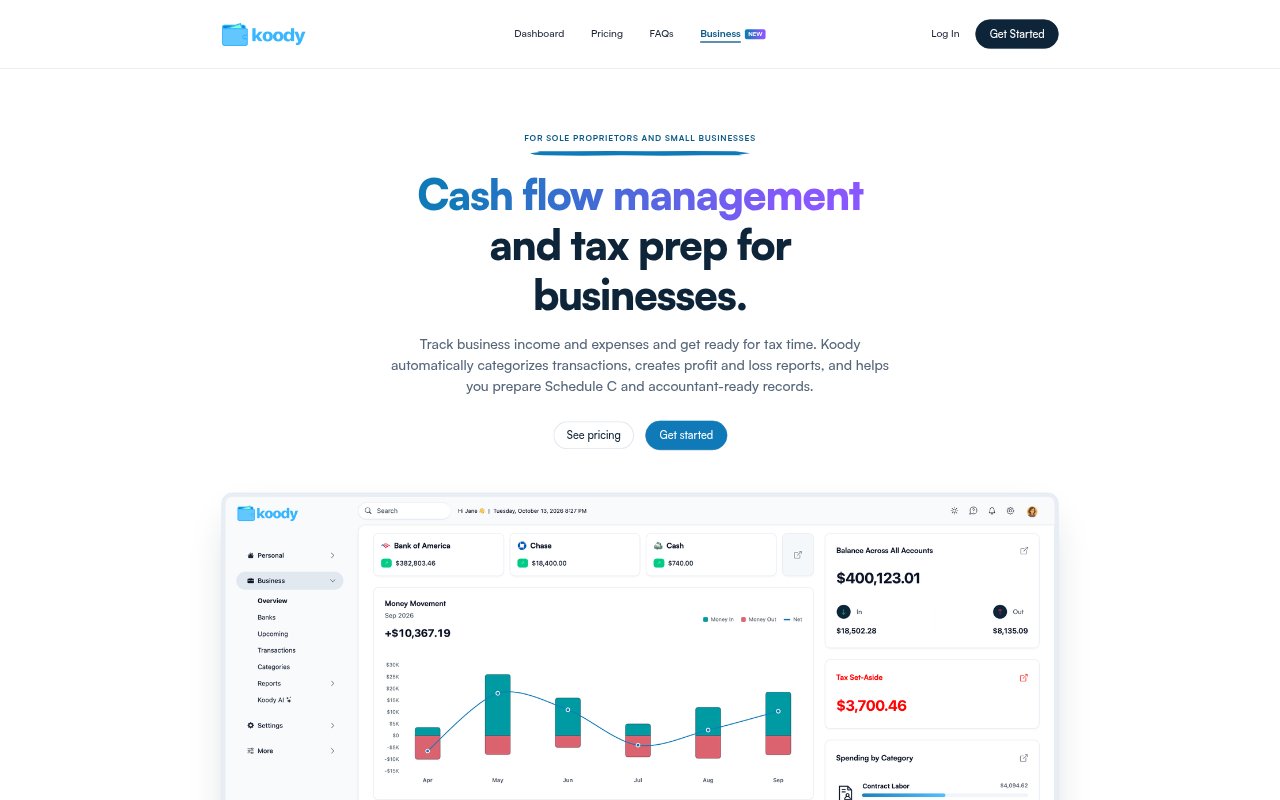
Koody for Business is bookkeeping software for sole proprietors and small businesses that need to track income and expenses, monitor cash flow, and prepare records for tax time. It organizes business transactions into categories, creates profit and loss reports, and provides a Schedule C preparation worksheet for sole proprietors. You can manage business finances separately from personal finances, whether you connect accounts, import statements, or enter transactions by hand.
Koody Features:
Statement Imports: Import bank and credit card statements as PDF or CSV files, or enter transactions manually without connecting a bank account.
Automatic Categorization: Koody categorizes imported income and expenses using business categories such as revenue, contract labor, rent, and owner draw.
Profit and Loss: Create reports showing revenue, expenses, and net profit, compare this year with the previous year, and export the results.
Schedule C Worksheet: Organize categorized business income and expenses in a Schedule C preparation worksheet for review and sharing with an accountant.
Weekly Cash Flow: Review weekly income, expenses, and remaining cash, and see the customers and suppliers contributing to your cash flow.
Supporting Records: Attach receipts, invoices, and other files to transactions, then export reports and transaction records for your accountant.
Koody Benefits:
Less Manual Sorting: Automatic categorization can reduce the time spent organizing transactions and make business records easier to review.
Clearer Profit Picture: Seeing revenue, costs, and net profit together helps you assess business performance and compare it across years.
Better Spending Decisions: Weekly views of money in and out can help you notice gaps between customer payments and business costs before making spending decisions.
More Organized Tax Prep: Keeping categorized transactions, supporting files, and a Schedule C worksheet together can make it easier to assemble records for an accountant.
Flexible Account Tracking: Manual entry and statement imports let you keep records even when your bank does not connect to finance apps.
Use Cases:
Freelance Bookkeeping: Track freelance income, contract labor, software costs, and other business expenses throughout the year.
Tax-Time Preparation: Gather categorized income, expenses, receipts, and invoices into records to review with an accountant before filing.
Cash Flow Checks: Review a small business’s weekly payments and costs to spot slower periods or gaps between incoming payments.
Yearly Performance Review: Compare this year’s business revenue, expenses, and profit with the previous year using profit and loss reports.
Unconnected Bank Accounts: Maintain business records by importing PDF or CSV statements or entering transactions when direct bank connections are unavailable.