

What is Kosmos?
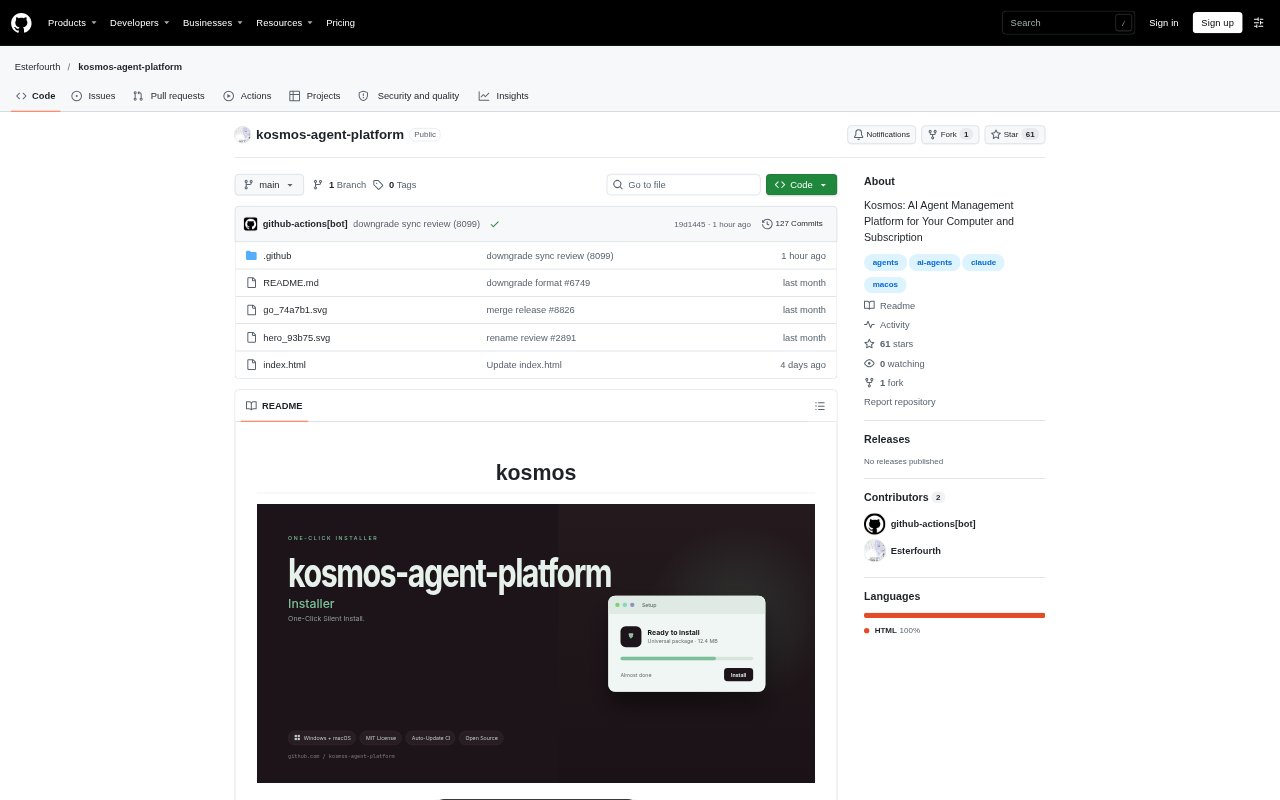
Kosmos is a locally run dashboard for managing Claude Code agents on a Mac. It finds Claude sessions already on the computer and lets users create, configure, monitor, message, stop, and restore agents from one board. Agents run in separate tmux sessions using the user's Claude subscription, while project work is organized around folders already on the machine or folders Kosmos creates. The service stays on loopback, with agent profiles and message records kept in the local Kosmos store.
Kosmos Features:
Agent Lifecycle: Create, rename, stop, and restore agents, with removal disabling an agent's startup job rather than deleting its files.
Live Dashboard: View agents on a shared board, including a live tail of each agent's terminal output.
Project Rooms: Group agents by project folder and use a shared conversation to post messages or address requests with @-mentions.
Delivery Status: See whether a message reached an agent's tmux pane, could not be placed, or has an unconfirmed delivery.
Instruction Editing: Edit the instruction file each agent starts from and manage agents that Kosmos did not create.
Claude Connection: Connect Claude Code through a guided sign-in flow, with a manual route available if the process cannot finish.
Kosmos Benefits:
Centralized Oversight: Keep track of local agents in one place instead of switching among scattered terminals and startup jobs.
Recoverable Removal: Preserve an agent's folder, instructions, and startup file when removing it, so its setup can be restored.
Clearer Handoffs: Know whether a message was placed in an agent's terminal before deciding whether to try again.
Project Separation: Keep agent conversations and assignments organized around the folders used for different projects.
Local Control: Keep agent management and stored records on your computer without relying on a cloud service.
Use Cases:
Agent Monitoring: Watch several Claude agents running on one Mac and inspect their live terminal output from the dashboard.
Team Coordination: Assign agents to a project room and send a request to a specific agent using an @-mention.
Agent Setup: Create a named agent with its own folder, startup job, and instructions for a particular task.
Existing Sessions: Bring Claude sessions already on the computer into a board for monitoring and management.
Project Review: Browse a project's files from Kosmos and open a document while reviewing the work associated with that folder.