
What is Kryzz AI?
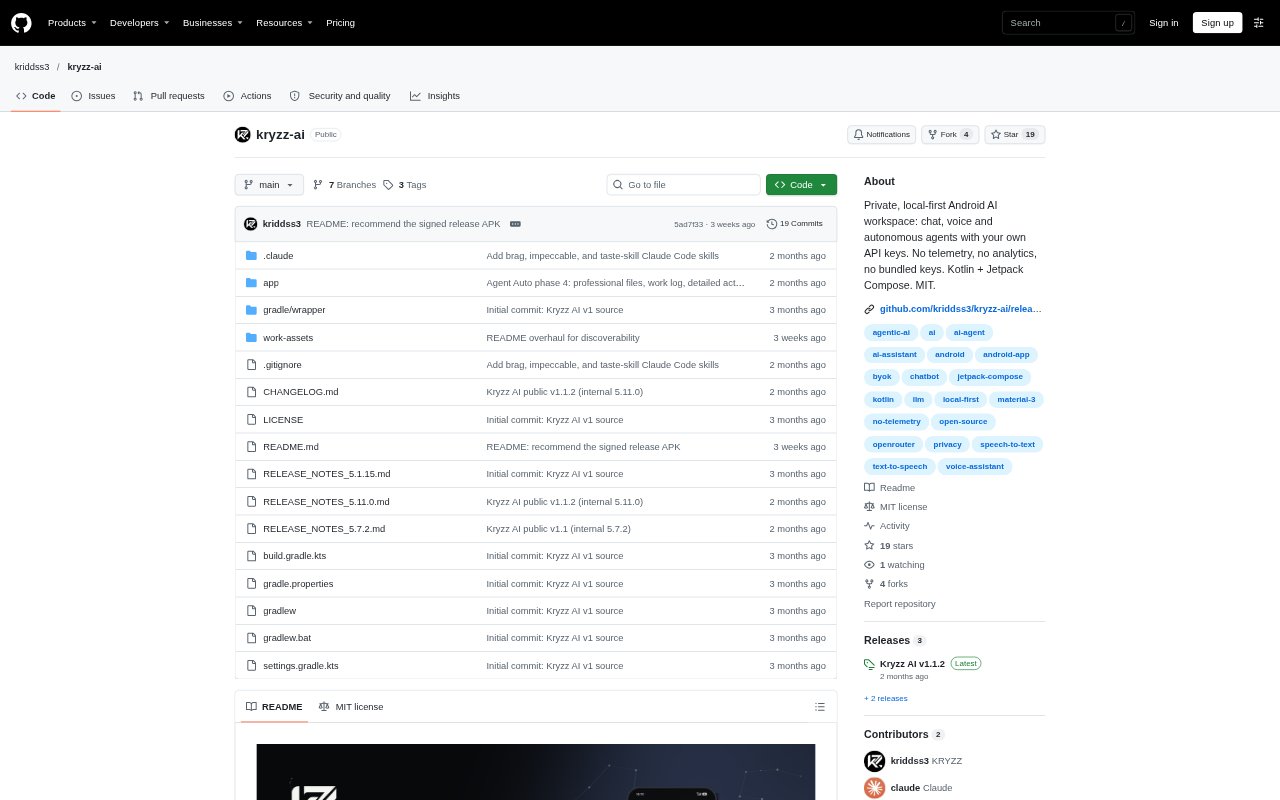
Kryzz AI is an Android workspace for chatting with hosted AI models, running agent workflows, and talking by voice. It is designed for people who want conversations, memory, generated files, and API credentials kept on their device while choosing a model provider themselves. The app requires your own API key; model requests go to the provider you select, and the app is distributed as an open-source GitHub release.
Kryzz AI Features:
Chat and Attachments: Chat with a selected model using streamed replies, attachments, reasoning controls, citations, token and cost details, and options to edit, regenerate, or cancel messages.
Agent Workflows: Run bounded, multi-step tasks for research or creation, with tools for web search, page reading, arithmetic, weather, reminders, planning, and reusable local skills.
Voice Sessions: Use microphone transcription and spoken replies with automatic turn-taking, and interrupt the assistant mid-sentence through barge-in.
Local Memory: Save searchable, categorized memories, enable or disable individual entries, and allow optional recall across chats.
Generated Files: Create DOCX, XLSX, PDF, SQLite, and code ZIP outputs, which remain in private app storage until you choose to share them.
Key and Data Controls: Store API credentials encrypted with an Android Keystore key, while conversation history and other saved data stay on the device.
Kryzz AI Benefits:
Provider Choice: Choosing between the OpenRouter catalog and MiniMax lets you use models from a provider you select instead of relying on one app's fixed model offering.
Spending Limits: A per-turn agent cost cap helps keep multi-step work within a budget, while direct provider billing makes the source of model charges clear.
More Privacy: Keeping conversations and credentials on your phone reduces the amount of personal information stored by the app's operator.
Fewer Accounts: No app account or subscription is needed, so you can start with a provider key without adding another monthly service.
Usable Deliverables: Exporting finished documents, spreadsheets, and code packages can reduce the work of turning an AI response into something ready to share or continue editing.
Use Cases:
Web Research: Use an agent to search for information, read relevant pages, and organize findings during early research for a project or business decision.
Document Drafting: Create a structured DOCX or PDF when preparing a proposal, briefing, or other written material from a chat or agent task.
Spreadsheet Building: Generate a workbook with typed cells and multiple sheets for organizing figures, plans, or other structured information.
Hands-Free Questions: Ask questions and hear spoken replies during tasks when holding or typing on the phone is inconvenient.
Recurring Personal Help: Use saved memories and reminders to keep useful personal context available across conversations and prompt a later follow-up.