
What is kuron?
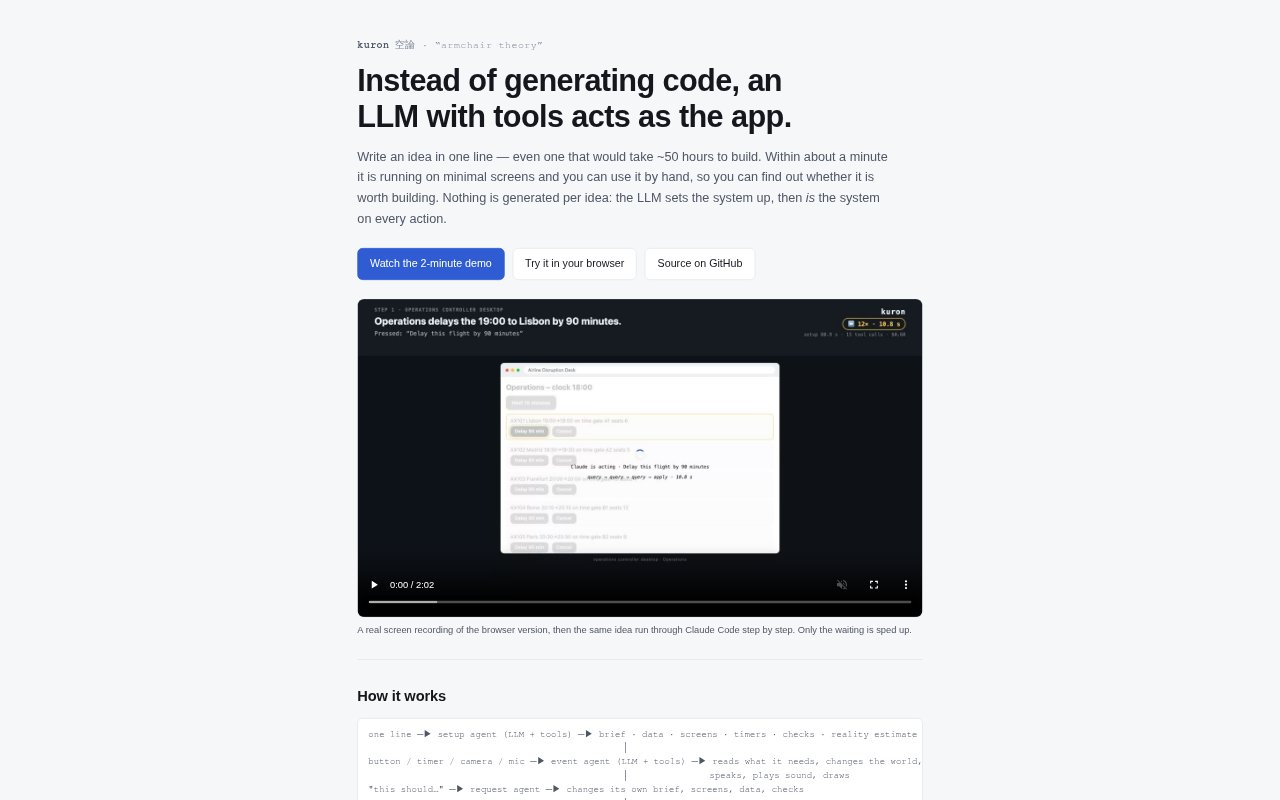
kuron lets founders and product teams test an app idea by having an LLM act as the system, rather than generating code for a working product. Describe an idea in one line and kuron sets up minimal screens that people can use to try its behavior, data and hand-offs. It is intended for exploring whether an idea is worth building, especially when its value depends on judgment or a workflow across different roles.
kuron Features:
Idea-to-Prototype: Describe an app in one line and kuron sets up a usable prototype with minimal screens, with setup taking about a minute.
Generic System Tools: The LLM can use tools to store and read data, define screens, send notifications, use a camera or microphone, play sound, speak, draw and set timers.
Editable Behavior: Tell the request agent how the prototype should behave, and it rewrites its brief, screens and checks rather than requiring code changes.
Existing-Tech Simulation: Switch from ideal behavior to a simulation of how a shippable version might work, including estimated errors and delays for individual actions.
Prototype-to-Spec: After testing, kuron produces a specification covering data, screens, examples from actual tool calls and an implementation plan for a coding agent.
Browser and Local Use: Try kuron in a browser through a Claude account, run it on a machine with Node.js and Claude Code, or use its local Ollama preset.
kuron Benefits:
Faster Early Validation: Try an idea through its actual decisions and interactions before spending time building a coded application.
Clearer Build Decisions: See which parts of an idea could rely on ordinary code, a model or an outside service, and where technology may not yet be available.
Workflow Friction: Exercise hand-offs between roles and devices to spot where people may get stuck in a proposed process.
More Useful Handoffs: Give a coding agent a plan grounded in the tested prototype, including examples of how actions actually behaved.
Easier Idea Reviews: Show a working behavioral concept and revise it during a discussion instead of relying only on a written pitch.
Use Cases:
Triage Workflow: Test how a clinic might check in patients, prioritize urgency, send interview notes to a doctor and update a waiting-room display.
Cross-Role Operations: Walk through a process that spans a reception desk, a doctor’s computer, a stock system, a patient’s phone and a shared display.
Recommendation Testing: Explore a product concept whose core value is making recommendations, estimating outcomes or replanning in response to new information.
Unbuilt Technology: Try the experience of an idea that depends on a technology or integration that does not exist yet, then assess how a real version might differ.
Sales Deal Desk: Use the sales deal desk example to examine how a team could handle decisions and hand-offs during a sales workflow.