
What is Lacuna?
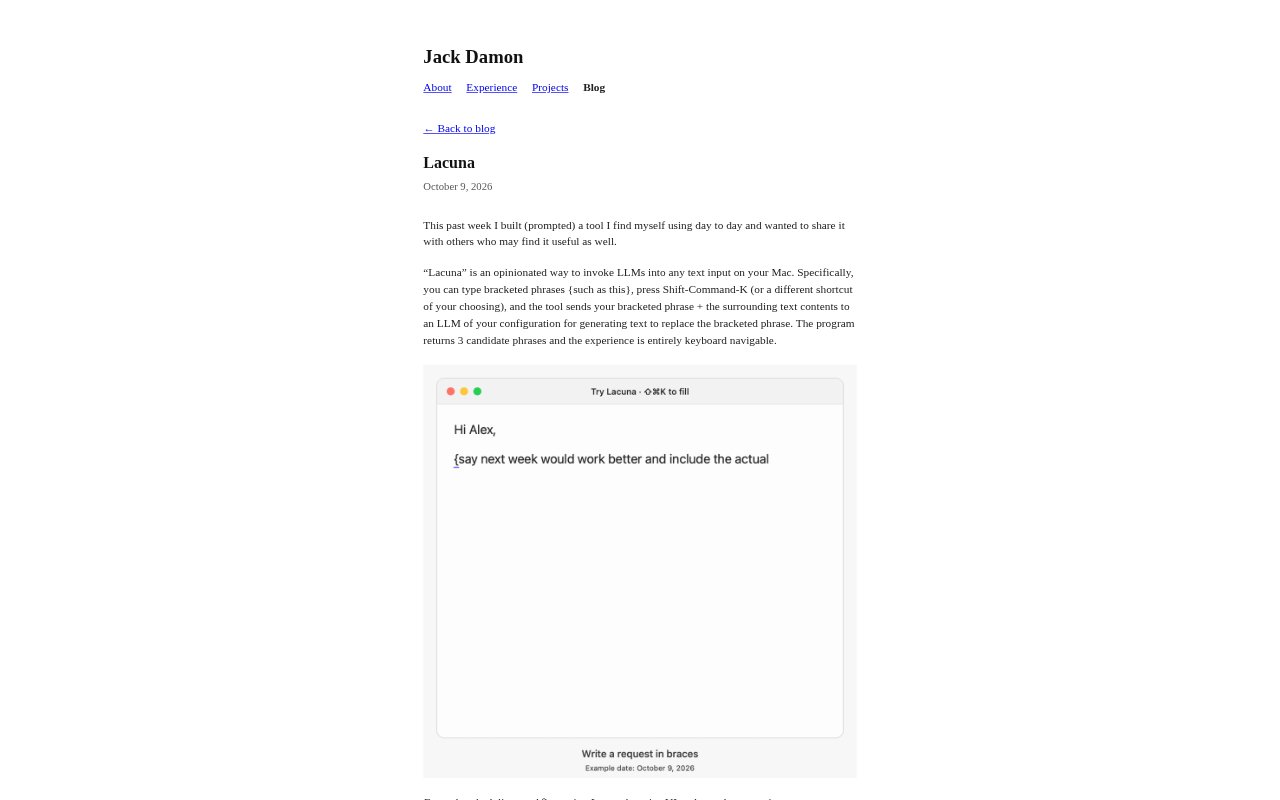
Lacuna is a Mac tool for invoking a configured large language model from a text input. You mark a phrase with braces, use a keyboard shortcut, and Lacuna sends that phrase along with the surrounding text for suggestions to replace it. It returns three candidate phrases in a keyboard-navigable interface. The tool is aimed at people who want help with wording while writing, including those drafting emails or working through a scheduling message.
Lacuna Features:
Bracketed Prompting: Mark the part of a text input you want help with by placing it inside braces, then invoke Lacuna to request replacement wording.
Surrounding Context: Lacuna sends the marked phrase together with the surrounding text, giving the configured language model context for generating candidates.
Configurable Shortcut: Use Shift-Command-K by default or choose a different keyboard shortcut to start a request.
Three Candidates: Each request returns three candidate phrases for replacing the bracketed text.
Keyboard Navigation: Move through the suggestion experience using the keyboard rather than relying on pointer interaction.
Open Source: Lacuna is an open-source Mac utility for invoking language models from text inputs.
Lacuna Benefits:
Stay in Flow: Getting phrasing help from the text input itself can keep a writing task focused instead of interrupting it to seek wording elsewhere.
More Relevant Wording: Including the surrounding text can help the model propose language that fits the passage rather than responding to an isolated phrase.
Compare Options: Seeing several alternatives at once gives you a choice of wording instead of making you accept a single generated replacement.
Quick Invocation: A keyboard shortcut makes it practical to request a suggestion at the moment a phrase needs work.
Fit Your Workflow: Choosing a different shortcut lets you set up invocation in a way that suits your keyboard habits.
Use Cases:
Email Phrasing: Draft an email and mark a sentence or phrase that needs a clearer or more suitable formulation before sending.
Scheduling Messages: Work on wording for a scheduling message by requesting options for a marked phrase in the surrounding text.
Drafting in Context: Use Lacuna while writing in a Mac text input when a particular part of the draft is difficult to phrase.
Filling a Text Gap: Leave a bracketed phrase in a draft as a prompt for the model to suggest wording that fits the text around it.
Finding Alternatives: Compare generated replacements for a phrase during everyday writing and choose the candidate that works for the passage.