

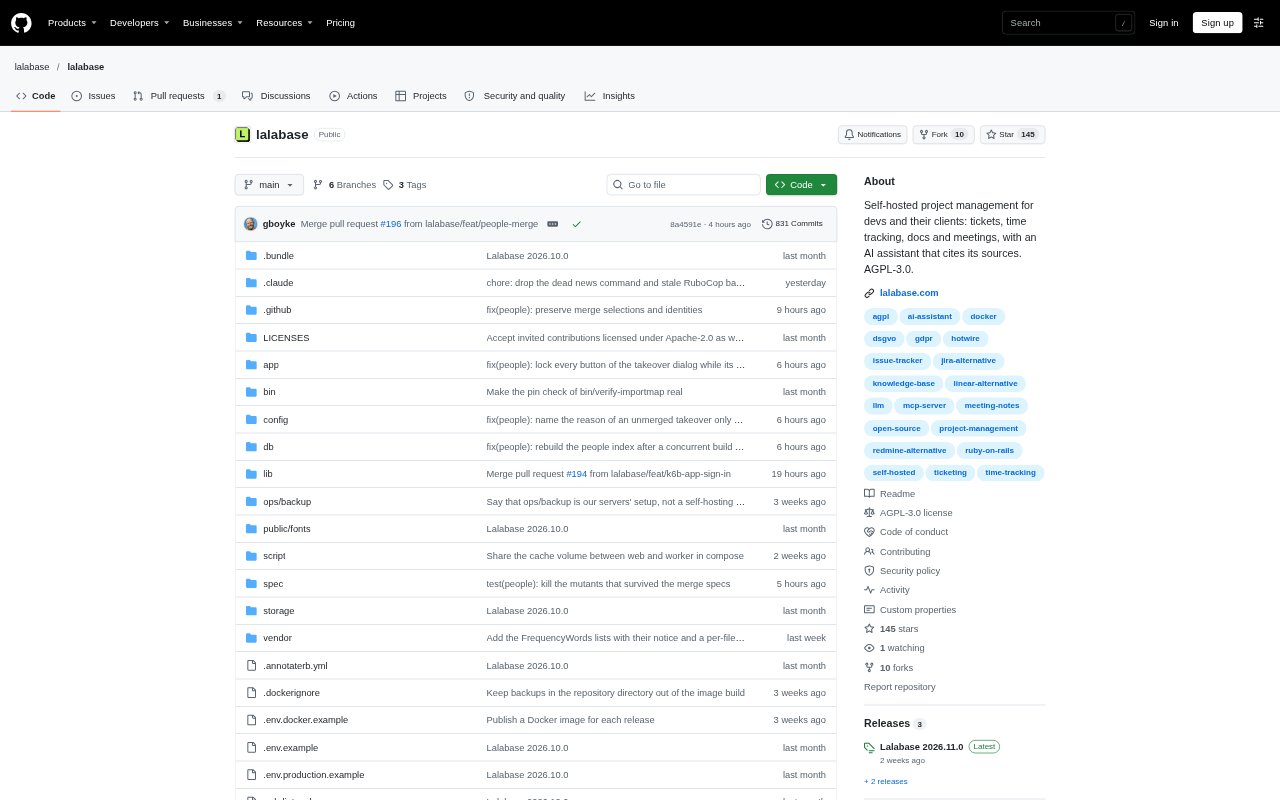
What is Lalabase?
Lalabase is a project management workspace for software agencies, freelancers and IT service providers that work with clients over the long term. It brings tickets, documentation, time entries and meeting records into shared client projects, with role-based controls for what clients can see and change. Teams can ask questions across project information and receive answers with references to their sources. Lalabase is available as a hosted service in Germany or as open-source software for self-hosting.
Lalabase Features:
Client Projects: Create an organisation for each client, add multiple projects beneath it and set roles that control what client users can see and change.
Ticket Workflows: Manage tickets in a list or board, with project-specific statuses, priorities, fields, comments, attachments and smart folders.
Project Documentation: Keep notes and documents with the project, or use a folder in a GitHub or GitLab repository as versioned, searchable project documentation.
Ticket Time Tracking: Record multiple work sessions against a ticket, mark each session as billable and export time records for invoicing.
Meeting Records: Keep meeting transcripts with AI summaries and tasks derived from the conversation alongside the relevant project information.
Source-Based Assistant: Ask questions across tickets, documents, time entries and meetings, or about an individual ticket or meeting, and get answers with cited sources.
Lalabase Benefits:
Smoother Handoffs: When a team member or client contact changes, incoming colleagues can find project decisions and discussions without depending on the person who remembers them.
Less Context Hunting: Keeping project records together makes it easier to check progress and relevant history without searching across separate tools.
Easier Verification: References attached to assistant answers let teammates check the underlying record before acting on project information.
Clearer Client Work: Working in the same project space gives clients a direct way to follow and contribute to work, while teams retain control over access.
Deployment Choice: Teams can choose a German-hosted service or operate the open-source software on their own server, according to their data and operational preferences.
Use Cases:
Agency Client Projects: Run a long-term website or software engagement with client tickets, project documents and discussions in a shared workspace.
Team Member Onboarding: Help a new project owner understand why a feature was built a certain way by reviewing its tickets, meeting records and related documentation.
Client Status Updates: Check the current state of a client deliverable and its logged work when preparing a progress update or answering a project question.
Invoice Preparation: Review billable sessions recorded on tickets and export time entries when assembling an invoice for client work.
Meeting Follow-Through: Use a client call’s transcript, summary and derived tasks to review agreements and carry follow-up work into the project.