
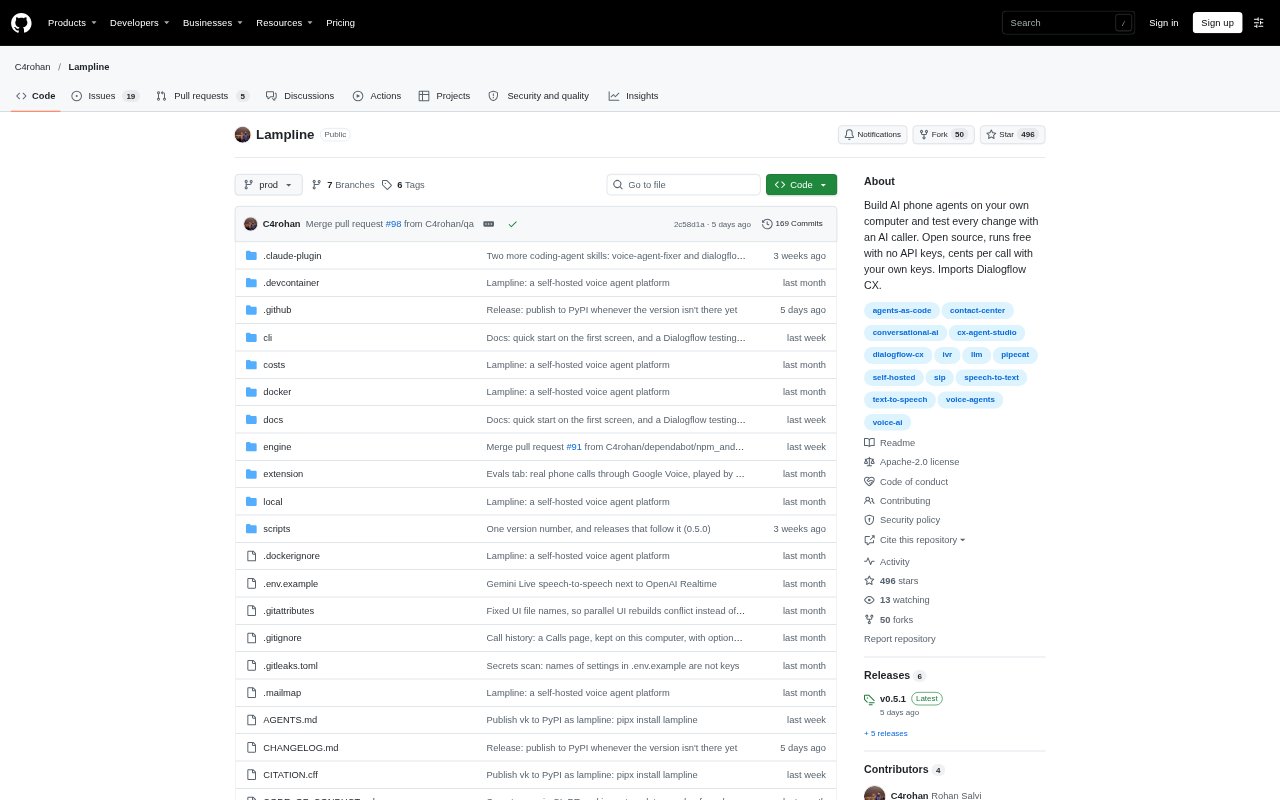
What is Lampline?
Lampline is an open-source platform for building, testing and running AI phone agents on a computer or on-prem server. It supports agents built in Lampline as well as Dialogflow CX and CX Agent Studio agents, and includes tools for testing calls and reviewing results. Developers and teams can work with agents as files, use a visual builder, and run tests from the command line, a coding agent or CI.
Lampline Features:
Conversation Tests: Define caller messages and expected agent behavior in YAML, including steps the call should reach, things the agent should say, and tools it should call.
Live Agent Testing: Run tests against Lampline agents or live Dialogflow CX and CX Agent Studio agents, with results showing which expectations were not met.
Phone Call Evals: Use an AI Test Caller to place calls to agents with phone numbers, then grade transcripts against checks you specify.
Visual Agent Builder: Build agents with a drag-and-drop interface that combines LLM steps and scripted pages, along with HTTP and MCP tools, records and document search.
Google Agent Import: Import Dialogflow CX and CX Agent Studio exports into the builder, then export Lampline agents back to either format.
Local Deployment: Run the platform on a laptop, GPU machine or on-prem server, using local speech and language models or a configured provider.
Coding Agent Skills: Use included skills with Claude Code, Cursor and Codex to create agents, work on failing tests, test Google agents and review changes.
Lampline Benefits:
Catch Regressions: Repeatable checks help teams spot when a change breaks an expected conversation before the updated agent goes live.
Find Failures: Test results point to missed steps, responses or tool calls, making it easier to identify what needs attention.
Review Changes: Keeping agent files in git makes changes reviewable alongside tests, so teams can assess what changed before deployment.
Keep Data Local: Local and on-prem options let teams run the platform on hardware they control instead of requiring a cloud account.
Reuse Existing Agents: Import and export support helps teams test or edit Google-built agents without abandoning their existing agent formats.
Use Cases:
Test a New Agent: Write expected conversations for a new phone agent, run them against its current version and review any failed checks.
Check Google Agents: Create regression tests for a Dialogflow CX or CX Agent Studio agent and run them against the live agent.
Evaluate Phone Calls: Test an agent with a phone number using scenarios such as background noise, interruptions, hesitant speech or long pauses.
Review Prompt Changes: Use test results to revise prompts for failing steps, then check whether more expectations pass without breaking passing ones.
Compare Call Speed: Measure typical and p95 response time as callers hear it, including the time taken by the phone line.