

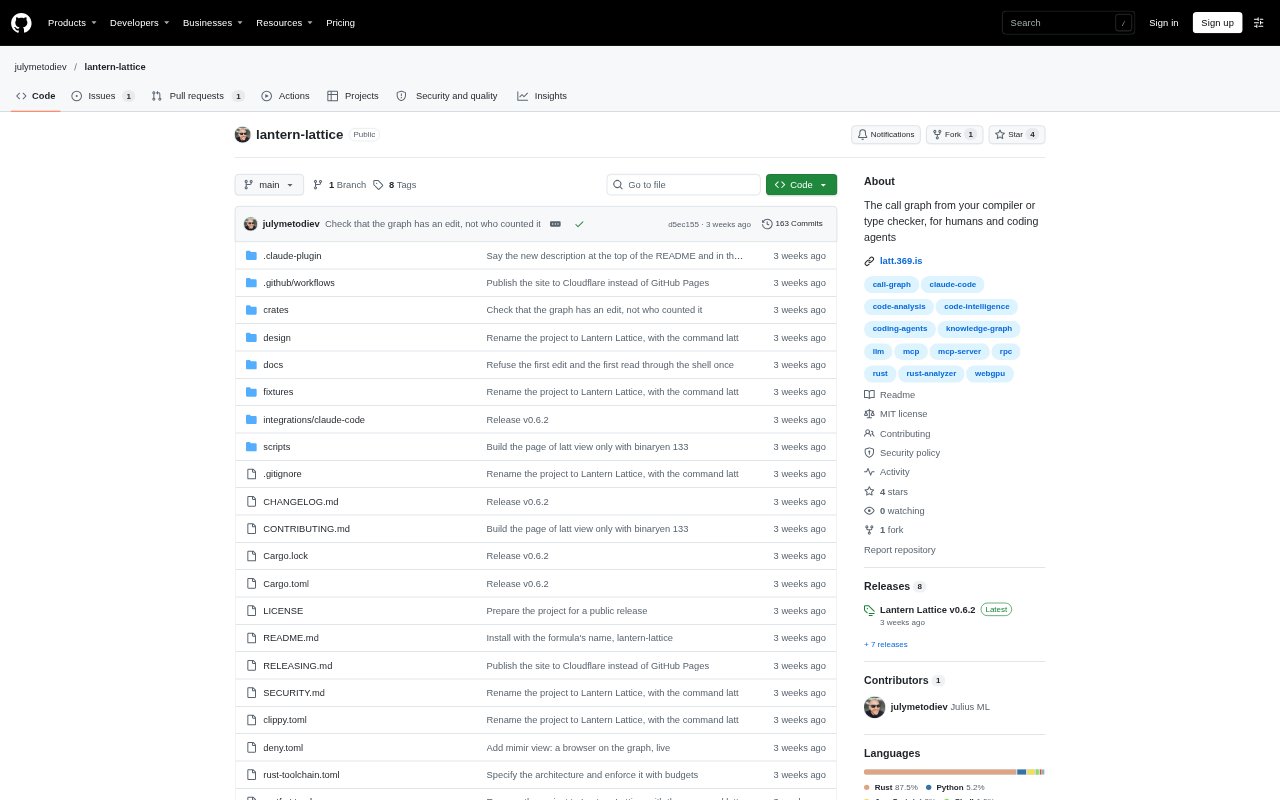
What is Lantern Lattice?
Lantern Lattice is a local code-understanding and editing tool that builds a symbol-level call graph from compiler or type-checker data. Developers can inspect calls, references, source, and the effects of code changes, while coding agents can use the same operations through an MCP server. It supports Rust, TypeScript, JavaScript, Python, Go, C, and C++ on macOS and Linux, with language-specific tools needed for exact answers.
Lantern Lattice Features:
Call Tracing: Trace a symbol to see what calls it and what it calls, with links resolved by language tooling rather than matching names in text.
Change Impact: Check which symbols and dependencies are touched by uncommitted changes or a branch compared with a chosen base.
Symbol Search: Search symbols by regular expression, find text within files alongside the symbol containing it, and browse files by glob.
Code Editing: Read symbol source and make symbol-level or exact-text edits, as well as create files and edit numbered file lines.
Agent Tools: Expose tracing, impact analysis, search, reading, editing, and file operations to coding agents through an MCP server.
Live Graph View: Open a browser view of symbols grouped by crate and file, then select a symbol to inspect its callers, calls, and source.
Lantern Lattice Benefits:
Fewer False Matches: Compiler-resolved links distinguish a method from unrelated functions with the same name, making code navigation more relevant than a plain text search.
Safer Change Planning: Seeing which code depends on changed symbols helps developers assess the likely reach of a change before committing it.
Shared Agent Context: Agents and developers can work from the same symbol and change information instead of relying only on broad file searches.
Clearer Code Structure: The graph view makes relationships across files visible, helping users orient themselves in a project before diving into individual source.
Focused Code Changes: Symbol-based and exact-text editing gives users ways to target a specific code element or replacement without relying on a broad manual edit.
Use Cases:
Understand a Function: When taking over unfamiliar code, trace an important function to see its callers, the functions it calls, and its source.
Review a Branch: Before merging a branch, inspect which symbols and dependent code are affected compared with the main branch.
Find a Type's Users: When changing a type or field, look up the symbols that use it to identify code that may need attention.
Guide Coding Agents: Connect an MCP-compatible coding agent to a repository so it can search, inspect, and edit code using symbol-aware operations.
Explore a Large Project: Use the browser graph to browse symbols by file or crate, search for a symbol, and inspect how it connects to other code.