

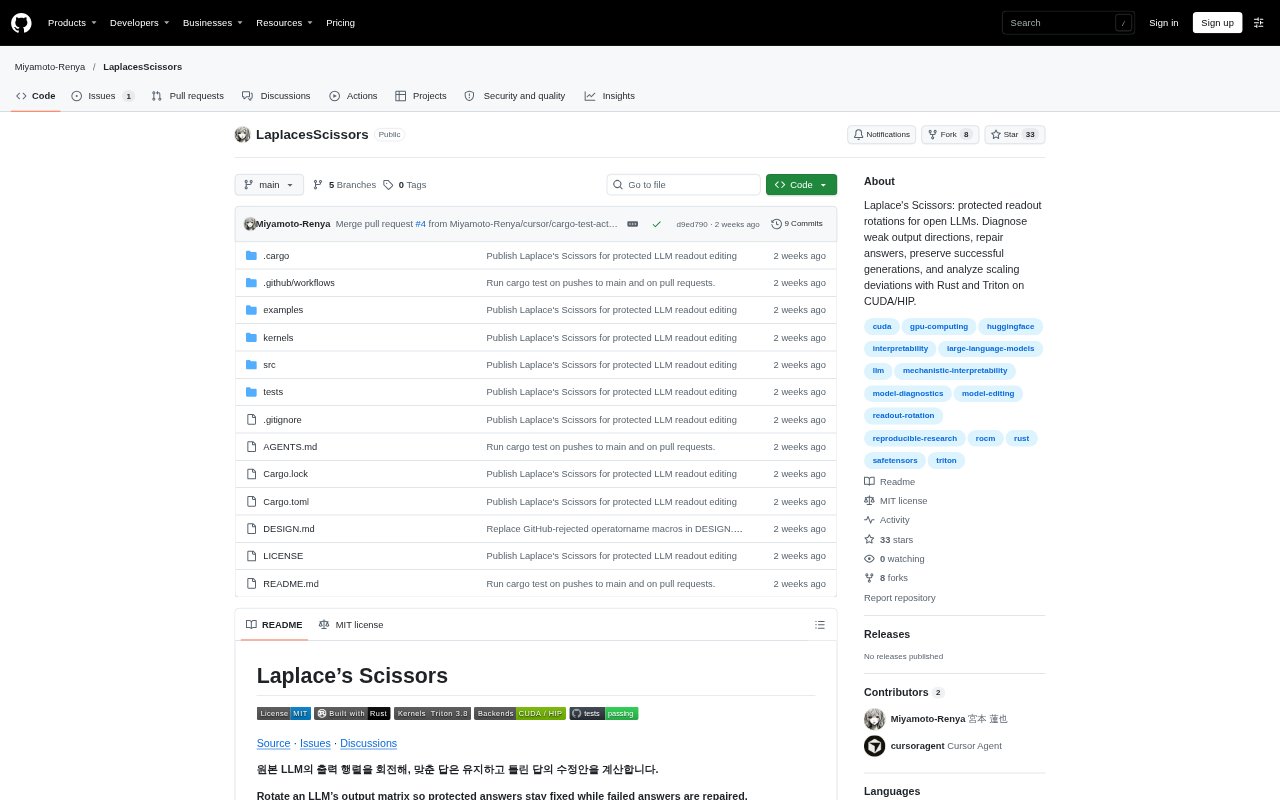
What is Laplace's Scissors?
Laplace’s Scissors is a command-line research tool for inspecting open large language models and changing their output readout matrix. It measures weak output-discrimination directions, proposes rotations that can repair selected answers while protecting successful responses, and validates proposals on GPU. Rust handles model loading, tokenization, execution, edit computation, and result storage; Triton provides the kernel bridge. The tool is intended for users working with safetensors models on CUDA or HIP systems, and requires a Rust toolchain plus a Python environment that can import Triton 3.8.
Laplace's Scissors Features:
Model Fetching: Fetch models from a model hub or load local safetensors folders; hub revisions are pinned to commit SHAs and file hashes are recorded.
Graph Inspection: Inspect a model’s structure and save its execution graph alongside revision and file-hash details.
Weak Direction Probe: Probe numerical inputs to identify weak discrimination directions, trace layer contributions, inspect weight coordinates, and calculate a protected readout rotation.
Answer Repair: Diagnose expected-answer cases by searching readout rotations and checking GPU-validated candidates against vocabulary margins and protected-output tolerances.
Proposal Replay: Save proposals with model and input hashes, then replay them against recorded inputs or apply them during generation.
Checkpoint Export: Materialize an edit as a checkpoint by writing the modified output matrix and saving the associated model configuration and execution files.
Laplace's Scissors Benefits:
Repeatable Runs: Pinned model revisions and recorded hashes make it easier to identify exactly which model files and inputs were used in an experiment.
Controlled Changes: Protected-output checks help researchers assess whether an edit improves a target response without exceeding a chosen tolerance on protected outputs.
Measured Candidates: Checking candidate rotations with GPU readouts gives users observed validation results to compare before applying a proposal.
Traceable Results: Saved reports capture validation values, device details, model inputs, and edit information for later review.
Comparable Scales: Scale reports help researchers compare loss curves and recovered deviations across checkpoints under a shared edit policy.
Use Cases:
Investigate Weak Outputs: Use probe results to study which directions or layer contributions are associated with weak discrimination in a model’s output.
Repair Answer Sets: Provide prompts, choices, and expected answers to search for a readout edit that improves selected responses.
Preserve Known Answers: Include successful generations or protected hidden states when testing a proposed change to the output matrix.
Package an Edit: Export a validated proposal into a model checkpoint for generation from the edited model folder.
Compare Checkpoints: Run a scale analysis across model checkpoints to examine evaluation loss, deviation recovery, and output-weight contributions.