

What is Latch?
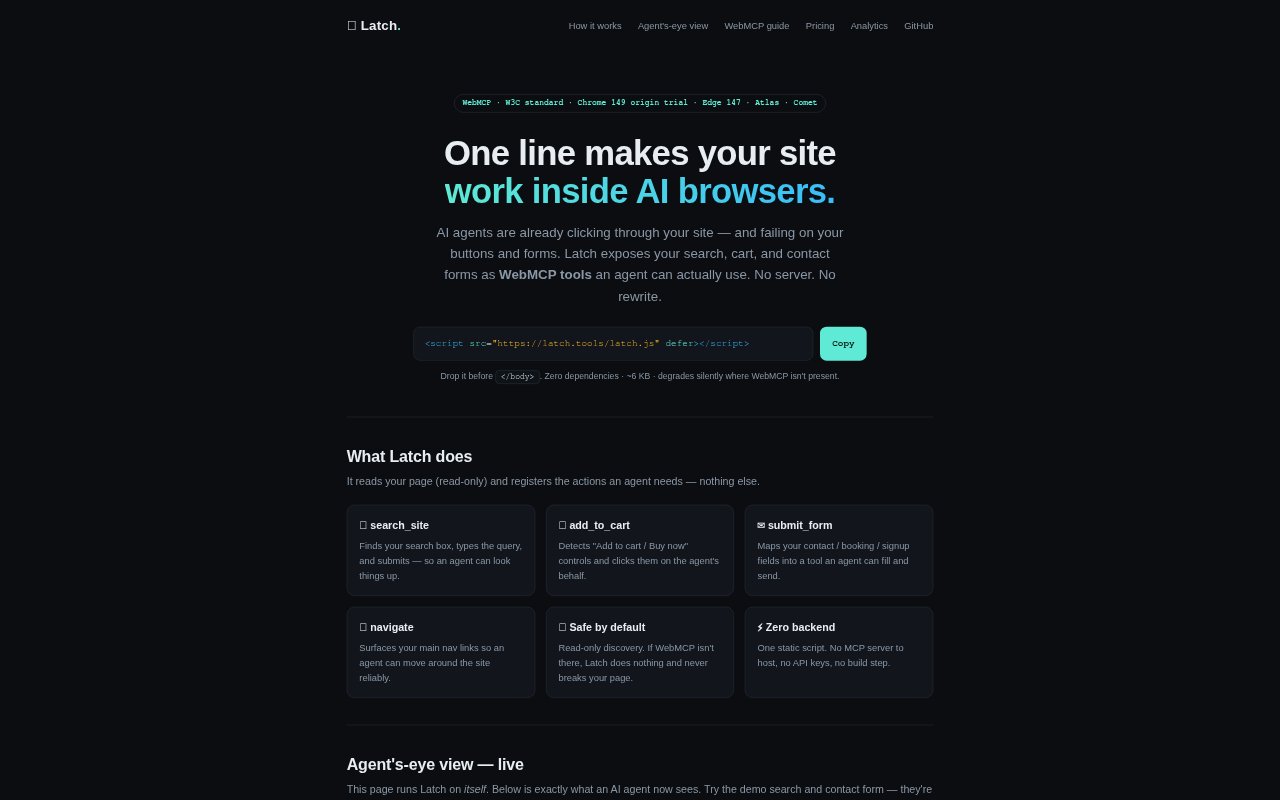
Latch is a JavaScript script that makes a website’s search, cart controls, forms, and main navigation available to AI agents as WebMCP tools. It is for site owners who want AI browsers to interact with existing pages without rewriting the site or running a server. Add one line of code to the page; Latch discovers available actions and does nothing if WebMCP is not present.
Latch Features:
Page Discovery: Latch reads the page without changing it and identifies the controls an agent can use, including search boxes, purchase buttons, forms, and main navigation links.
Search Tool: The search_site tool finds the site's search box, enters an agent's query, and submits it so the agent can look up information.
Cart Actions: The add_to_cart tool detects controls labeled “Add to cart” or “Buy now” and lets an agent activate them.
Form Submission: The submit_form tool maps contact, booking, or signup fields so an agent can fill them in and submit the form.
Site Navigation: The navigate tool makes the site's main navigation links available to agents, helping them move between pages.
Optional Analytics: With an opt-in data key, Latch reports tool names, outcomes, and page paths to its hosted dashboard, without sending form contents, query strings, or personal information.
Latch Benefits:
Less Site Rework: Existing pages can become usable by compatible AI browsers without a site rewrite, a build step, or a separate MCP server to host.
Lower Setup Burden: A single static script avoids the work of maintaining a backend service or managing API keys for these website actions.
Safer Fallback: On pages where WebMCP is unavailable, Latch does nothing, reducing the risk that installing it will disrupt normal site behavior.
More Useful Visits: Agents can take actions on a site rather than only inspect its pages, which can make search, shopping, and form-based tasks more direct.
Traffic Visibility: The dashboard can help site owners understand whether agents are using their tools and which actions succeed, without collecting form contents.
Use Cases:
Product Search: Let an AI browser search a store or information site when a visitor asks it to find a product, topic, or other item listed there.
Shopping Cart: Allow an agent helping a shopper to activate a product page's Add to cart or Buy now control.
Booking Requests: Make booking fields available for an agent handling a request to schedule an appointment or submit a reservation inquiry.
Contact Forms: Enable an agent to fill and send a site's contact form when someone asks it to reach the business.
Signup Forms: Expose signup fields as an action for an agent assisting someone who wants to register through the site's existing form.