

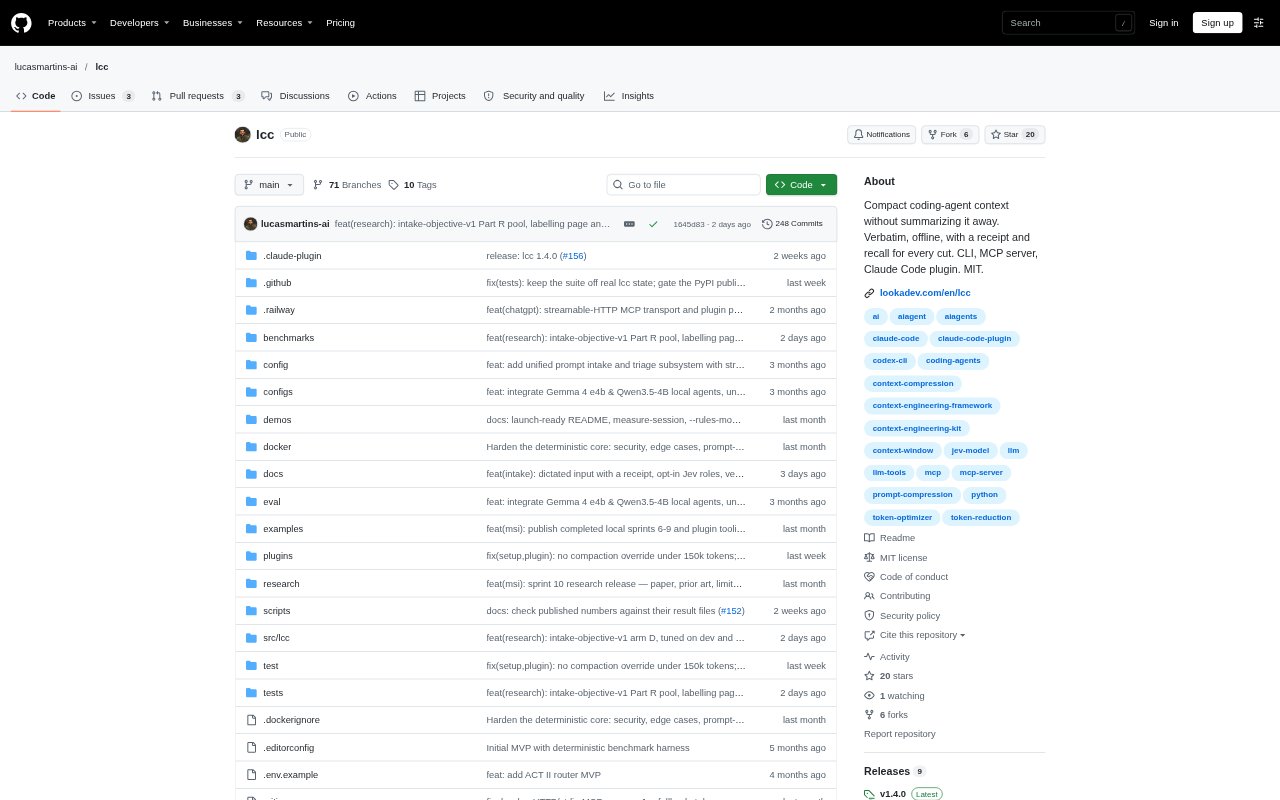
What is lcc?
lcc is an open-source context compaction tool for people working with coding agents, especially Claude Code users. It reduces transcript context by moving selected older tool outputs out of the active conversation while preserving user and assistant messages byte for byte. Removed outputs can be recovered locally, and each pass produces a report explaining what changed. lcc is available as a command-line tool, an MCP server, and a Claude Code plugin; its default processing runs locally without an API key or network connection.
lcc Features:
Transcript Compaction: Compact coding-agent transcripts using rules or local ranking, with modes that define what material can be removed from the active context.
Verbatim Messages: Keep user and assistant messages byte for byte while selected older tool outputs are moved out of the conversation.
Local Stash: Store removed tool outputs locally in a content-addressed stash that checks their hashes when they are read back.
On-Demand Recall: Use recall to retrieve a removed output, including exact lines that an agent may need again later.
Audit Reports: Write a JSON report for each compaction pass and use explain to see the reason each block was kept or dropped.
Multiple Interfaces: Run lcc from the command line, connect through its MCP server, or install the Claude Code plugin to compact sessions.
lcc Benefits:
Keep Critical Evidence: Exact errors, file paths, and values are less likely to disappear into a rewritten summary when an agent needs them in a later turn.
Reduce Context Load: Removing older tool output can make a long conversation smaller, leaving less irrelevant material in the context sent to a model.
Maintain Privacy: Local processing lets users compact and measure sessions without sending their transcript text or tool output away from their machine.
Review Decisions: A record of each pass helps users check how context was changed instead of relying on an unexplained summary.
Keep Work Moving: The Claude Code plugin can hand off to the built-in summary when compaction fails or removes too little, rather than leaving that pass unresolved.
Use Cases:
Long Coding Sessions: Compact a lengthy Claude Code session when accumulated command outputs are taking up context but earlier conversation details still matter.
Recover Earlier Output: Bring back a removed error message, file excerpt, or other tool result when a coding agent needs its exact contents to continue a task.
Measure Token Use: Compare token counts across compaction modes for a session or project directory before deciding how to handle its context.
Inspect Compaction: Review a report after a pass to understand why a particular block of transcript material was retained or removed.
Compact Other Text: Use the command line to compact a plain-text document around a question, such as notes about a problem that needs investigation.