

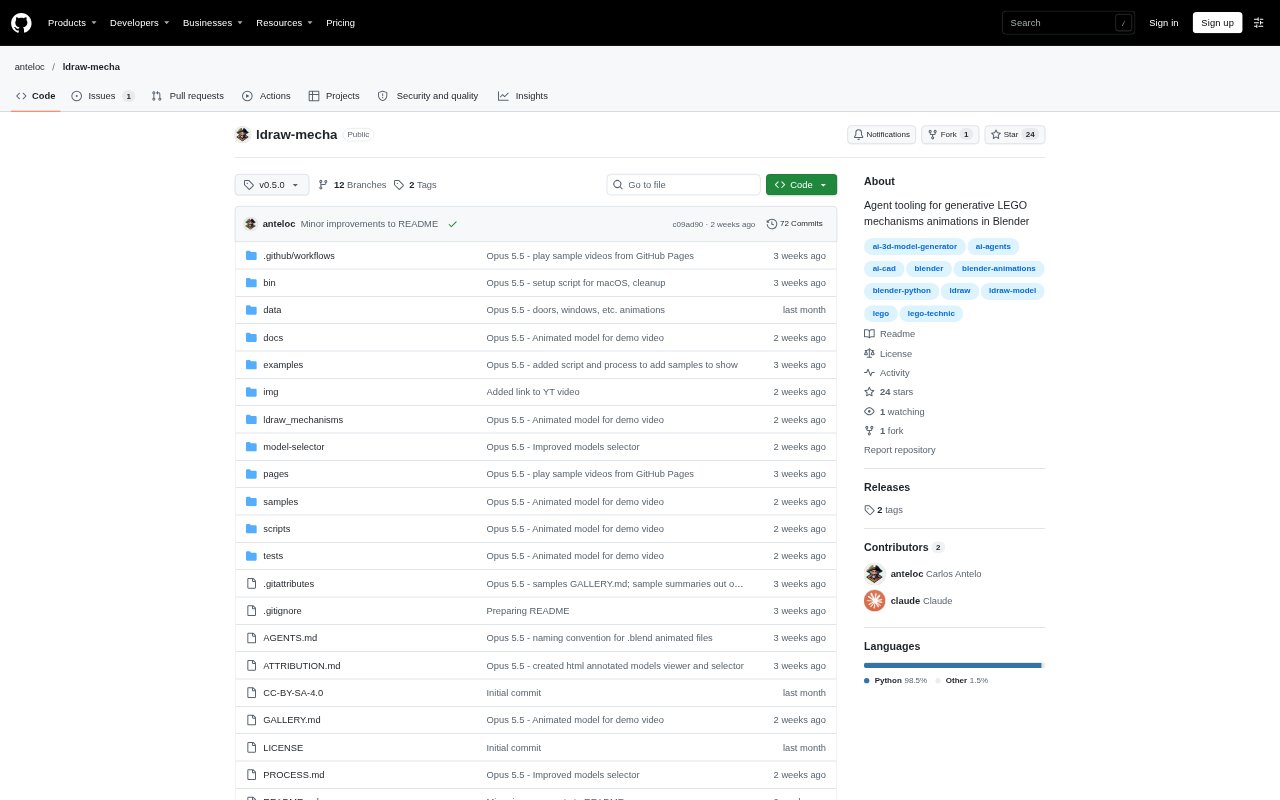
What is ldraw-mecha?
ldraw-mecha is a local project that helps an AI agent turn an LDraw LEGO model into an animation in Blender. The agent works from the model’s .mpd source, infers its mechanisms, plans how their parts interact, and generates Python code to create rigs and animate them. It is for people who want to explore motion in existing LDraw models and are comfortable setting up a Python-based workflow; Python 3.12 or later is required.
ldraw-mecha Features:
Mechanism Inference: An agent examines an LDraw model’s .mpd source and infers its constituent submodels and the mechanisms they form.
Interaction Planning: After identifying mechanisms, the agent studies how they work and plans interactions between their mechanical components.
Blender Rig Creation: Generated Python code creates Blender rigs that control the mechanisms identified in the model.
Planned Animation: The generated Blender code animates a model according to the agent’s interaction plan.
Source-Model Matching: Matching annotations on the source and glTF model nodes let an agent plan from source code and work with corresponding 3D elements in Blender.
Model Selection: A selector lets users inspect and choose a pre-annotated model to animate.
ldraw-mecha Benefits:
Manageable Scope: Focusing on individual mechanisms can make a large model easier to tackle than attempting to animate every part at once.
Connected Workflow: Keeping the plan tied to the source model and its matching 3D elements helps carry an idea for motion through to Blender.
Model Reuse: Starting from an existing LDraw model lets creators explore its movement without first building a new model.
Local Setup: Installing dependencies within the project helps keep the host operating system from being filled with project tools.
Inspectable Starting Point: Choosing from pre-annotated models gives users a way to review their options before beginning an animation.
Use Cases:
Animate a Crane: Use a truck model as the starting point for an animation focused on its pneumatic crane rather than the entire vehicle.
Show Plane Flight: Create an in-place sequence showing a plane taking off, flying, and landing without moving it around the scene.
Catalog Minifig Moves: Create a reference composition showing several minifigs performing different movements for other animation work.
Explore Model Mechanics: Give an agent an annotated LDraw model to infer how its submodels and mechanisms are assembled and operate.
Choose a Model to Animate: Inspect the pre-annotated model options and select one as the basis for an agent-generated Blender animation.