

What is lessloc?
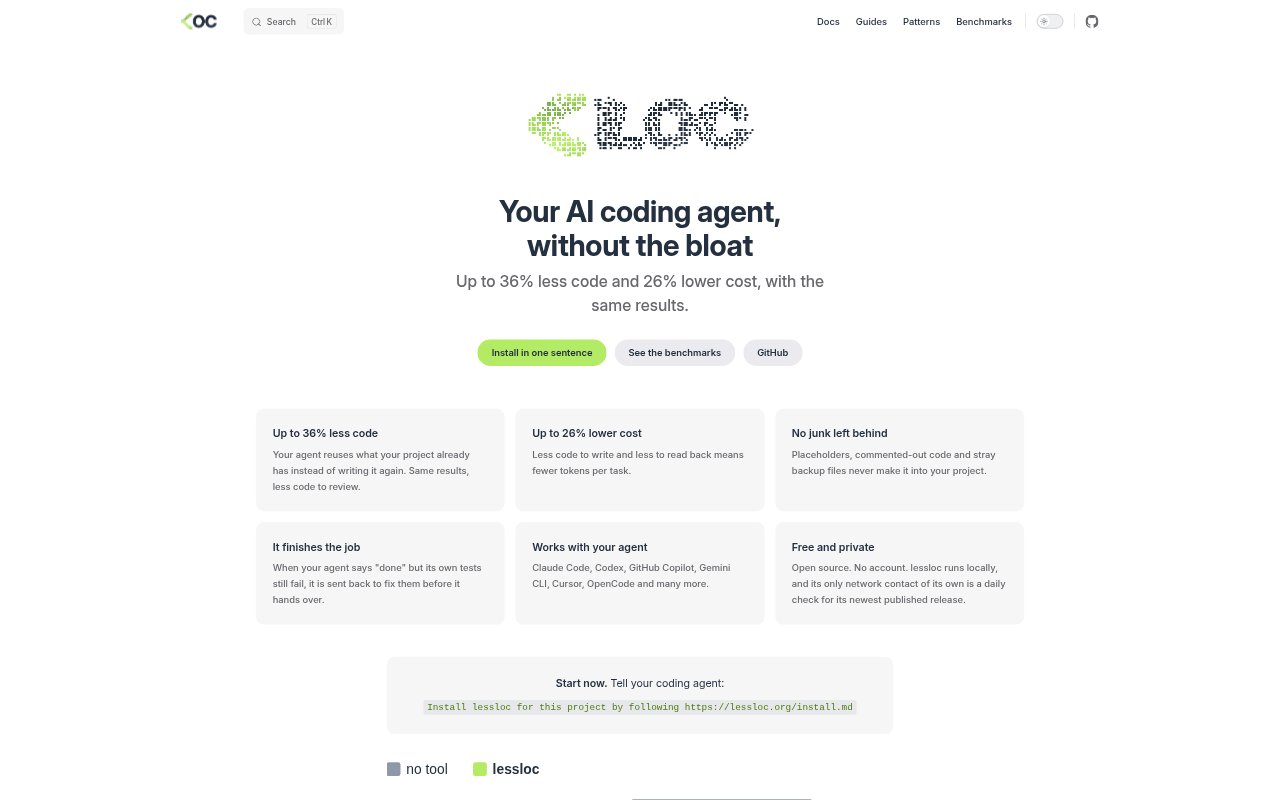
lessloc is a local, open-source tool that guides AI coding agents to make the smallest code changes that still solve the task. It works with agents including Claude Code, Codex, GitHub Copilot, Gemini CLI, Cursor and OpenCode. It encourages reuse of existing project code, guards against leftover clutter, and sends an agent back to address failing tests before it reports completion.
lessloc Features:
Existing Code Reuse: lessloc steers an agent toward using code and patterns already present in a project instead of writing a duplicate solution.
Agent Compatibility: It works with Claude Code, Codex, GitHub Copilot, Gemini CLI, Cursor, OpenCode and other AI coding agents.
Project Cleanup: It prevents placeholders, commented-out code and stray backup files from being left in the project.
Test Follow-Up: If an agent reports that it is done while its own tests still fail, lessloc sends it back to fix them before handover.
Local Operation: lessloc runs locally without an account, and its own network activity is limited to a daily check for the latest published release.
Open-Source License: The project is open source and released under the Apache-2.0 license.
lessloc Benefits:
Smaller Reviews: With less generated code to inspect, developers can focus review time on the changes that matter to the task.
Lower Token Spend: Reducing code written and read back can lower the number of tokens used per coding task and the related cost.
Cleaner Projects: Keeping temporary or unfinished artifacts out of the project means less cleanup after an agent's work.
More Reliable Handoffs: A failed test prompts another attempt before handover, reducing the chance that a task is presented as complete with known test failures.
Private Local Use: Running without an account and keeping its own network contact to a release check suits users who prefer local tools.
Use Cases:
AI-Assisted Changes: Use lessloc when asking a supported coding agent to implement a feature and you want it to build on the project's existing code.
Code Review Prep: Apply it to agent-generated work before review when a smaller change set would be easier for teammates to inspect.
Test-Failing Tasks: Use it for coding tasks where the agent's own tests need to pass before you consider the work ready to hand over.
Repository Cleanup: Run it alongside an AI coding agent when you want to avoid placeholders, commented-out code and backup files in project changes.
Local Agent Work: Choose it for development sessions where you want to keep the tool running locally without creating an account.