

What is LibreChat?
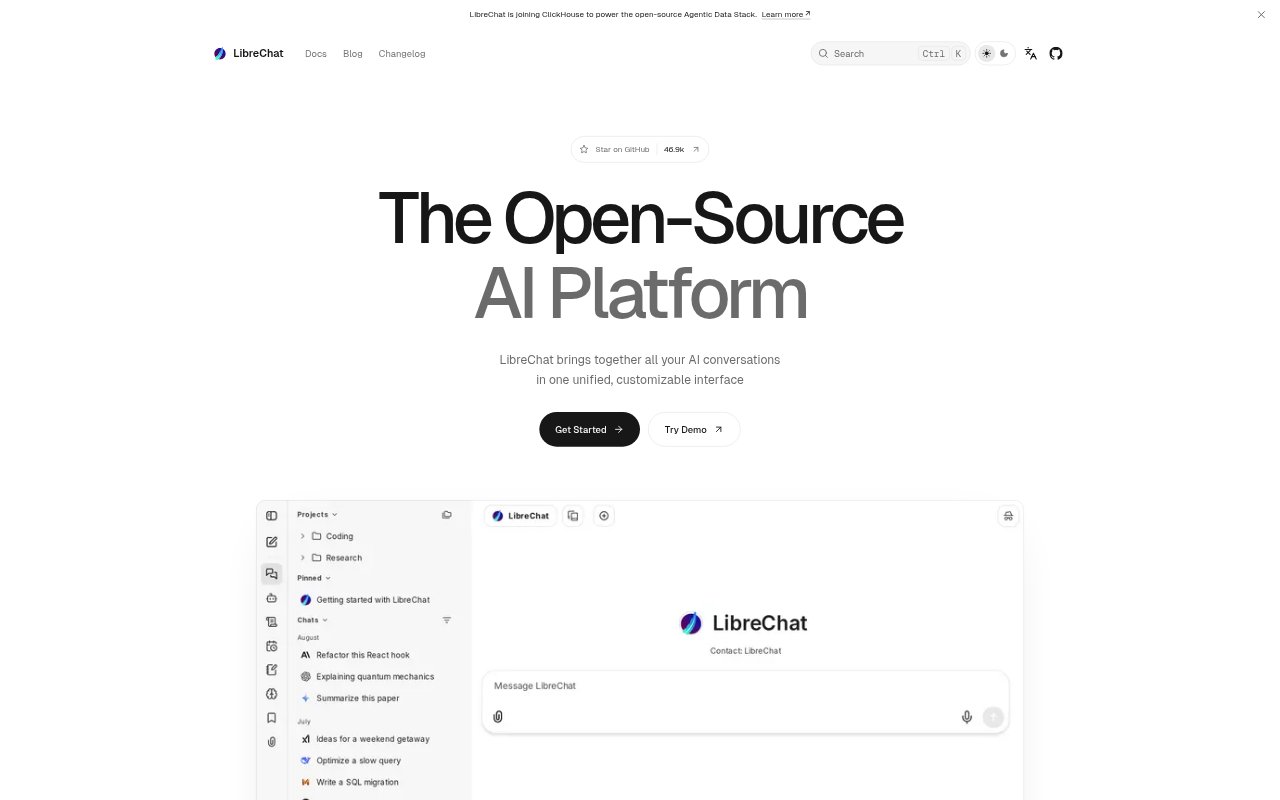
LibreChat is an open-source AI workspace that brings conversations with multiple AI providers and local models into one interface. It is for individuals and organizations that want to chat with AI, create specialized assistants, and work with generated content in the same product. Users can organize conversations into projects, add tools and files to agents, and connect services through the Model Context Protocol. Enterprise authentication options include SSO, OAuth, SAML, LDAP, and two-factor authentication.
LibreChat Features:
Model Providers: Use models from providers including OpenAI, Google, Anthropic, Mistral AI, AWS Bedrock, and Ollama in the same workspace.
Custom Agents: Build reusable assistants with a selected model, instructions, files, and tools, then share them with other users.
Agent History: Review saved agent configuration versions and restore an earlier setup, with a record of the tools and capabilities each version had.
Interactive Artifacts: Generate React components, HTML pages, SVGs, Markdown documents, and Mermaid diagrams in a side panel with preview, source editing, and download options.
Projects and Memory: Keep related conversations in personal project workspaces and use persistent context across conversations.
Search and Tools: Give models live web search with reranking, search conversation history, run code in an isolated environment, and connect MCP-compatible tools or services.
Enterprise Authentication: Configure authentication with SSO, OAuth, SAML, LDAP, and two-factor authentication.
LibreChat Benefits:
Provider Flexibility: Keeping configured providers and local models in one workspace can reduce the need to move between separate chat interfaces.
Repeatable Assistance: Saved agent instructions, files, and tools let users return to a purpose-built setup instead of configuring it again for each conversation.
Inspectable Deliverables: Previews and editable source make it possible to check and refine generated content before downloading or using it.
Easier Retrieval: Project workspaces and conversation search help users keep related discussions together and find past messages when needed.
Access Options: A range of authentication methods lets organizations use LibreChat with different established sign-in requirements.
Use Cases:
Assistant Creation: Set up a reusable assistant for a recurring task with its own instructions, files, and selected tools, then make it available to other users.
Interface Prototypes: Ask an agent to produce a React component or HTML page, preview the result beside the conversation, and edit its source.
Diagrams and Documents: Turn a conversation into a Mermaid diagram, SVG, or Markdown document that can be previewed and downloaded.
Web Research: Use a model with live web search when a question calls for information from the internet.
Team Knowledge: Organize discussions into project workspaces and search conversation history to revisit earlier messages and topics.