
What is life?
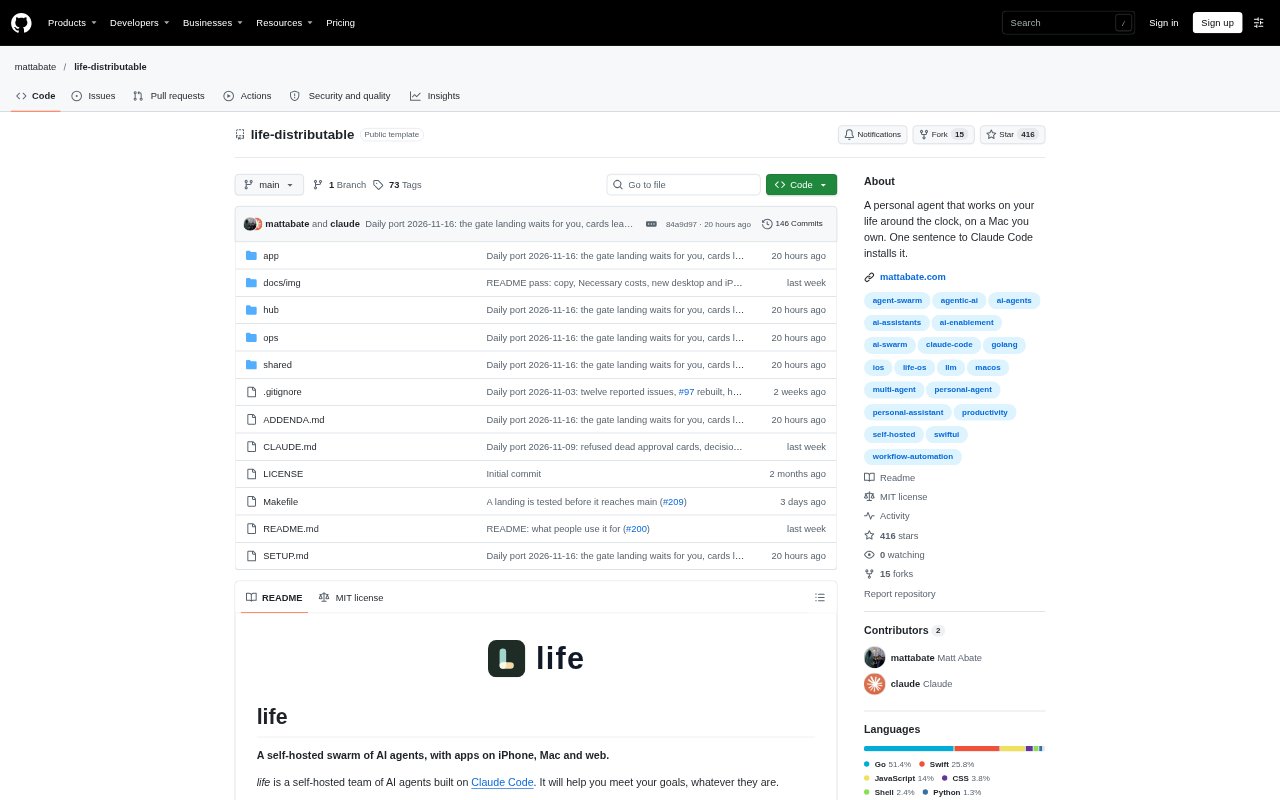
life is a self-hosted team of AI agents built on Claude Code, designed to help an individual manage goals across work and personal life. A Mac that stays on runs the agents, while iPhone, Mac desktop, and web apps provide access over a private Tailscale network. Agents take on ongoing roles, coordinate tasks, and learn about the user and their goals over time. The software is free and open source, but running it requires a Claude subscription and a Mac; an Apple Developer membership is needed for the iPhone and desktop apps.
life Features:
Private Mac Hub: The agents run on a Mac that stays on, and the hub is reachable only through the private Tailscale network rather than the public internet.
Cross-Device Apps: Users can interact with the agents through iPhone, desktop, and web apps, choosing which apps to set up.
Role-Based Agents: Each agent runs as a long-lived Claude Code session with a role, and agents can hand tasks to teammates with relevant know-how.
Action Approvals: Actions such as sending messages, spending money, deleting files, sharing data, or pushing code require approval and a decider code.
Calendar and Cards: Agents maintain a calendar of tasks and use cards to show requests, updates, approvals, and the progress of running jobs.
Adaptable Setup: Agents can maintain their own code, change the interface, or add data sources when asked.
life Benefits:
More Data Control: Keeping the hub and its data on a Mac within a private network gives users more control over where personal information is stored and who can reach it.
Less Coordination: Delegating work to role-specific agents can reduce the effort of personally coordinating each step across different goals.
Focused Attention: Cards that surface requests and approvals make it easier to focus on decisions that need attention instead of reviewing full chat histories.
Clearer Priorities: Seeing personal commitments alongside agent tasks and pending decisions can make it easier to decide what needs attention next.
Safer Actions: Approval gates give users a chance to review consequential actions before an agent carries them out.
Personal Fit: The ability to adjust the interface or add data sources can help the setup keep pace as a user's priorities change.
Use Cases:
Plan the Week: Use the agents and calendar to organize weekly priorities, routines, appointments, and tasks that need attention.
Track Spending: Set up an agent to keep track of spending and help you stick to an investing plan.
Manage Routines: Keep health-related tasks and everyday errands in view alongside other personal commitments.
Practice an Instrument: Use an agent to keep instrument practice on the calendar and help maintain a regular routine.
Build an Audience: Coordinate work to grow an audience or move a side project toward its next release.