
What is Littleguys?
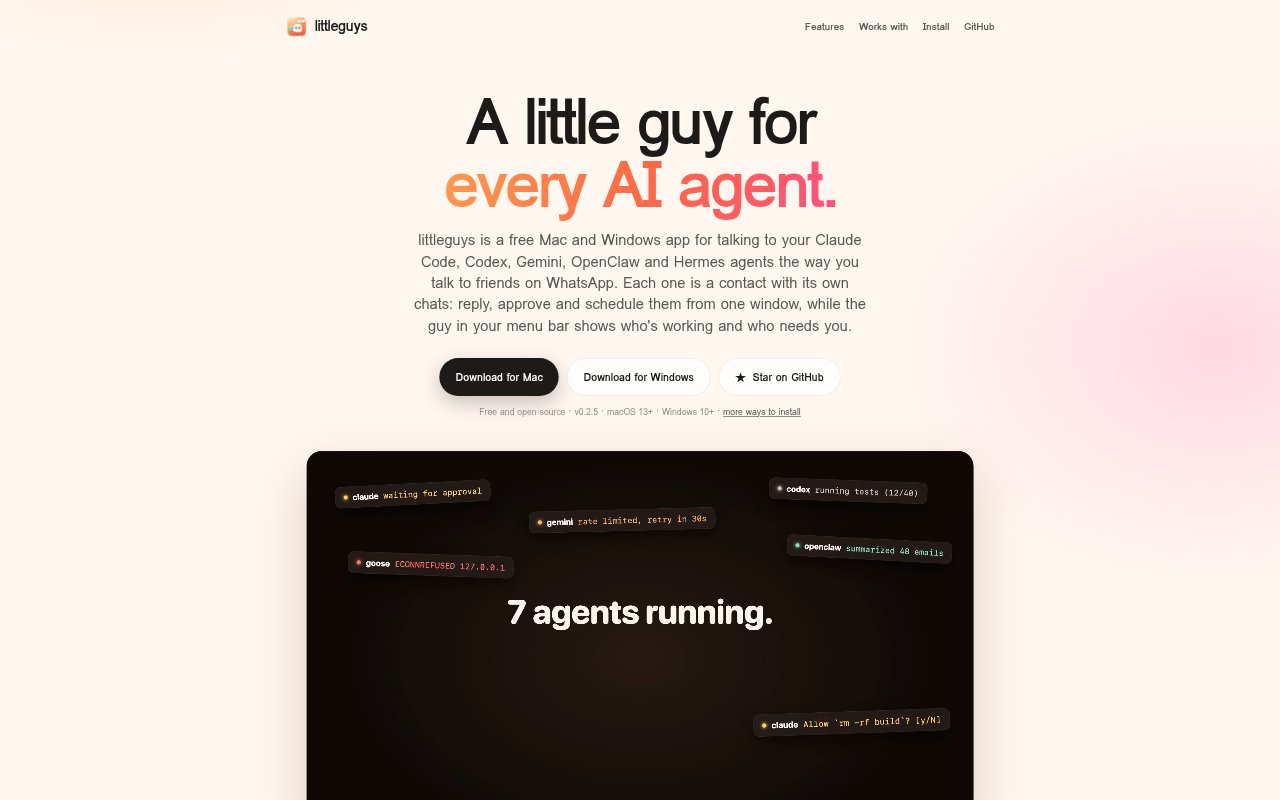
Littleguys is a free, open-source desktop app for Mac and Windows that lets people chat with AI agents they already run, including Claude Code, Codex, Gemini, OpenClaw and Hermes. It presents each agent as a contact with separate conversations, bringing replies, command approvals and scheduled runs into one window. A menu-bar or taskbar presence shows agent activity, while the app can connect to agents on other machines through gateways it discovers on a local network or tailnet.
Littleguys Features:
Agent Chats: Each agent has its own conversations, where users can send replies and view messages, tool calls and attachments.
Streaming Replies: Agent responses appear as they arrive, keeping conversations current while work is underway.
Command Approvals: Approval cards let users allow a command once, always allow it, or deny it when an agent needs permission.
Activity Overview: The menu-bar or taskbar indicator shows agent activity, and its overview includes status rings, recent messages and quick replies.
Scheduled Routines: Users can set friendly schedules for agents, start a run immediately, and receive its results in a conversation thread.
Machine Discovery: The app can find gateways on a local network or tailnet to bring agents running on different machines into one place.
ACP Registry: Support for the Agent Client Protocol lets users add compatible agents from the ACP registry.
Littleguys Benefits:
Fewer Context Switches: Keeping agent conversations in one desktop app reduces the need to hunt through terminal tabs and separate interfaces.
Clearer Oversight: A quick activity view helps users notice which agents are working and which ones need attention without opening each conversation.
More Control: Visible, explicit approval choices help users decide what agents can do on their machines instead of missing a buried prompt.
Less Repetitive Work: Scheduled runs can handle recurring agent tasks without requiring users to start each run by hand.
Local Privacy: Direct connections without an account or cloud service keep agent conversations and gateway tokens out of a Littleguys cloud.
Use Cases:
Approve Agent Commands: Use the approval card to review a command when a coding agent asks permission to run an action on your machine.
Check Agent Status: Glance at the menu-bar or taskbar indicator while working to see whether an agent is active or waiting for a response.
Schedule Morning Digests: Set an agent to prepare a morning digest on a recurring schedule and receive the result in its conversation.
Run Weekly Numbers: Schedule an agent to prepare weekly numbers, then review its results in the thread rather than launching the run manually.
Manage Several Machines: Keep track of agents running on a laptop, Mac mini or homelab from one app, using discovered network gateways.