

What is llama-modchip?
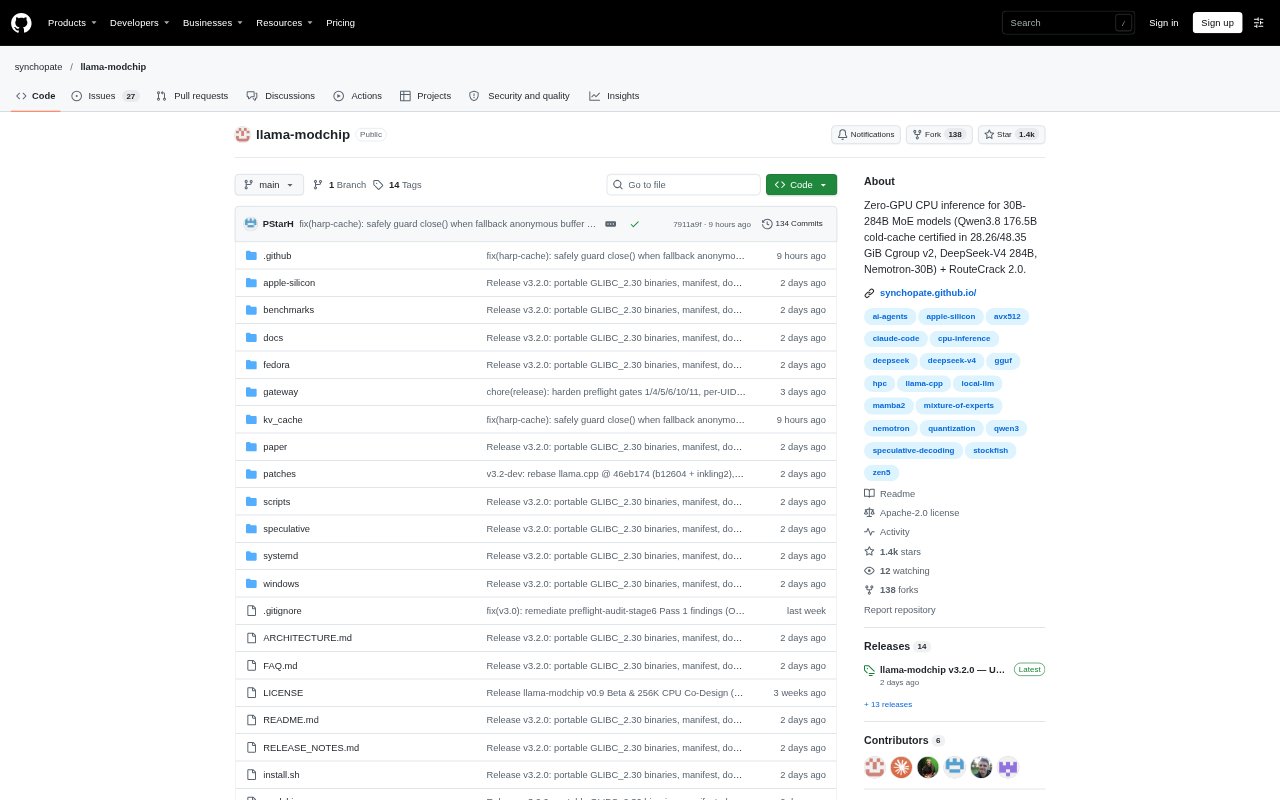
llama-modchip is an inference engine for running open-weight language models on CPU systems, including machines without a GPU. It provides model presets for 16 GB, 32 GB and 64 GB RAM tiers, with support for models including Nemotron-3.5 30B, Qwen3.8-Flash-Next and DeepSeek-V4. The project is aimed at people setting up local model inference, from interactive chat to serving models through its server and streaming gateway.
llama-modchip Features:
RAM-Aware Presets: The setup command detects system memory, CPU instruction set and model family, then selects a preset for the available hardware.
RouteCrack Decoding: RouteCrack 2.0 provides a speculative decoding mode for supported models, including Qwen3.8 and Nemotron-3.5.
Split-KV Decode: Quantized Split-KV Decode is available for inference, with the quickstart examples using q8_0 key and value caches.
Prefix State Cache: Native C++ HARP-Cache v2 supports chained-prefix caching, and server examples save slot state under /dev/shm.
Model Memory Tiers: The preset matrix covers Qwen3.8 at 32 GB and 64 GB, DeepSeek-V4 at 64 GB, and Nemotron-3.5 at 16 GB.
Platform Support: The project lists Linux, macOS Metal, CUDA, Vulkan and Windows 11 support, with CPU ISA detection for AVX-512, AVX2 and ARM64 NEON.
llama-modchip Benefits:
Lower Hardware Barrier: CPU inference and presets for different RAM capacities give users a path to run large open-weight models without requiring a GPU.
Faster Setup: Automatic hardware detection and preset selection reduce the amount of manual configuration needed before starting a model.
Fewer Runtime Decisions: A single engine handles model-family and CPU-ISA differences, so users can work from one setup rather than choosing separate binaries for each configuration.
Smoother Local Serving: The server and streaming chat workflow make it possible to move from model setup to interactive use without building a serving layer from scratch.
More Hardware Choice: Support for several operating systems and compute backends lets teams evaluate the engine on different machines they already have.
Use Cases:
Local Model Chat: Set up a local interactive chat session with a supported model using the project’s chat command and streaming terminal interface.
CPU Model Serving: Run a CPU-only inference server for an open-weight model when a GPU is unavailable or not part of the deployment.
32 GB Workstations: Use the Qwen3.8 32 GB preset on a workstation with limited memory, including its documented lazy NVMe paging setup.
Large Model Trials: Evaluate DeepSeek-V4 or Qwen3.8 inference on a higher-memory machine using the corresponding 64 GB tier.
Compact Hardware Tests: Try a Nemotron-3.5 30B preset on a 16 GB system to assess local inference on a smaller-memory machine.