
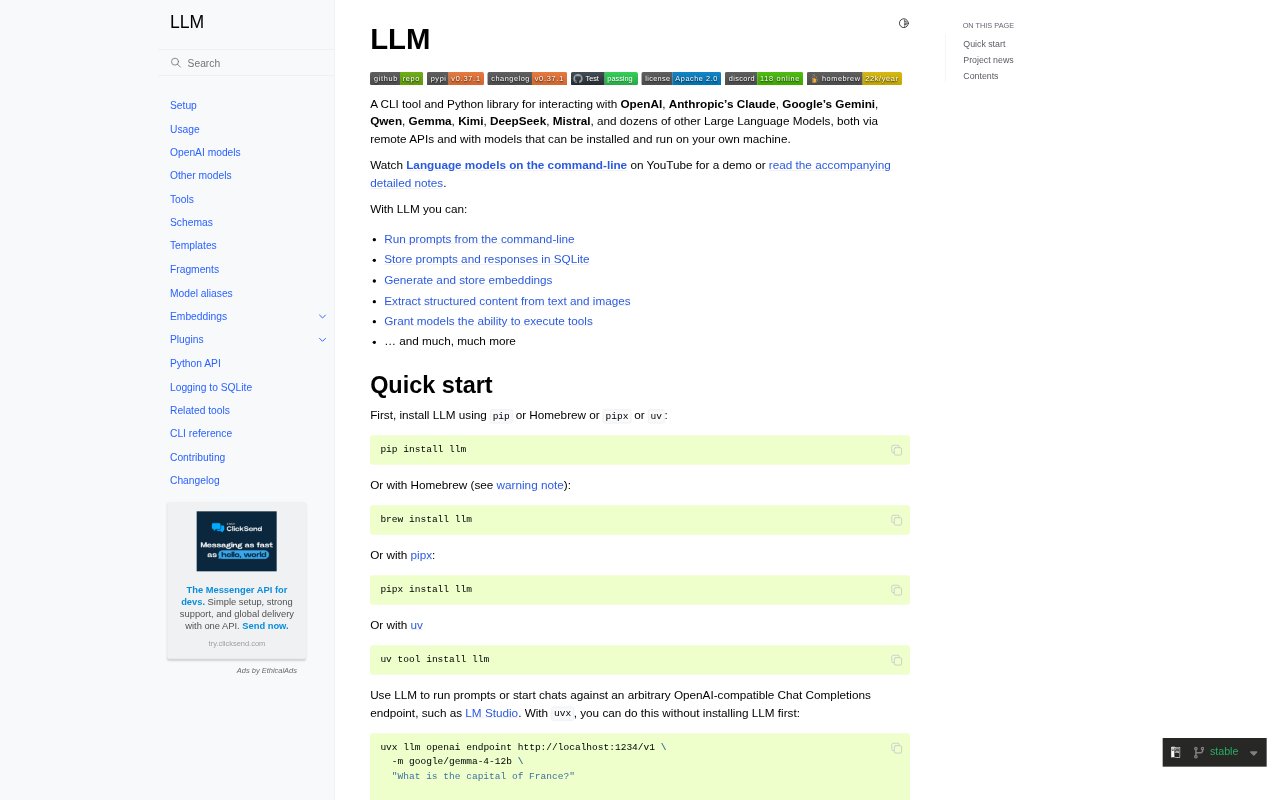
What is LLM?
LLM is a command-line utility and Python library for sending prompts to large language models, including hosted services and models run on a local machine. It supports providers such as OpenAI, Anthropic, Google, Qwen, Gemma, Kimi, DeepSeek and Mistral, with additional models available through plugins. Developers can use it for individual prompts, interactive chats or code-driven workflows, and work with embeddings, structured extraction and model tool use from the same toolkit.
LLM Features:
Model Access: Run prompts against models from OpenAI, Anthropic, Google and other providers, or connect to OpenAI-compatible endpoints and locally run models.
Prompt Workflows: Send prompts, start interactive chats, set system prompts and reuse saved templates, fragments and model aliases from the command line.
SQLite Logging: Save prompts and responses in SQLite, with options to turn logging on or off and browse JSON objects created using schemas.
Structured Extraction: Define schemas for extracting structured content from unstructured text and images, including JSON output.
Embeddings: Generate and store embeddings, work with collections, and find similar items using the CLI or Python API.
Plugins and Python: Extend model and embedding support with plugins, or use the Python library to build LLM workflows into code.
Model Tools: Give models tools to execute, including tools implemented for use through LLM.
LLM Benefits:
Model Flexibility: A shared command-line and Python workflow makes it easier to try different hosted and local models without building a separate process for each.
Reusable Prompts: Templates and fragments help keep prompts consistent when repeating a task or adapting it for different inputs.
Work History: SQLite records give developers a local reference for reviewing previous prompts and responses during ongoing work.
Structured Results: Schema-based extraction can make model output easier to handle in tasks that depend on predictable fields rather than free-form text.
Flexible Development: The CLI and Python API let developers choose between quick terminal experiments and workflows integrated into code.
Use Cases:
Prompt Experiments: Try the same instruction with different hosted or local models from a terminal while developing a prompt.
Repeatable Content Tasks: Save a prompt as a template and reuse it to produce consistent responses for recurring text-generation work.
Text Extraction: Turn unstructured text, such as articles, into records with fields specified by a schema.
Similarity Search: Create embeddings for a collection of text and retrieve items related to a query.
Python Workflows: Use the library to add model prompts, embedding generation or structured extraction to a Python project.