

What is LLM App?
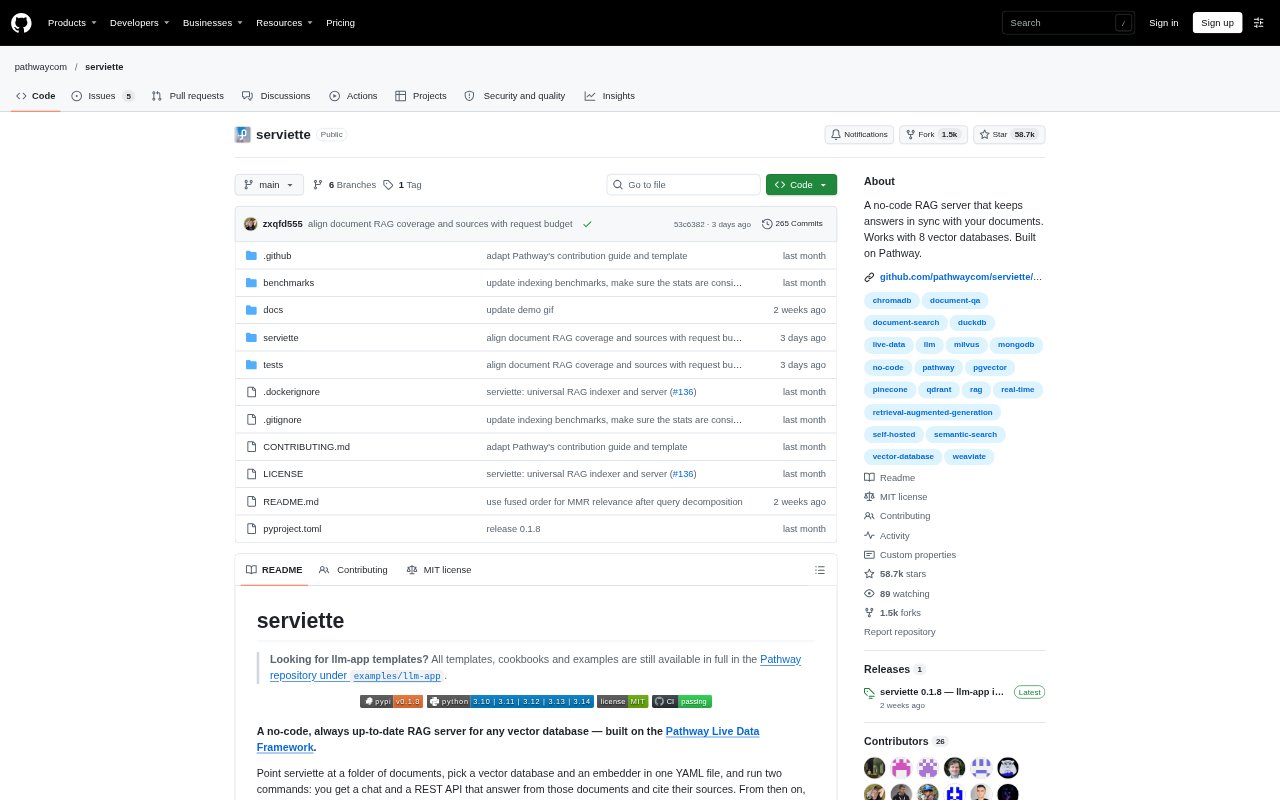
LLM App is a no-code retrieval-augmented generation server for building question-answering assistants over an organisation’s documents. Set it up with a YAML file or an interactive wizard, choose where to get documents and which vector database and embedder to use, then run a web chat and REST API. Answers draw on retrieved documents and cite their sources. Changes to indexed files, including edits and deletions, are reflected in answers within seconds.
LLM App Features:
Live Document Sync: The indexer watches connected sources and applies additions, edits, and deletions to the vector database so updated files can inform answers within seconds.
Document Sources: A single configuration can combine local folders, Google Drive, S3 or MinIO, SharePoint, and other sources accessible through PyFilesystem, including FTP, SFTP, WebDAV, and ZIP archives.
Vector Database Support: Choose from DuckDB, pgvector, Qdrant, Milvus, ChromaDB, Weaviate, Pinecone, or MongoDB Atlas Vector Search, with DuckDB as the embedded default.
Multiformat Parsing: The pipeline handles text, Office documents, PDFs with tables and layout, and scanned images, with audio and video support available using the corresponding API keys.
Embedding Options: The indexer and server support OpenAI, LiteLLM, SentenceTransformers, Gemini, and Bedrock embedding families, including local embeddings with SentenceTransformers.
Chat and REST API: The server provides a web chat interface and a versioned REST API on the same port, with a standalone frontend proxy available for split deployments.
Separate Processes: The indexer and server run independently and share the vector database, allowing each side to be scaled, restarted, or upgraded separately.
LLM App Benefits:
Current Answers: People can ask about the latest version of a document without waiting for someone to remember to re-upload or re-index it.
Less Indexing Work: Automatic updates remove routine manual work whenever files are added, revised, or deleted from connected sources.
Flexible Data Setup: Teams can keep vectors in a database they choose and make that same collection available to other applications or retrieval systems.
Local Starting Point: The embedded database and local embeddings offer a way to try document Q&A without setting up an external vector service or paying for an embedding API.
Independent Scaling: Separating indexing from query serving helps teams handle indexing work and changing question volume without forcing both parts to scale together.
Use Cases:
Internal Policy Q&A: Give employees a chat interface for asking questions about organisation documents, with answers that cite the source material.
Frequently Updated Docs: Build a question-answering assistant for manuals or reference files that change regularly and need to stay current without manual re-indexing.
Mixed Source Search: Bring files from shared drives, cloud storage, and local folders into one retrieval setup when relevant information is spread across locations.
Scanned Document Q&A: Make scanned images and PDFs available to a document assistant alongside text and Office files.
Application Retrieval: Connect an application to document-based retrieval through the REST API while also offering people a web chat for direct questions.