
What is LLM Usage Desktop Widget?
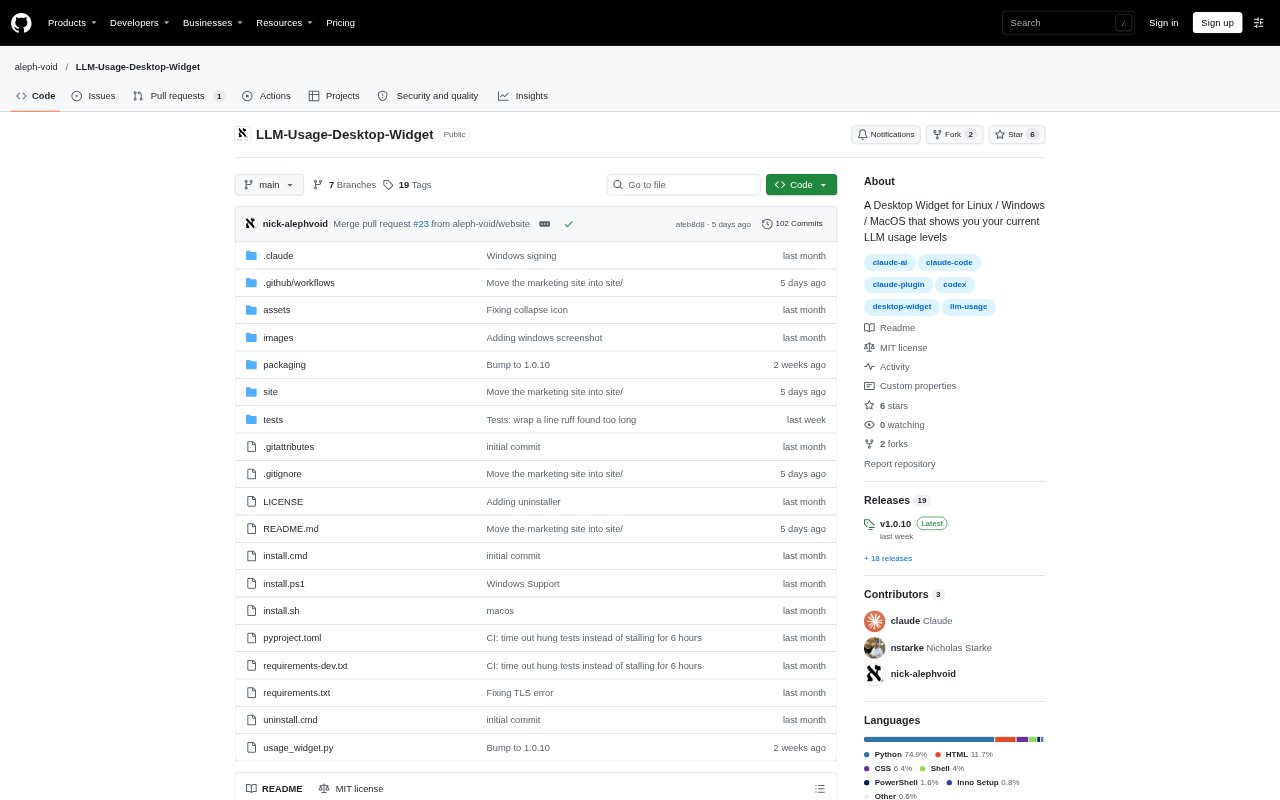
LLM Usage Desktop Widget is a desktop monitor for Claude and Codex plan usage, with additional budget and billing information for Amazon Bedrock, Google Vertex AI, and Azure. It places current usage in a Linux panel, macOS menu bar, or Windows taskbar and opens a menu with limits and reset countdowns. The tool is for people who use these services through their command-line tools and want a quick view of usage without opening each provider’s usage page.
LLM Usage Desktop Widget Features:
Usage Limits: Shows Claude and Codex session and weekly limits, including model-scoped limits, as percentages in the desktop indicator and its details menu.
Reset Countdown: Lists the time remaining until each displayed limit resets, helping users distinguish a near-term session limit from a longer weekly one.
Cloud Billing: Reads AWS Budgets, Cost Explorer, and CloudWatch information for Bedrock, Google Cloud Monitoring and BigQuery billing exports for Vertex, and Azure Monitor and cost-management data.
Usage Cutoffs: Can stop running Claude or Codex CLI processes when a configured provider usage percentage or available-credit threshold is reached.
Desktop Displays: Offers a system tray or menu-bar indicator, a floating always-on-top window, and Windows taskbar usage text that can be turned off.
Existing Logins: Reads credentials already stored by Claude Code, the Codex CLI, or the relevant cloud login, and sends each token only to its issuing provider.
LLM Usage Desktop Widget Benefits:
Fewer Interruptions: Seeing remaining limits and reset times at a glance makes it easier to decide whether to continue a task or wait for usage to renew.
Avoid Quota Surprises: Usage thresholds can help users catch a quota limit before it interrupts work, while retaining control over when to restart a CLI.
Less Account Switching: A single desktop view brings together usage information from supported AI services and cloud accounts instead of requiring separate usage-page checks.
Simpler Setup: Using existing command-line and cloud sign-ins avoids entering a second set of credentials for the widget.
Persistent Awareness: A status-area display keeps usage visible during other work, while a floating window provides an option for desktops without a tray.
Use Cases:
Claude Code Sessions: Check session and weekly Claude limits while coding, and set a cutoff to stop running Claude CLI processes at a chosen usage level.
Codex CLI Work: Track Codex limits and reset timing during command-line tasks, or set a cutoff based on usage or the available credit balance.
Cloud Budget Checks: Review budget and billing signals for Bedrock, Vertex AI, or Azure while working with the corresponding cloud account.
Shared Workstations: Keep a usage indicator visible on a Linux, macOS, or Windows desktop where the user regularly runs supported CLI tools.
No-Tray Desktops: Use the floating always-on-top window to check provider usage on a desktop setup without a system tray or menu bar.