

What is llmrun?
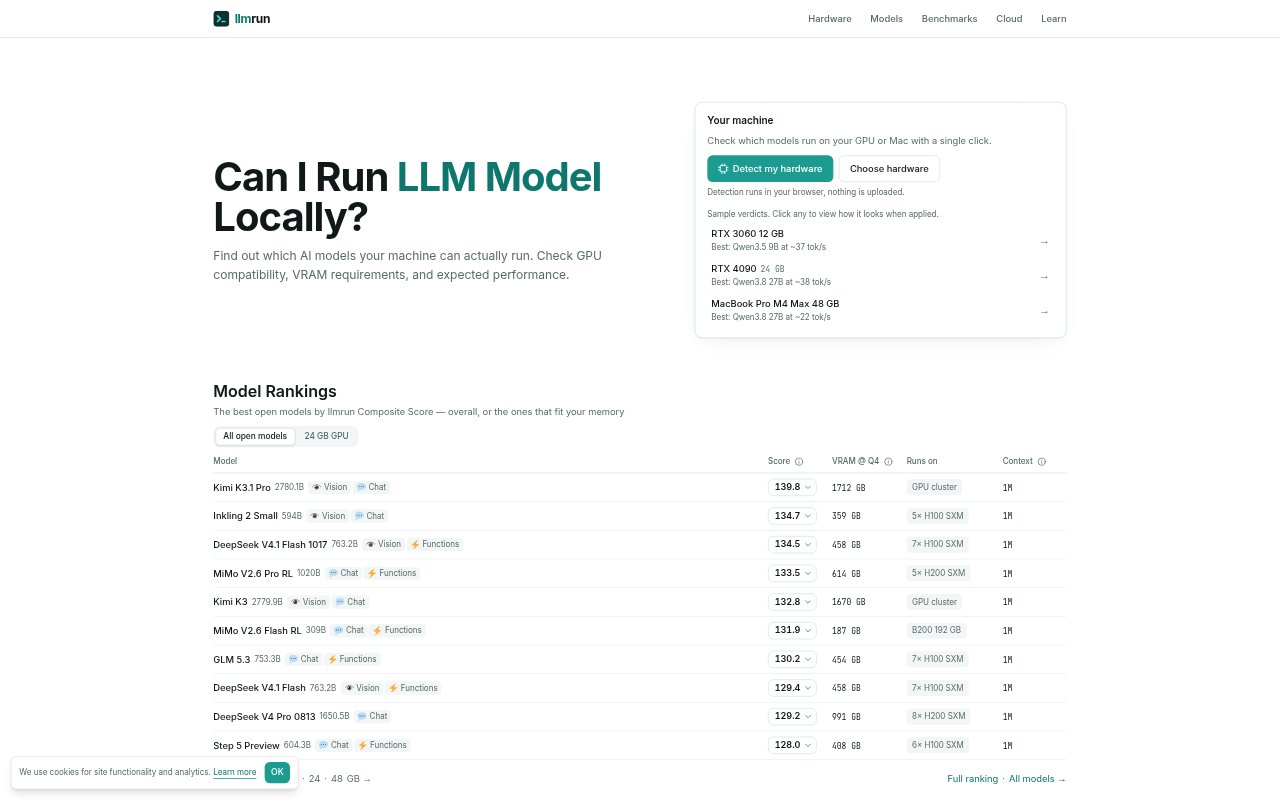
llmrun helps people check which language models can run locally on their GPU or Apple Silicon device. It compares hardware with model memory needs and expected performance, so users can assess options before setting up a local model. The site also organizes models by memory tier and work type, including coding, reasoning, vision, tool use, and long-context tasks.
llmrun Features:
Browser Detection: Hardware detection runs in the browser, letting users check their machine without uploading its details.
Hardware Fit Ratings: Choose a GPU or Mac to see compatible models and a fit rating from S to F for each one.
VRAM Estimates: Model listings show memory requirements at different quantization levels, helping clarify how much VRAM local inference needs.
Speed Estimates: The checker provides expected generation speed, and its methodology explains estimates for prompt processing and text generation.
Model Rankings: Browse model rankings by overall score or by which models fit available memory, with categories for different kinds of work.
Local Install Options: After choosing a model, users can find ways to run it through Ollama, LM Studio, or a GGUF file.
llmrun Benefits:
Fewer Setup Surprises: Checking compatibility first can help users avoid choosing a model their current machine cannot run as intended.
Clearer Trade-Offs: Seeing memory needs alongside quantization options makes it easier to weigh model size against the quality and speed trade-offs of lower precision.
Better Hardware Decisions: Comparing models across memory tiers can help users understand what their existing device can handle before considering a different setup.
Faster Shortlisting: Rankings and work-type categories reduce the effort of sorting through models that do not match a user's hardware or task.
More Informed Expectations: Performance estimates give users a basis for judging whether local generation is likely to suit their needs before they install a model.
Use Cases:
Check a GPU: A user with an RTX 3060 can check which models fit its available memory before selecting one for local use.
Choose a Mac Model: A Mac owner can compare local model options for their Apple Silicon device and see which ones fit its memory.
Compare Quantization: Someone narrowing down a model can compare quantized memory requirements to find a version that suits their hardware.
Find Coding Models: A developer can browse models categorized for coding and check which candidates are compatible with their machine.
Plan Local Setup: A user preparing to run a model can check its fit and expected speed, then choose an available route such as Ollama, LM Studio, or GGUF.