
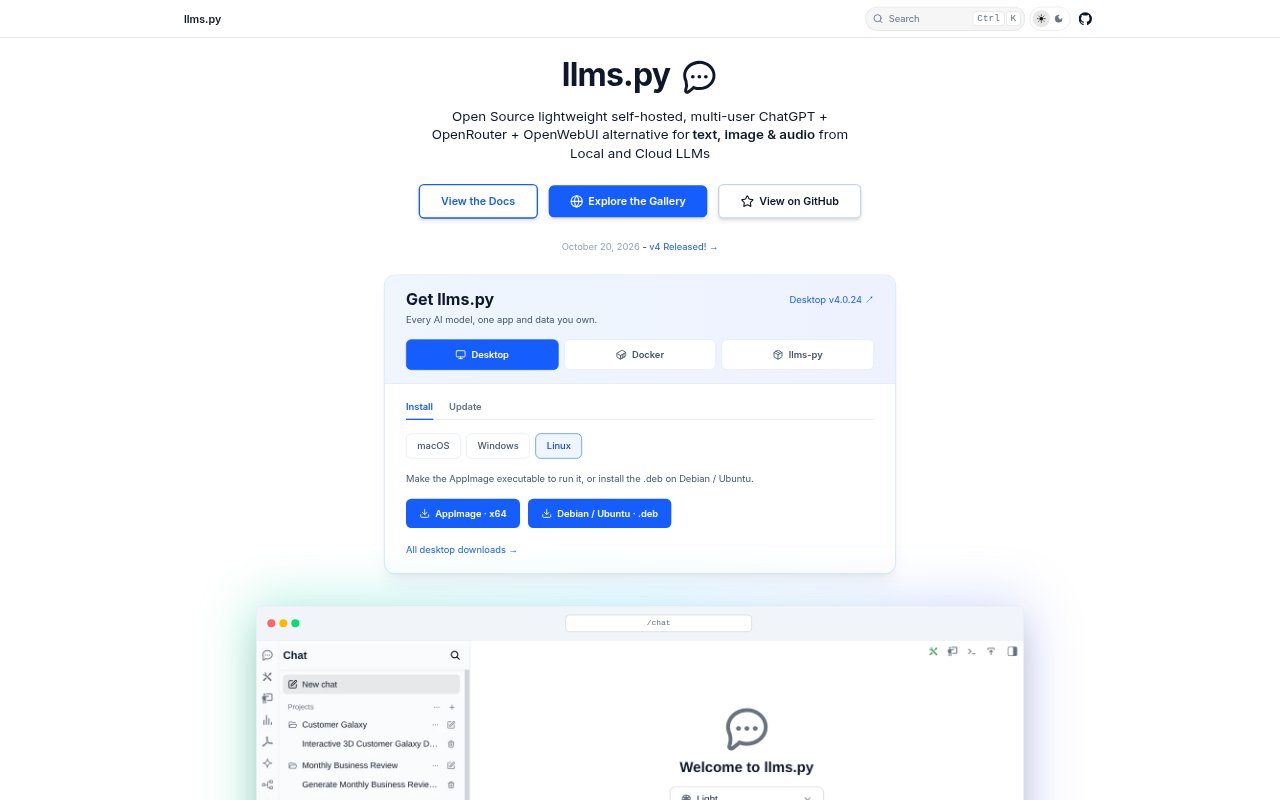
What is Llms.py?
Llms.py is an open-source, self-hosted AI workspace and gateway for people who want to use local and cloud language models through one interface. It combines a ChatGPT-like web app with command-line and server access, and supports multiple users. Teams can use it for text, image, and audio tasks, configure specialized agents, and build knowledge-based assistants using their own content.
Llms.py Features:
Model Access: Search, filter, sort, and favorite more than 530 models from 24 providers, with support for local and cloud LLMs.
Multimodal Chat: Chat with models, attach images, audio, and documents, generate images, synthesize speech, and transcribe voice input.
Agent Workspaces: Create agents with custom prompts, tools, and themes, and limit their filesystem access to designated project workspaces.
Knowledge Assistants: Ingest files, folders, repositories, and websites into Gemini File Stores, then publish citation-backed assistants as a website widget.
Decision Recipes: Create reusable recipes for yes-or-no judgments, choices, and ordered scales, with typed results and probability distributions.
PDF and Code Tools: Design PDFs with Typst templates and live previews, and run Python, JavaScript, TypeScript, or C# code in the interface.
Sharing and Gallery: Publish chats, projects, recipes, images, and audio to a public gallery, or export project builds to a local folder.
Llms.py Benefits:
Less Model Switching: A single workspace makes it easier to compare and use models from different providers without moving between separate chat apps.
Owned Deployment: Self-hosting gives teams control over where the workspace runs and lets them manage access through user accounts and roles.
Lower Repeat Costs: Conversation compaction can preserve key context while reducing token use and costs in long chats.
Faster Setup: Reusable prompts, agent profiles, and saved decision recipes help teams avoid rebuilding common instructions and workflows.
Easier Sharing: Public links and folder exports let people review or run finished work without needing access to the original workspace.
Use Cases:
Model Evaluation: Compare responses from local and hosted models while choosing a model for a new internal assistant or workflow.
Support Knowledge: Build a customer-facing support assistant from product documents or website content, with answers linked to source evidence.
Content Triage: Apply a saved decision recipe to classify incoming support requests, assess sentiment, or judge content relevance.
Prototype Building: Use an agent with access to a project workspace to create or revise an app, then share the finished project.
PDF Production: Create branded PDFs from Typst templates and schema-driven forms, using live previews to check the layout as you work.