

What is LM Studio?
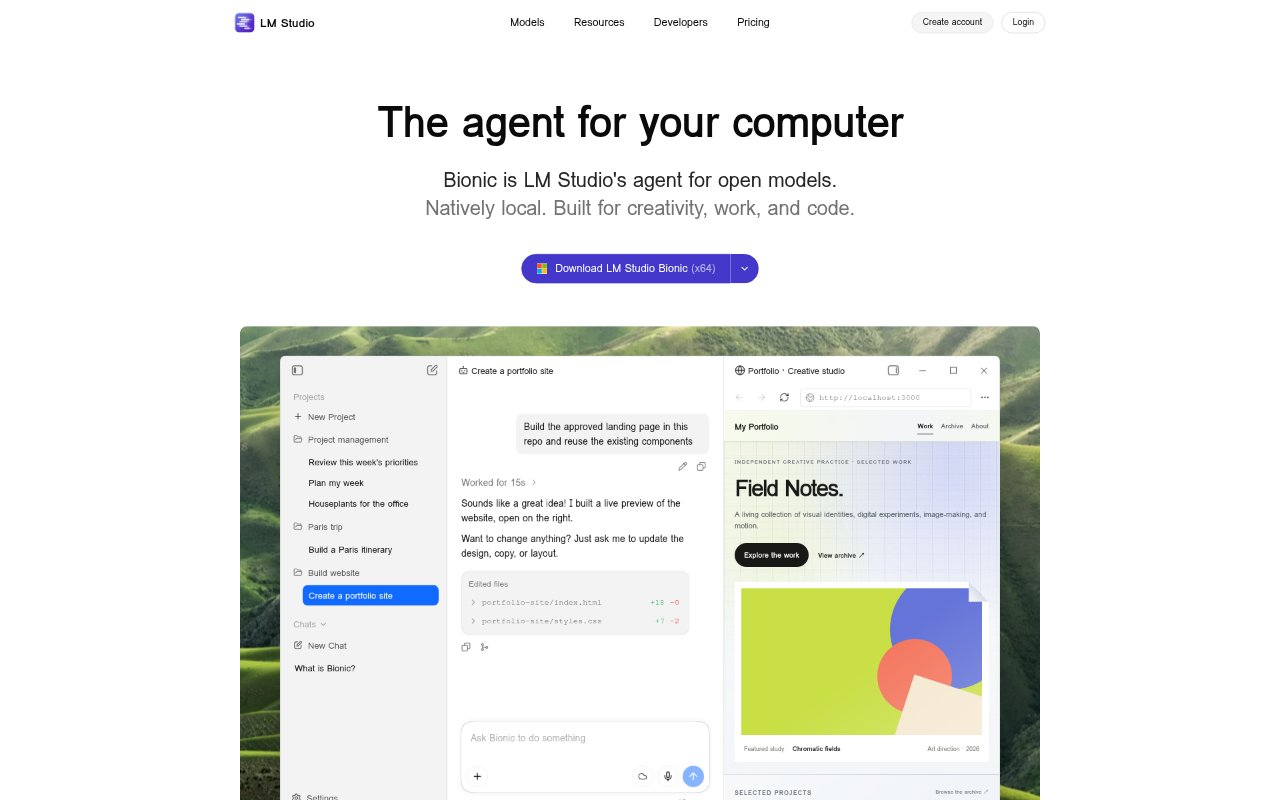
LM Studio’s Bionic is an agent for work and coding that runs on your computer. It can create and edit documents, slides, PDFs, and software using local models, with optional cloud inference for open models. The app lets people download local models and use them for chat or agentic tasks. It also supports voice input, automations, computer control, and web search, making it relevant to individuals who want to work with AI locally or choose cloud models when needed.
LM Studio Features:
Local Model Runs: Download local language models within the app and use them for chat or agentic tasks, with llama.cpp and MLX support through the LM Studio runtime.
Work and Code Agent: Ask Bionic to help with work and coding tasks, including automations and computer control.
Document Creation: Create and edit documents, slides, PDFs, and software with local or frontier open models, with document changes saved automatically.
Voice Transcription: Speak naturally for real-time transcription in multiple languages, with voice and audio data processed locally on the device.
Optional Cloud Models: Use US-hosted open models, including Kimi K3, GLM, and DeepSeek options, through cloud inference with Zero Data Retention.
Web Search: Search the web and extract page content, with limited web search included in the free plan.
Device Linking: Connect up to five devices with LM Link on the free plan.
LM Studio Benefits:
More Control Over Data: Running local models and processing voice on the device gives users a way to keep those interactions off cloud inference.
Fewer Manual Edits: Automatically saved document changes make it easier to revise work with an agent without repeatedly saving each update.
Flexible Model Choice: Users can choose local models for everyday tasks and opt for hosted open models when they want cloud inference.
Less Typing: Real-time speech transcription provides another way to enter requests and text, which can reduce reliance on manual typing.
One Workspace for Tasks: Document work, coding, voice input, and computer control are available through the same agent rather than separate task-specific tools.
Use Cases:
Drafting Documents: Create a document with an AI agent, then ask it to make revisions while changes are saved automatically.
Building Presentations: Use Bionic to create or edit slides with a local model or an optional frontier open model.
Coding Assistance: Work with the agent on software tasks, automations, or computer-control requests.
Hands-Free Prompts: Speak requests in a supported language and use the real-time transcription as input to the agent.
Local AI Chat: Download a model and use it for private, on-device chat or more involved agentic tasks.