

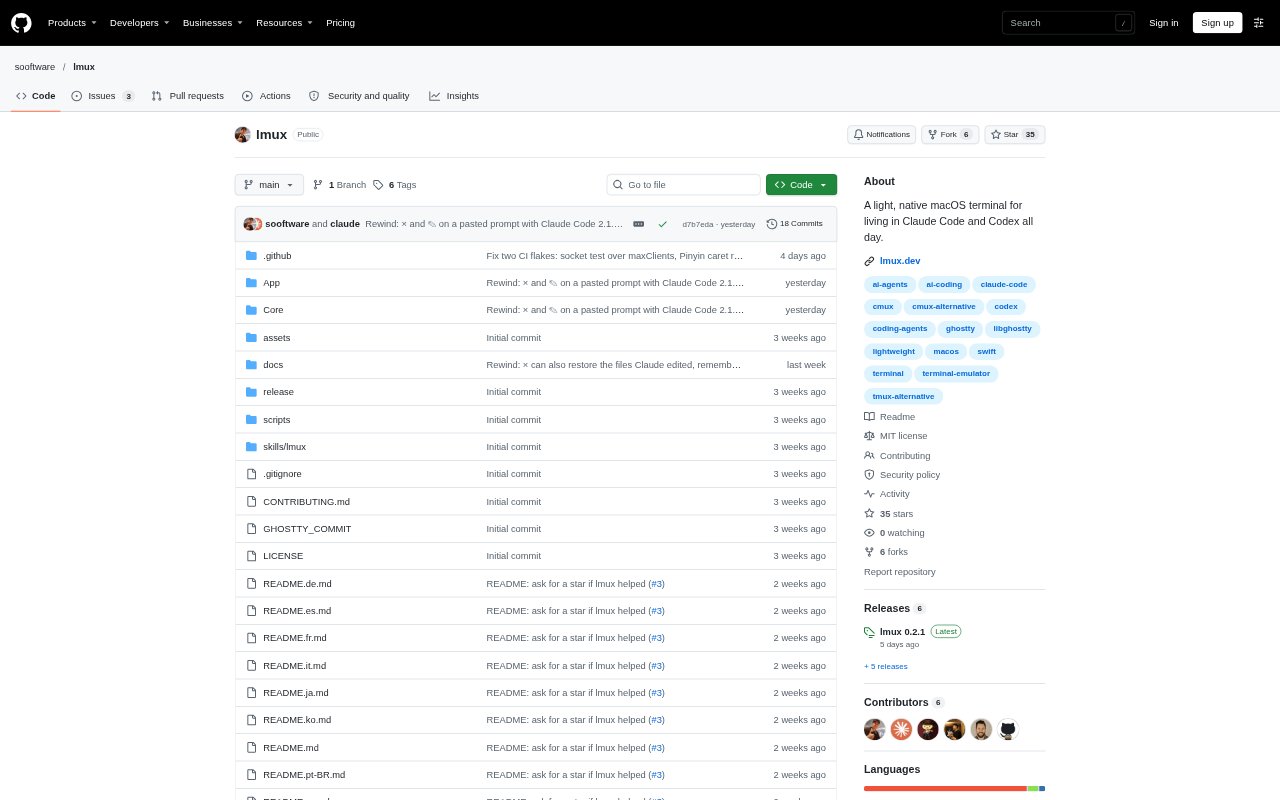
What is Lmux?
Lmux is a native macOS terminal for running Claude Code and Codex sessions across workspaces, panes and tabs. It shows agent activity, including when a session is waiting for input, and brings sessions back after the app closes or restarts. Designed for people working with multiple coding agents, it requires macOS 14 or later on Apple silicon and is built on libghostty.
Lmux Features:
Agent Status: Lmux reads Claude Code hook events and Codex status to show whether an agent is running, waiting for you, done or failed, with pane indicators, row badges and notifications.
Session Recovery: After quitting, updating or rebooting, workspaces, splits, folders and Claude Code or Codex sessions return to their previous state, while History can reopen closed sessions.
Prompt Rewind: For Claude Code, remove a sent turn to rewind to the point before it, or edit the prompt and send it again without restarting the session.
Workspace Import: A one-click import brings over cmux themes, fonts, shortcuts, settings and open workspaces, including their names, colors, directories, splits and agent sessions.
International Input: Korean, Japanese and Chinese input support keeps composed text and caret movement intact, with arrow keys handled by the input method and Ctrl+C preserved.
Pane Controls: Create workspaces, split panes, open tabs within panes, switch between sessions, search scrollback and copy the latest reply as Markdown.
Lmux Benefits:
Lower Idle Load: A lightweight native app with low idle CPU use can keep multiple sessions open without making the terminal itself a heavy background task.
Faster Follow Up: Status markers and notifications help users spot which agent needs attention instead of checking each session one by one.
Fewer Lost Sessions: Restoring workspaces and sessions after a restart reduces the need to reconstruct an agent setup or remember which work was in progress.
Safer Prompting: Being able to undo or revise a Claude Code turn makes it easier to recover from a prompt sent to the wrong pane or with a mistake.
Use Cases:
Parallel Coding: Run Claude Code and Codex in separate panes or workspaces while keeping their activity visible from one terminal.
Agent Check Ins: Leave several coding sessions running during other work, then jump to the agent that has finished, failed or is waiting for a reply.
Prompt Correction: Remove or revise a Claude Code prompt after sending it to the wrong session or noticing an error in the request.
cmux Migration: Move an existing cmux setup and its open workspaces into Lmux while retaining supported preferences and session layouts.