

What is Loböle?
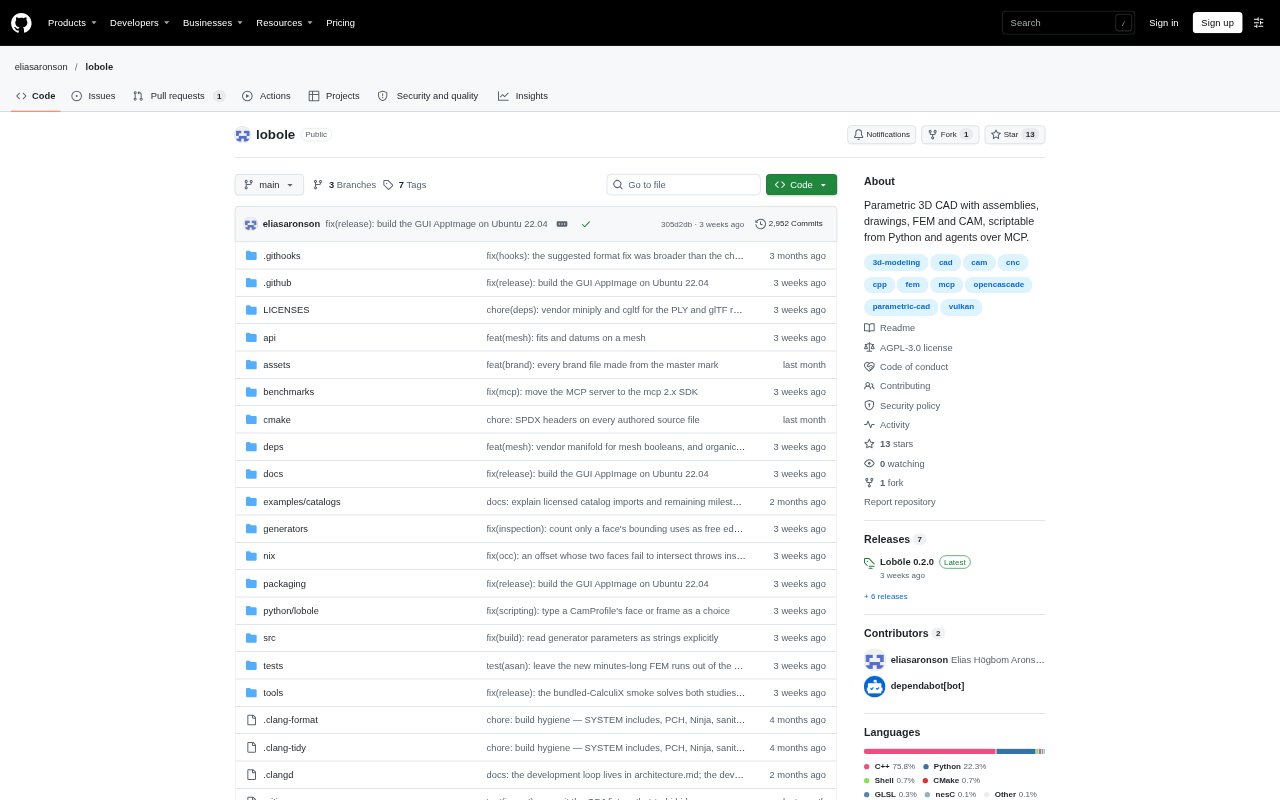
Loböle is an open-source parametric CAD application for creating mechanical parts, assemblies, drawings and manufacturing files. It combines a constraint-based sketcher and solid modeling with simulation, machining and scripting tools. Users can work in its desktop interface or drive the same commands through Python and an MCP server, including from AI agents; the project is at version 0.1, so expect rough edges. Linux is its primary platform, Windows builds are available, and macOS is untested; the software is licensed under AGPL-3.0-or-later.
Loböle Features:
Parametric Modeling: Create constraint-based sketches and solid features, with variables, expressions, configurations, sheet-metal tools and bent-tube modeling.
Assemblies and Motion: Build assemblies and sub-assemblies with mates, then review motion studies, clash checks, exploded views, bills of materials and standard fasteners.
Engineering Drawings: Prepare drawing sheets with projected views, dimensions and tables, then export them as SVG or PDF.
Simulation Tools: Run static and modal finite-element studies and topology optimization on a part, with meshing and solver availability depending on installed components.
CAM and Print Checks: Generate 2.5D, 3-axis and 4th-axis milling files for Mach3, LinuxCNC or GRBL, simulate those files, and check models for 3D printing.
Python and Agent Control: Use a Python SDK, JSON-RPC interface or MCP server to access GUI commands, and run an agent from the in-app terminal panel.
File Exchange and History: Import and export common CAD and mesh formats, bring DXF or SVG into sketches, and manage design history with named versions, branches and merges.
Loböle Benefits:
Less Rework: Stable topological naming helps downstream features survive upstream edits, reducing the need to repair a model after changes.
Earlier Fit Checks: Assembly mates, motion studies and clash checks help reveal fit or movement problems before parts are made.
Clearer Handoffs: Drawing exports and manufacturing files let teams carry designs from modeling toward documentation and fabrication.
Repeatable Modeling: Driving the same commands through scripts makes it practical to regenerate models from code rather than rebuild them by hand.
Traceable Revisions: Named versions and branch history provide a way to track design changes and revisit earlier states.
Use Cases:
Mechanical Part Design: Model a component from constrained sketches and editable features, then adjust dimensions as requirements change.
Assembly Review: Fit parts together, inspect movement and check for clashes while developing a machine or other multi-part product.
Drawing Preparation: Create dimensioned sheets with projected views and tables to document a part or assembly for review or production.
Manufacturing Preparation: Prepare milling files for supported CNC controllers and simulate each file before using it to cut a part.
Programmatic CAD: Generate repeatable models with Python or use an AI agent to issue CAD commands through the MCP server.