

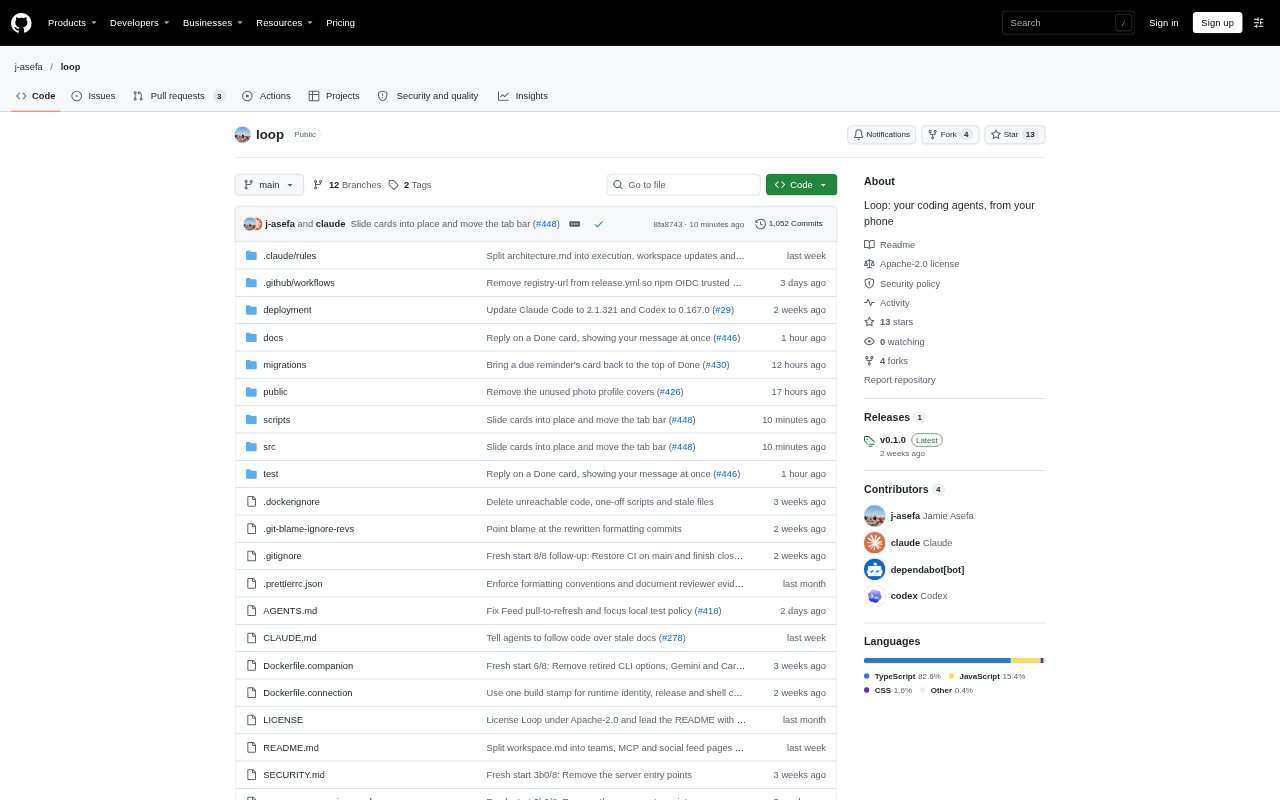
What is Loop?
Loop is a phone workspace for people who run coding agents on a computer. It collects finished results, ongoing work and requests for approval or input in one feed, where you can read and reply to agents. Loop runs on your own macOS or Linux machine and connects to supported coding harnesses, including Codex, Claude Code, Pi and OpenCode. Pair a phone by scanning a QR code; the computer must stay awake for phone access.
Loop Features:
Agent Feed: The feed groups agent activity into states such as Needs you, Done, Working and Queued, with plans, diffs and command output available from a result.
Harness Connections: Loop connects to installed Codex, Claude Code, Pi, OpenCode, Antigravity, Muse Code and Grok Build harnesses, and can also connect custom ACP agents.
Phone Pairing: Pair a phone with a single-use QR code and open Loop in a mobile browser, with an option to add it to the home screen.
Thread Replies: Reply to an agent by quoting a whole message or selected lines, so the agent receives the specific update you are answering.
Saved Results: Save results or messages in a searchable list, add short labels, and reply to a saved item to bring it back into its thread.
Agent Teams: Create teams from existing agents, use presets for tasks such as code review or bug investigation, and review and merge GitHub pull requests in the Pull requests tab.
Phone Notifications: Receive a phone notification when a result is ready, rather than a notification for every tool call.
Loop Benefits:
Check In Remotely: You can keep track of agent work from your phone instead of staying at the computer to watch each run.
Focus on Decisions: Requests for approval, answers or follow-up are easier to spot among completed and ongoing work.
Keep Useful Context: Saved, labelled results give you a searchable way to find and revisit useful agent output later.
Reduce Notification Noise: Updates centered on ready results make it easier to avoid being interrupted by every step an agent takes.
Coordinate Agent Work: Teams let you divide work among existing agents instead of managing every task as a separate conversation.
Use Cases:
Review Finished Work: Check a completed code change or investigation from your phone, then reply with feedback in the relevant thread.
Approve Agent Requests: Respond when a coding agent pauses for approval or needs an answer before it can continue.
Manage Several Agents: Follow multiple agent conversations through one feed while keeping their results and current status visible.
Delegate Development Tasks: Set up a team to review code changes, build a feature or investigate a bug using agents already connected to Loop.
Save Work for Later: Label a result worth keeping, find it in the searchable saved list, and quote it back to its agent when needed.