
What is M.E.F LLM Studio?
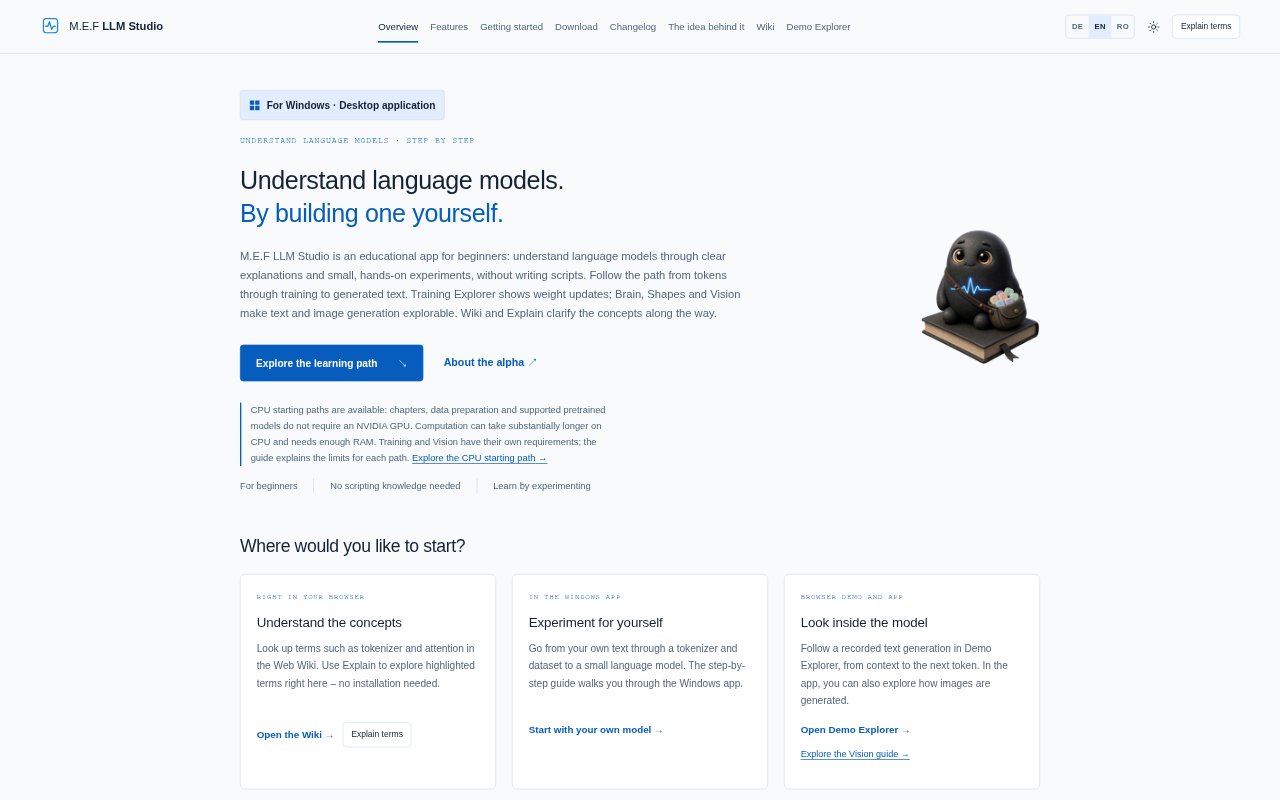
M.E.F LLM Studio is an educational app for beginners who want to understand how language models work by experimenting with them, without writing scripts. Its learning path covers text tokenization, data preparation, training and generated text, with tools for exploring image generation as well. The Web Wiki and Explain feature are available in a browser, while hands-on model experiments use the Windows app. The product is in alpha for non-commercial evaluation; features may change and training can fail.
M.E.F LLM Studio Features:
Token Exploration: Split your own sentences into tokens and examine how text becomes model input before preparing a dataset in the Windows app.
Training Explorer: Inspect a recorded training step from target token and prediction through loss, gradients and weight updates, including individual values.
Brain Explorer: Follow recorded text generation through embeddings, attention and output, and explore supported Llama and Qwen2 prefill and decode steps.
Shapes Explorer: Inspect image-text examples, train a model on simple shapes and watch it generate an image row by row at supported sizes.
Wiki and Explain: Look up language-model concepts in the Web Wiki or select highlighted terms for inline explanations, without installing the app.
Runs and Checkpoints: Track loss and validation, save model checkpoints for comparison, and try prompts to see how sampling affects the next-token selection.
M.E.F LLM Studio Benefits:
Build Understanding: Seeing model operations and their effects makes abstract ideas such as tokenization, loss and attention easier to connect to actual computations.
Learn Without Scripts: Beginners can follow the learning path and run experiments without needing scripting knowledge, lowering the barrier to exploring model behavior.
Keep Experiments Manageable: Short texts and small models let learners investigate a focused question without needing to train a large model.
Interpret Results: Comparing observations with explanations helps learners examine why a run or generated output behaved as it did, including when results are nonsensical.
Explore at Your Pace: Saved recordings and checkpoints let learners revisit computations and compare model states instead of relying on a single live demonstration.
Use Cases:
Teach Tokenization: Use your own sentences to show a class or study group how a tokenizer divides text and why tokens are not simply words.
Review a Training Step: Walk through a recorded example to explain how a prediction produces loss, gradients and a weight update.
Compare Model Runs: Save checkpoints during a small training experiment and compare how the model changes at different points.
Explain Text Generation: Inspect a recorded generation to discuss how context and sampling influence which token appears next.
Explore Image Generation: Train a small shapes model and examine how it builds an image row by row, using included image-text pairs as examples.