

What is Macvoice?
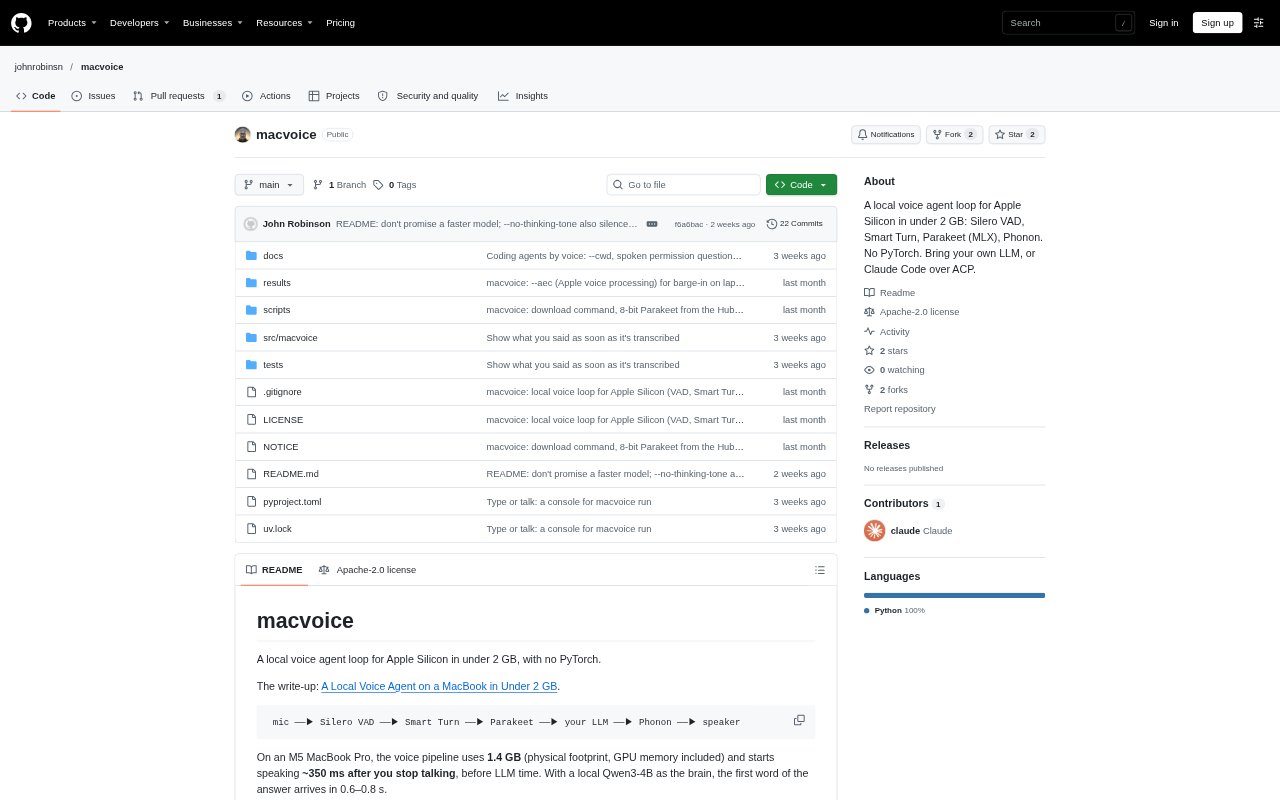
Macvoice is a terminal-based voice agent loop for Apple Silicon Macs, connecting microphone input to speech recognition, an LLM, and spoken replies. It uses Silero VAD and Smart Turn to detect speech and turn endings, Parakeet for transcription, and Phonon for English speech output. Users can connect an OpenAI-compatible model server or an ACP coding agent, including Claude Code, and can type prompts in the same conversation. After downloading its models, the voice pipeline runs offline.
Macvoice Features:
Voice Pipeline: Macvoice connects microphone audio, speech and turn detection, transcription, an LLM response, and spoken output in one loop.
Turn Detection: Silero VAD detects speech, while Smart Turn estimates when a speaker has finished so the loop can handle pauses.
Speech Models: Parakeet TDT 0.6B v2 handles speech-to-text through MLX, and Phonon generates English speech using a Rust and Metal runtime.
LLM Options: The loop can use a local server by default, another OpenAI-compatible endpoint, an ACP agent, or an echo brain without an LLM.
Coding Agent Control: With an ACP agent and a project folder, users can ask for code work by voice and approve or decline tool requests.
Text Input: A terminal input box accepts typed prompts alongside spoken ones, and renders replies as markdown while omitting code and symbols from speech.
Audio Utilities: Separate commands can simulate a recording, transcribe audio, synthesize speech to a file, or select a Phonon catalog voice.
Macvoice Benefits:
Local Operation: Once the models are downloaded, users can run the voice pipeline offline instead of relying on an internet connection for audio processing.
Modest Footprint: The reported 1.4 GB pipeline footprint on an M5 MacBook Pro makes local voice interaction possible without a large model stack.
Quick Responses: Low delay between finishing a prompt and hearing speech helps conversations feel more immediate; the reported pipeline starts speaking in about 350 ms.
Flexible Interaction: Combining voice and typing lets users switch input methods within one conversation rather than restarting or moving to another interface.
Permission Awareness: Spoken approval questions and printed commands give users a chance to review coding-agent actions before allowing them.
Use Cases:
Local Voice Chat: Run a spoken conversation with a local LLM server when you want an offline voice interface on an Apple Silicon Mac.
Voice Coding: Point an ACP coding agent at a project folder and dictate requests while it reads files, edits code, or runs commands.
Command Review: Use the agent’s spoken permission prompts to approve or refuse a proposed command while working through a coding task.
Recording Tests: Send a saved recording through the voice loop with the simulate command to test a response without using audio devices.
Speech Utilities: Transcribe an audio file or generate a spoken line as a WAV file when you need either task without running a full conversation.