
What is Magic Patterns?
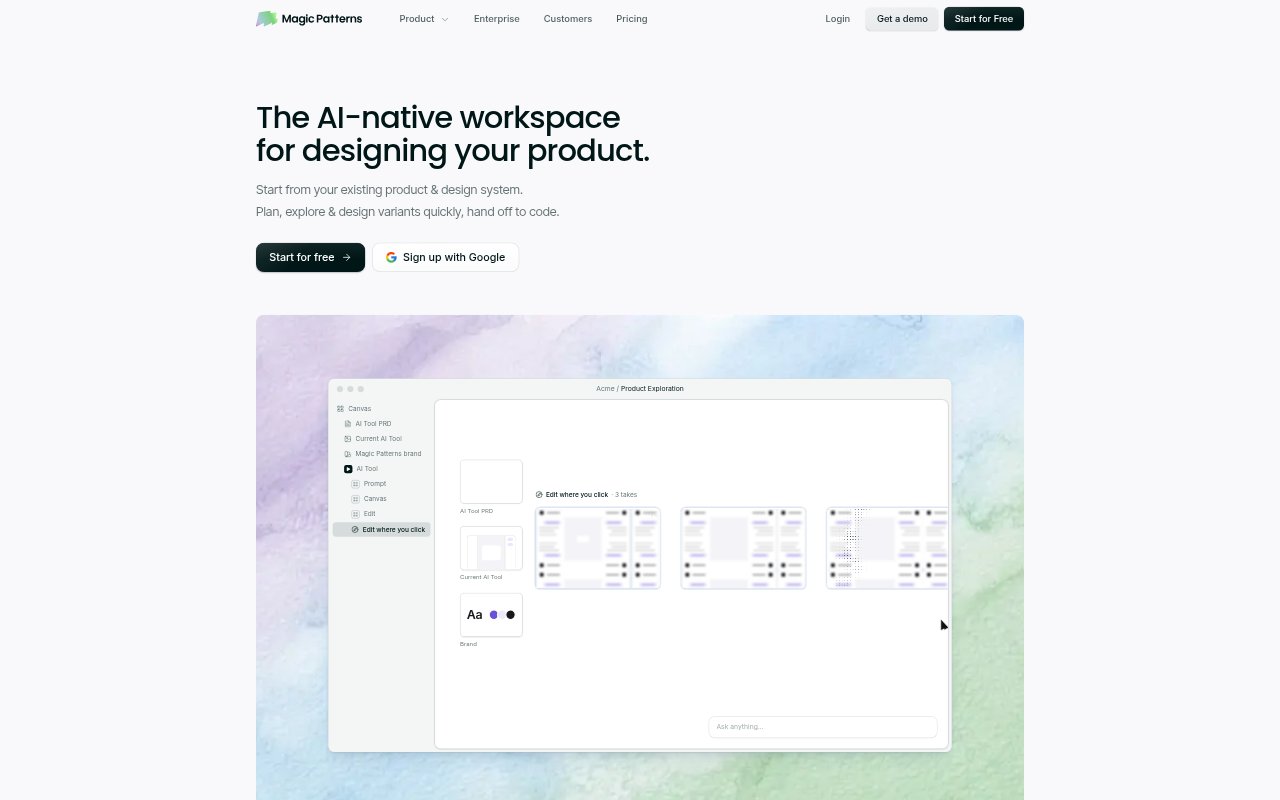
Magic Patterns is an AI workspace for product teams to turn prompts, PRDs, user stories, screenshots, and existing designs into interactive product prototypes. It helps product managers, designers, and engineers explore interface directions together, using a team’s design system to keep concepts on brand. Teams can compare versions, connect screens into playable flows, and move approved work toward engineering through code and design exports.
Magic Patterns Features:
Prompt-Based Prototypes: Generate high-fidelity product interfaces from a prompt, PRD, user story, feature request, screenshot, or existing design.
Design System Import: Bring in tokens, components, and visual rules from a GitHub repository, local code folder, or live product URL.
Design System Agent: Use an AI agent to review, refine, and expand the design tokens and components your team has imported.
Clickable Product Flows: Link screens and states together into playable prototypes that show how users move through a product experience.
Live Team Editing: Let product, design, and engineering teammates edit together, leave inline comments, compare variants, and access version history.
Code And Design Export: Export screens to Figma, download generated code, sync with GitHub, or connect to an IDE or AI assistant through MCP.
Magic Patterns Benefits:
Faster Exploration: Teams can see and compare interface directions early, making it easier to discuss an idea before committing to a design.
On-Brand Concepts: Using existing components and visual rules helps teams assess prototypes in the context of their actual product, not a generic template.
Clearer Feedback: Clickable flows give reviewers a concrete experience to react to, rather than asking them to infer behavior from separate static screens.
Less Back-And-Forth: Shared editing and inline comments keep product, design, and engineering feedback around the same prototype as it changes.
Smoother Handoff: Code and design exports give teams a path from an approved prototype into the tools and workflows used for implementation.
Use Cases:
PRD Review: Turn a product requirements document into a visual prototype that stakeholders can discuss before engineering begins.
Feature Exploration: Generate and compare interface variants for a proposed feature before the team settles on a direction.
Customer Feedback: Build a clickable concept from a feature idea and use it to make product conversations more concrete.
User Flow Reviews: Connect screens into a playable flow to review navigation and product states with colleagues.
Engineering Handoff: Move an approved interface toward implementation by exporting code, syncing with GitHub, or connecting through MCP.