

What is MaidenRun?
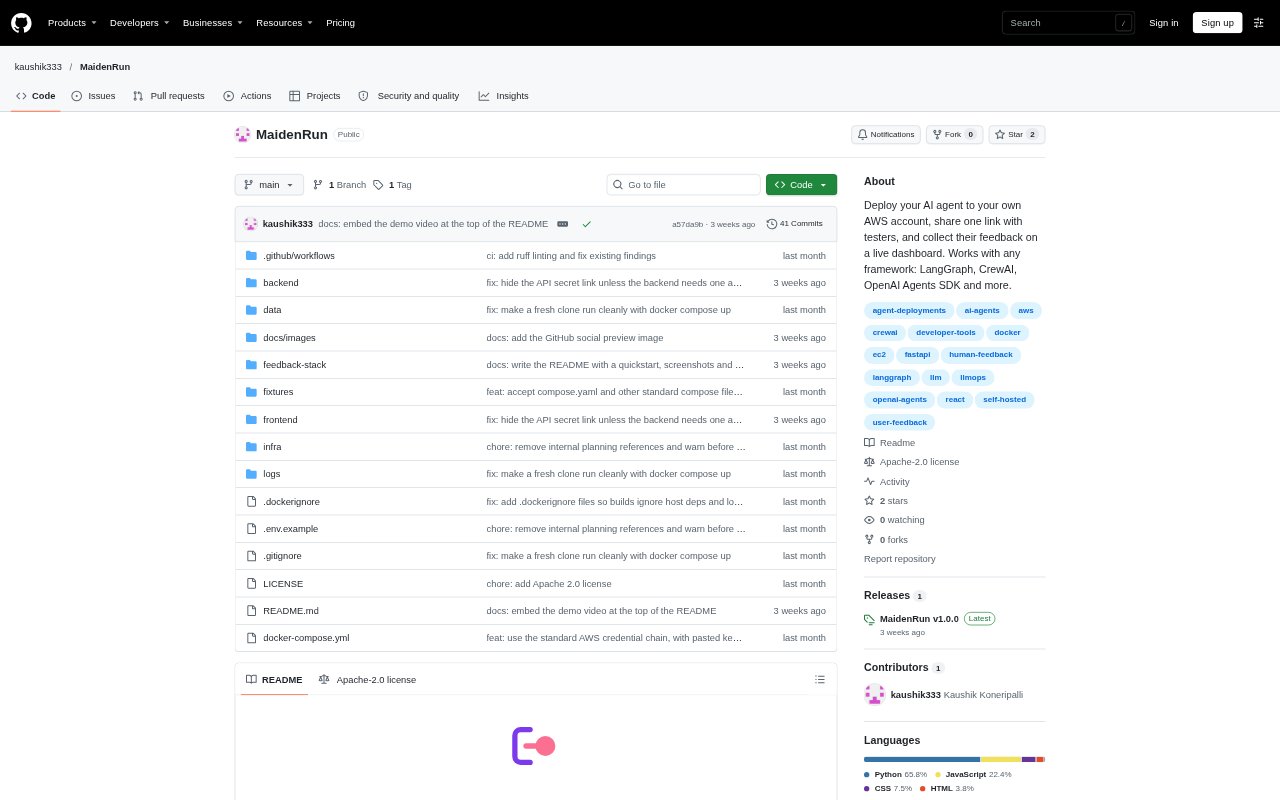
MaidenRun is a self-hosted tool for putting AI agents in front of testers and collecting their feedback. It deploys a compatible agent from a GitHub repository to an EC2 instance in your AWS account, then provides a shareable link and a feedback dashboard. You run MaidenRun on your machine with Docker, and need an AWS account. Agents must have a root-level Docker Compose file or Dockerfile and a UI on port 8001.
MaidenRun Features:
Repository Check: Check a repository before deployment to see whether it has the required root-level Compose file or Dockerfile and an agent UI on port 8001.
AWS Deployment: Deploy an agent to an EC2 instance in your AWS account, using the exact repository commit checked in MaidenRun.
Stable Share Link: Give testers a fixed-address link to the deployed agent that remains the same when you redeploy a new version.
Feedback Forms: Create a feedback stack by uploading a questionnaire, choosing the agent it applies to, and sharing the resulting form link with testers.
Version Comparison: Redeploy after pushing a change, then filter and compare feedback by agent version to inspect how responses differ between commits.
Feedback Exports: View tester ratings and comments on a dashboard, with feedback available for export in Excel or JSON formats.
Resource Management: Terminate deployments when testing is done, with feedback responses exported first and resources created for a deployment removed.
MaidenRun Benefits:
Earlier User Insight: Collect reactions from real testers before launch, so product teams can consider how people experience an agent rather than relying only on traces.
Clearer Iteration: Connect feedback to the agent version that produced it, making it easier to judge whether a change addressed tester concerns.
Less Setup Work: Bring agent hosting, tester forms, and feedback tracking together instead of assembling those pieces separately for a testing round.
Controlled Data: Keep deployments and their data in your AWS account, while storing secrets in AWS Parameter Store rather than the instance boot script.
Visible Spending: See a running cost for each deployment and stop AWS charges for its resources by tearing the deployment down when finished.
Use Cases:
Prelaunch Testing: Share a working agent with a group of prospective users, collect their ratings and comments, and review the feedback before release.
Prompt or Code Changes: Deploy a revised agent after a code change and compare its tester feedback with the version it replaced.
Research Agents: Put a research agent that plans searches and writes cited reports in front of testers, then gather their responses through a questionnaire.
Support Bot Review: Ask testers to try an agent that answers order and policy questions, then review their ratings and comments on its dashboard.
Itinerary Agent Trials: Share a trip-planning agent with testers to assess its itinerary experience and compare feedback across deployed versions.