

What is Mainplane?
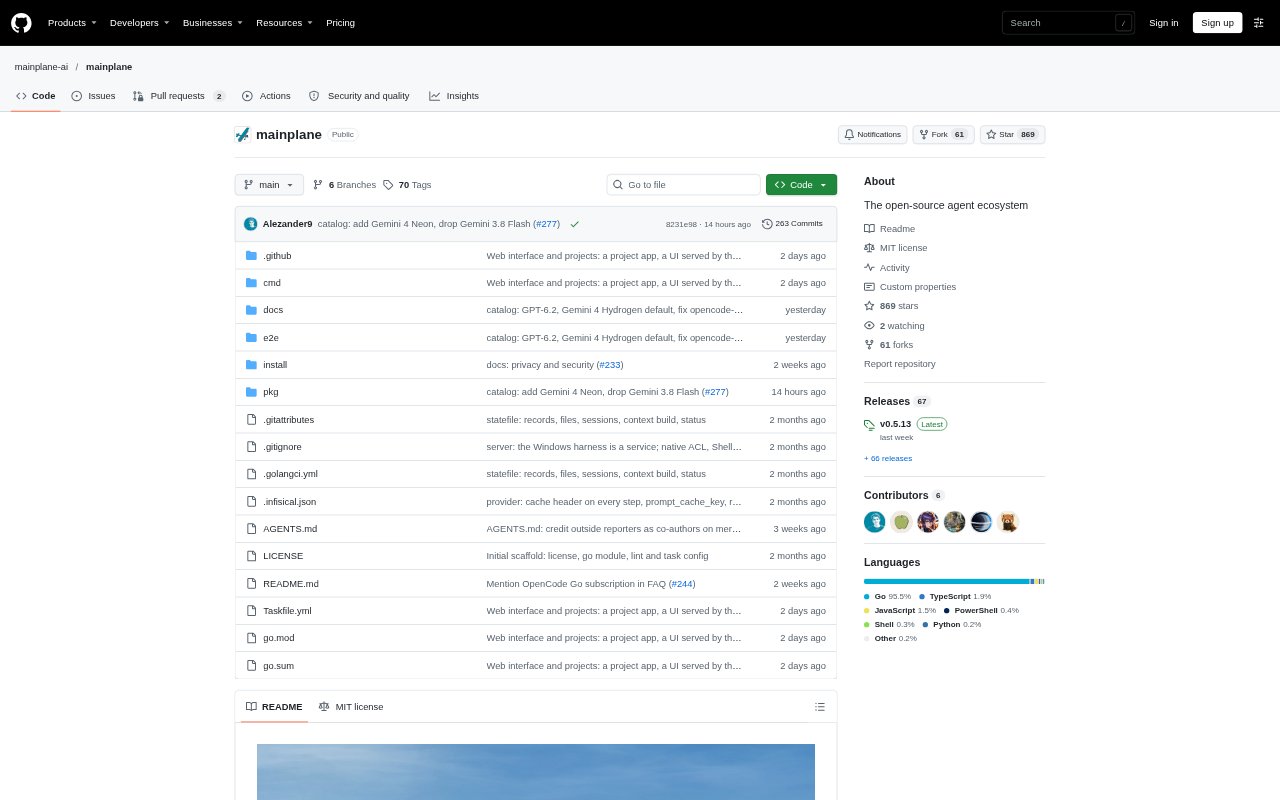
Mainplane is an open-source, self-hosted agent harness for people who want to run AI agents across models and computers they control. It connects a server, workers (the computers agents can use), and messaging connectors, with the server coordinating access and controls. Mainplane can run on one device or link several, and supports providers including Anthropic, OpenAI, and Google.
Mainplane Features:
Model Choice: Mainplane can work with models from different providers, including Anthropic, OpenAI, and Google.
Cross-Session Context: Agents have a restricted set of tools and can retrieve key information from other sessions to manage their context.
Connected Devices: A network links the server and workers, with fine-grained security controls for agents and the computers they use.
Shared File Drive: Mainplane provides a remote filesystem that connected users can use concurrently without file desynchronization.
Browser and App Control: Agents can interact with real browsers and applications through native computer-use capabilities.
Messaging Connectors: Connectors provide ways to message agents, and the quickstart guides users through setting them up.
Mainplane Benefits:
Flexible Model Choice: Teams can choose among supported model providers instead of tying their agent setup to a single provider.
Useful Session Context: Agents can draw on relevant information from other sessions, reducing the need to keep every detail in one conversation.
Work Across Devices: Tasks can make use of connected computers, so users are not limited to the machine running the server.
Consistent Shared Files: Concurrent access to a shared filesystem helps people and agents work with the same files without risking desynchronization.
Private by Default: Chats are not shared by default, giving users control over whether to opt in to sharing data to improve Mainplane.
Use Cases:
Move a Model: Use an agent to move a model from a GPU server to a Mac Studio and quantize it to run on the destination computer.
Operate Desktop Apps: Set an agent to work through a real browser or application when a task involves computer interaction.
Share Working Files: Use the remote filesystem when agents or people need concurrent access to a common set of files.
Coordinate Agent Sessions: Run multiple sessions and let an agent retrieve key information from another session when it needs that context.
Message an Agent: Configure a connector to provide a way to send messages to agents in a self-hosted setup.