

What is Make0?
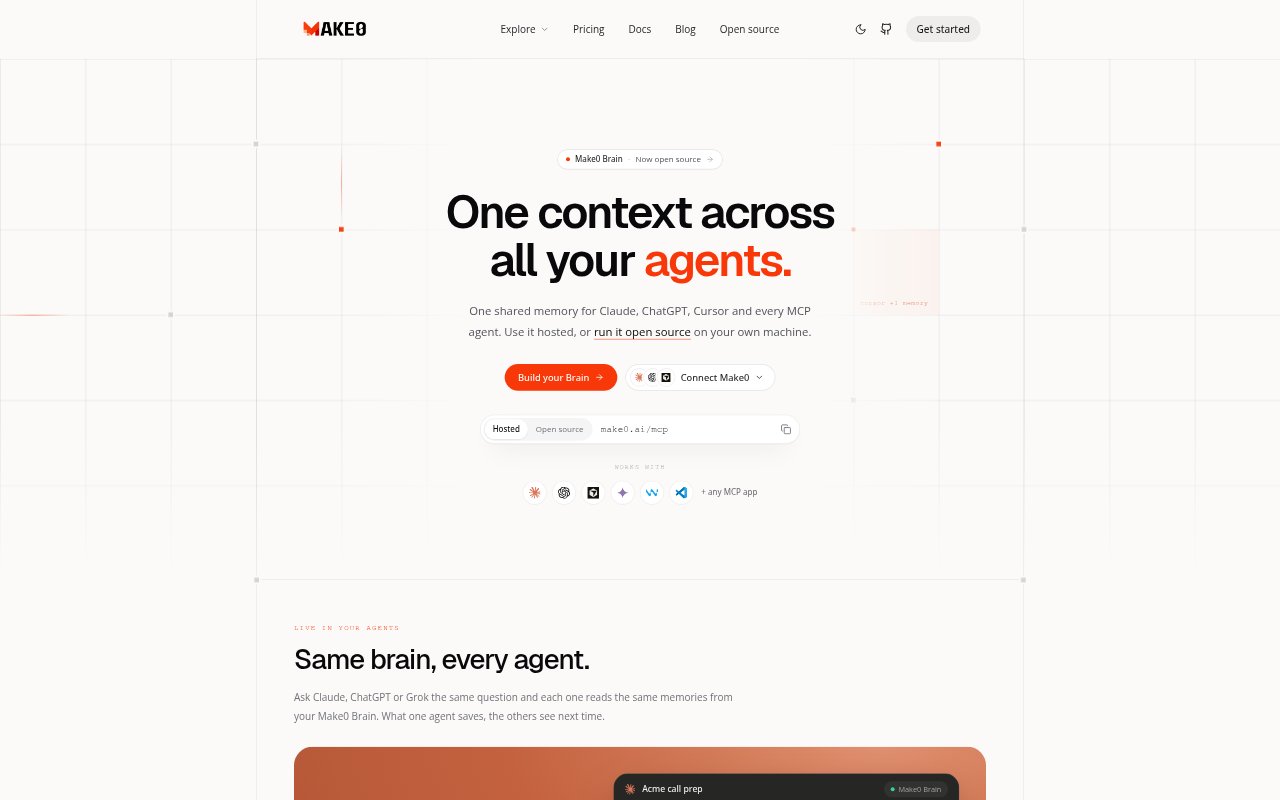
Make0 Brain gives AI agents a shared memory of a user's knowledge, preferences, and decisions. It connects to ChatGPT, Claude, Cursor, and other AI apps through MCP, so those agents can work from the same context. People can use the hosted service or run the open-source memory server on their own machine, making it relevant to individuals and teams who work across multiple AI assistants.
Make0 Features:
Shared Agent Memory: Memories saved by one agent are available to other connected agents, so they can draw on the same context.
MCP Connections: Make0 connects through MCP to ChatGPT, Claude, Cursor, and other AI apps and agents.
Local Memory Server: The open-source option runs on a user's machine, stores data in one SQLite file, and works fully offline.
Connected Memories: The Brain links related people, projects, preferences, files, and conversations for retrieval as context.
Version History: Each memory edit is versioned, with history showing the change and the agent or user responsible.
Memory Export: Users can export their Brain, keeping a copy of their shared memory outside the service.
Make0 Benefits:
Less Repetition: People can spend less time re-explaining preferences and project background when switching between connected assistants.
Consistent Answers: Agents working from the same context are less likely to give advice that ignores information another assistant already learned.
Lower Context Overhead: Make0 says its memory approach uses fewer tokens per task than Markdown files, which can reduce the context spent on repeated information.
Clearer Changes: A record of memory edits helps users understand how shared context changed and which version an agent added.
More Control: The local, offline option and export capability give users ways to keep their AI context under their own control.
Use Cases:
Switching Assistants: Move from Claude to ChatGPT for a task while letting both assistants refer to the same saved preferences and project details.
Coding Across Tools: Use Claude Code, Cursor, or other connected coding agents with shared context about a project and its decisions.
Trying New Agents: Connect another MCP-compatible agent and give it access to existing context instead of starting with a blank slate.
Working Offline: Run the local memory server when you want agents on your machine to use a shared Brain without an internet connection.
Reviewing Memory Edits: Check version history when multiple agents update the same memory and you need to see what changed.