
What is Mana?
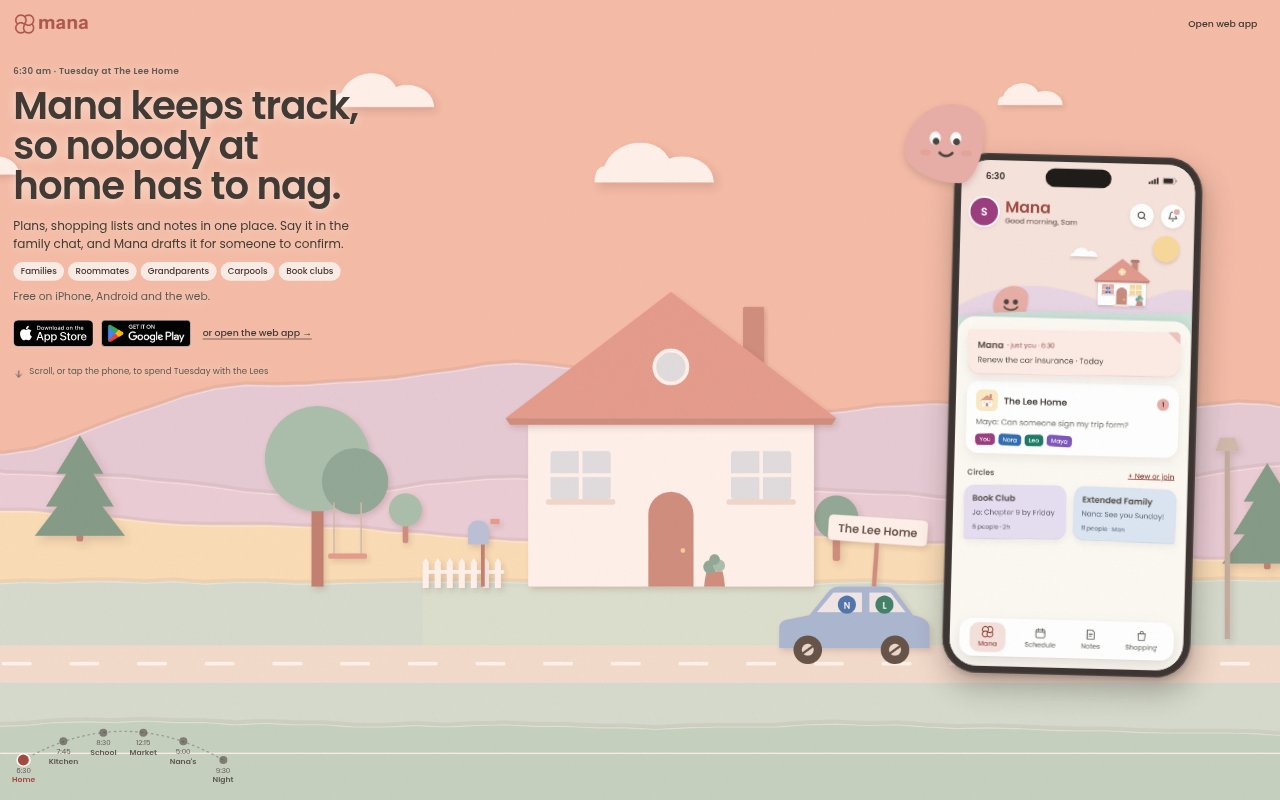
Mana is a shared household organizer for families, roommates and other groups who coordinate plans, shopping and notes. It brings chat, a calendar, lists, recipes and meal planning together, with private spaces and Circles for sharing with people beyond the home. Mana is available on iOS, Android and the web, and all current features are free for everyone in a Home or Circle to use.
Mana Features:
Family Chat: Mana can draft plans or other items mentioned in the family chat, and adds nothing until someone confirms.
Shared Schedule: The schedule holds tasks, events and dinners in day, week or month views, with reminders sent only to the person assigned.
Shopping Lists: Household members share aisle-sorted shopping lists, and receipt scanning matches purchases to list items.
Notes and Recipes: Notes, checklists and family recipes can be kept together, while cook mode displays a recipe one step at a time.
Private and Shared Spaces: Items can be kept Private, shared with the Home, or shared with a Circle such as extended family or a carpool.
Change Confirmations: Actions that delete something, change visibility or reach outside the Home wait for confirmation and explain what will change.
Offline Sync: Lists, notes and plans remain usable offline, with changes syncing when the device reconnects and concurrent note edits preserved.
Mana Benefits:
Fewer Follow-Ups: Keeping plans and shopping in shared spaces can cut down on repeated messages about who is doing what or whether an item was bought.
Clear Ownership: Assigning a plan to one person makes responsibility easier to see without sending reminders to everyone in the household.
Controlled Sharing: Choosing who can see each item helps people coordinate with relatives or groups without exposing unrelated household notes and lists.
Private Personal Space: Household members can keep personal items separate, including from other family members and the Home's owners.
Fewer Accidental Changes: Confirmation steps give people a chance to review sensitive changes before they take effect or reach someone outside the Home.
Reliable Coordination: Saved offline changes and preserved edits help household plans stay available when connectivity drops or multiple people update a note.
Use Cases:
Family Week Planning: A family can put school runs, events and dinners on one schedule, then assign each plan to the person responsible.
Shared Grocery Runs: One household member can add groceries from home while another shops from the same aisle-sorted list and checks off purchases.
Dinner Coordination: Housemates or family members can collect meal plans and recipes in one place and follow cooking steps in cook mode.
Extended Family Updates: A household can share a Sunday lunch plan with a family Circle while keeping private gift ideas out of view.
Carpool Coordination: Carpool members can use a Circle to share relevant plans without giving the group access to the household's other lists or notes.
Household Checklists: Roommates can keep shared checklists and notes together so recurring household tasks are easier to find and coordinate.