

What is MarkItDown Online?
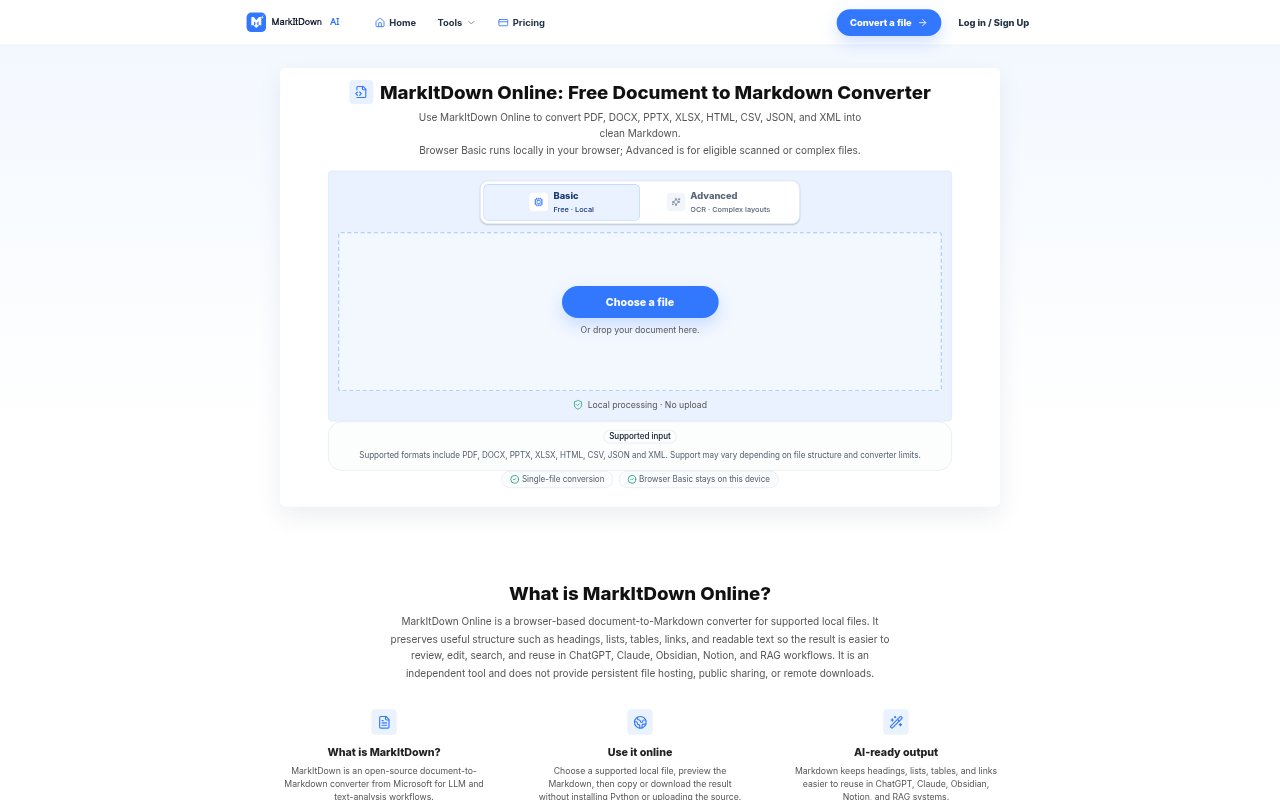
MarkItDown Online converts supported documents into Markdown through a browser-based workflow for people preparing files for AI tools, notes, documentation, or knowledge bases. It handles local files in Browser Basic, so users can choose a file, inspect the result, then copy or download it without installing Python. An Advanced option is available for eligible scanned or complex documents and uses an explicit upload step.
MarkItDown Online Features:
Supported Formats: Browser Basic accepts PDF, DOCX, PPTX, XLSX, HTML, CSV, JSON, and XML files.
Structure Preservation: The Markdown output can retain headings, paragraphs, lists, tables, and links when those elements are present in readable source content.
Local Processing: Browser Basic processes files locally in the browser, with no source-file upload and one local file handled at a time.
Advanced Conversion: Eligible scanned or complex documents can use Advanced processing, which requires sign-in and an explicit upload confirmation.
Preview and Export: Users can review converted Markdown, copy it to another workflow, or download it as a .md file.
File Limits: Browser Basic supports files up to 10MB and PDFs up to 30 pages under the account limit, while some paid Advanced options accept files up to 100MB and PDFs up to 300 pages.
MarkItDown Online Benefits:
Faster Setup: A one-off conversion does not require installing Python or configuring command-line tools.
Easier Editing: Plain Markdown is straightforward to inspect and revise before adding it to another document or knowledge base.
Reusable Content: Structured text can be moved into AI prompts, notes, or documentation without relying on a fixed page layout.
Local File Control: For Browser Basic jobs, keeping processing in the browser avoids sending the source file to a remote conversion service.
Clearer Review: A preview helps users check the converted reading order and structure before using the output elsewhere.
Use Cases:
AI Document Prep: Convert a supported report or office document into text that can be reused in ChatGPT, Claude, or another AI workflow.
Knowledge Base Import: Turn reference documents into Markdown files to review before adding them to a knowledge base or RAG workflow.
Research Notes: Extract readable sections, lists, and links from a PDF or web-format file for use in personal notes.
Spreadsheet Reuse: Convert a supported Excel or CSV file into Markdown that is easier to inspect and share in text-based workflows.
Slide Notes: Convert a supported PowerPoint file into Markdown notes for review, editing, or reuse in documentation.