

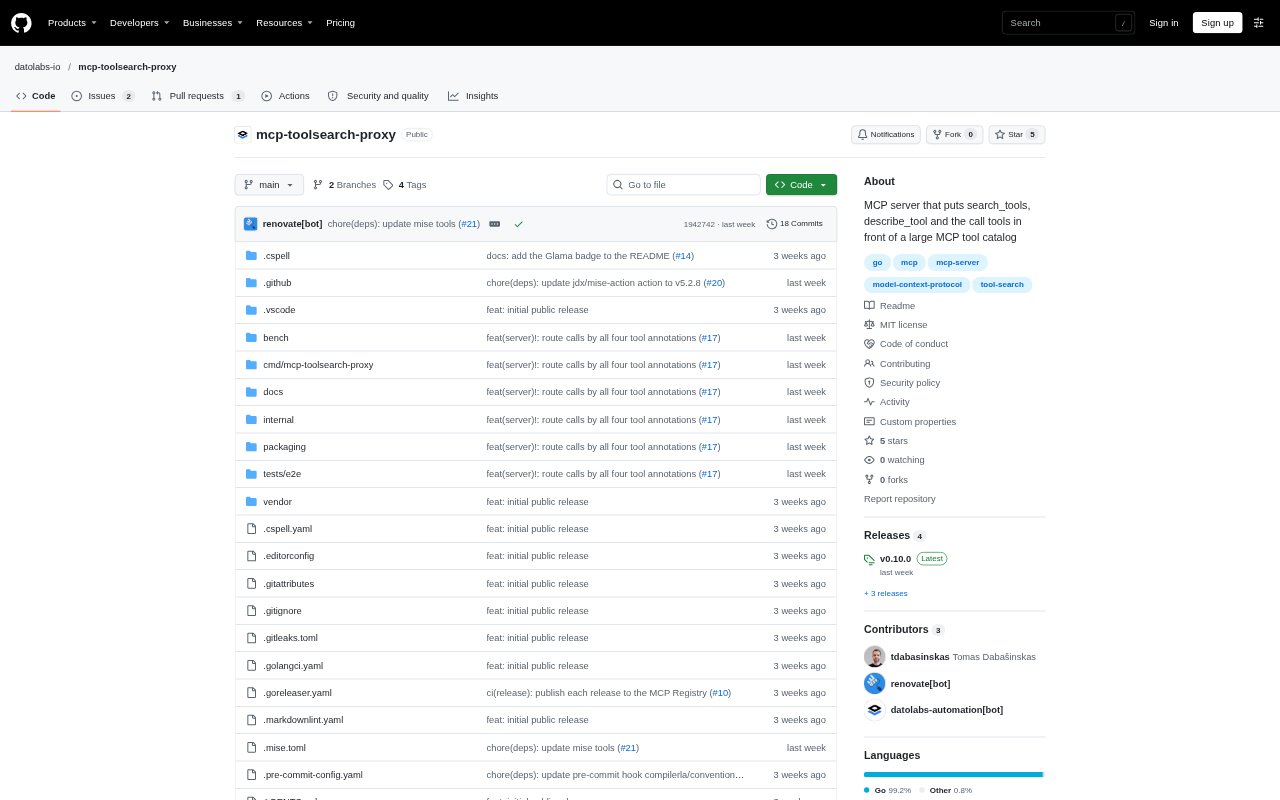
What is mcp-toolsearch-proxy?
mcp-toolsearch-proxy is an MCP server that sits between a model client and an upstream MCP server or gateway with a large tool catalog. Instead of loading every tool definition into the model’s context, it exposes a small set of tools for searching, inspecting and calling tools as needed. It is aimed at teams operating MCP setups with more tools than a client can conveniently load. The project is in early development, so its tools and settings may change before version 1.0.
mcp-toolsearch-proxy Features:
Hybrid Tool Search: Search combines keyword ranking with an embedding model to find tools by matching their names, descriptions and parameters to a query.
Multilingual Queries: The built-in model supports searches in English, Lithuanian and 100 other languages, including when a query and tool description use different languages.
Tool Details: Search results can include input schemas for top matches, while describe_tool returns full descriptions and schemas for up to 10 tools.
Separate Call Types: Read-only, non-destructive write and destructive calls use separate tools, with write calls kept out of batch operations.
Schema Validation: The proxy rejects arguments that do not match a tool’s input schema and returns details that can help the model correct the call.
Caller Authorization: Requests pass the caller’s Authorization header upstream, and each caller gets a catalog based on the tools they are allowed to access.
mcp-toolsearch-proxy Benefits:
Lower Context Use: Models can work with a large tool catalog without carrying every definition in their context; the project’s 500-tool benchmark reports 97% fewer definition tokens.
Reduced Task Cost: In that same benchmark, tasks cost about half as much through the proxy as when every tool was loaded.
Fewer Failed Calls: Early schema checks and actionable error details give a model a chance to fix invalid arguments before repeating a call.
More Controlled Approval: Separating calls by their potential effects lets a client apply different approval rules to reads, non-destructive writes and destructive actions.
Private Query Logs: Operational logs capture tool names, outcomes and timings without recording search queries, arguments, results or tokens.
Use Cases:
Large MCP Catalogs: Put a searchable layer in front of a gateway that combines tools from many MCP servers when the full catalog is too large to load.
Cross-Language Search: Let a user ask in Lithuanian for a capability described in English and have the model search for a matching tool.
Read-Only Research: Configure a client to run approved read-only tools without asking each time while keeping write operations subject to approval.
Sensitive Tool Access: Route calls that may delete or overwrite data through a separate destructive-call path that can require approval.
MCP Client Setup: Connect a client using streamable HTTP to an authenticated upstream, or use standard input and output when the upstream requires no authentication.