

What is MeetCrate?
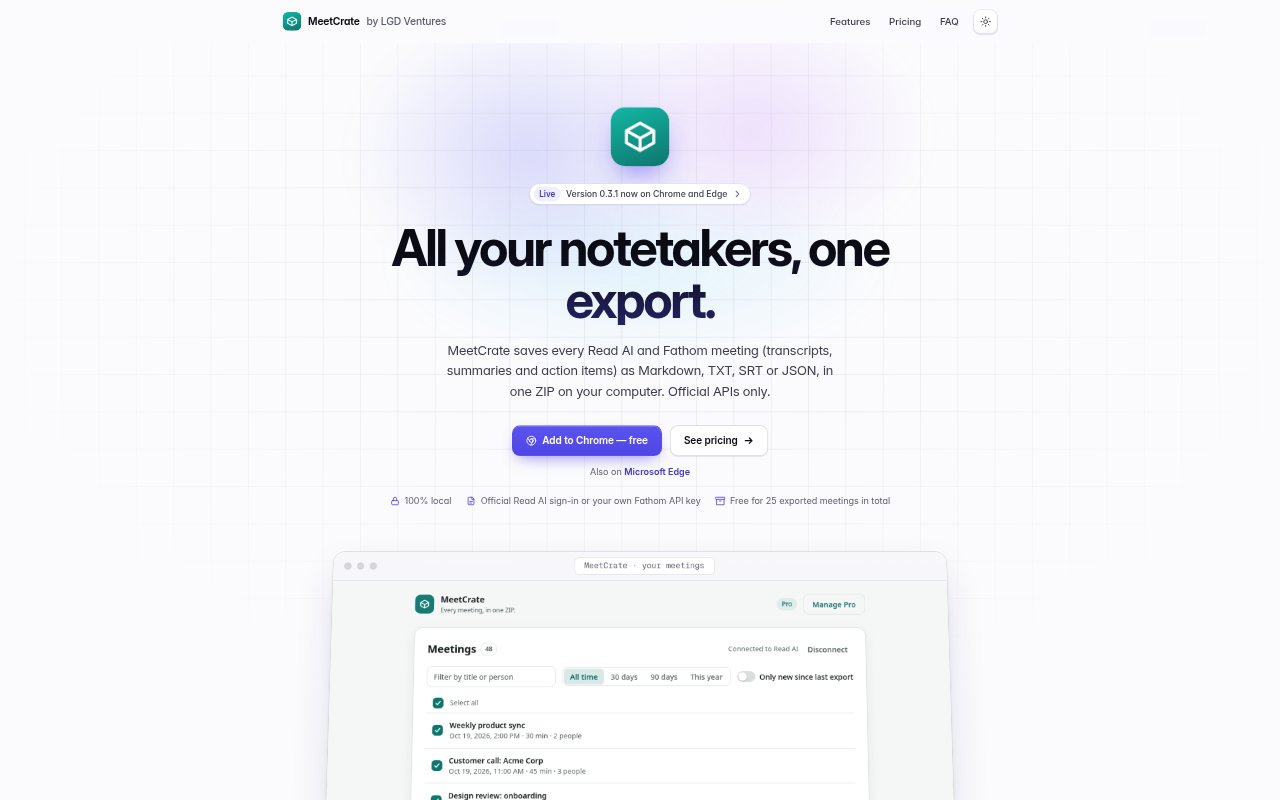
MeetCrate is a Chrome and Edge browser extension for people who use Read AI, Fathom, or both and want local copies of their meeting records. It exports transcripts, summaries, and action items in bulk, with files delivered as a ZIP on the user's computer rather than through a MeetCrate server. The free tier covers 25 exported meetings in total; Pro is a one-time $29 purchase for the whole archive, with no subscription.
MeetCrate Features:
Bulk ZIP Export: Export all meetings, a date range, or only meetings not previously exported into one ZIP, with a separate file for each meeting.
Export Formats: Choose Markdown, plain text, SRT subtitles, or raw JSON, and include an index.csv file with one row for each meeting.
Meeting Details: Meeting files can include the summary, action items, chapters, key questions, topics, and a full transcript with speakers and timestamps.
Read AI and Fathom: Connect to Read AI with read-only sign-in, provide a Fathom API key, or connect both services for a combined meeting list and ZIP.
Resumable Exports: An export can continue from where it stopped after a closed tab or lost Wi-Fi, and meetings still processing can be retried with one click.
Local File Handling: MeetCrate creates files on your computer, keeps the Fathom API key in your browser, and does not send meeting data to its servers.
MeetCrate Benefits:
Less Manual Work: Gathering a large meeting archive takes fewer repetitive steps than opening, copying, naming, and saving reports one at a time.
Easier Retrieval: Consistent meeting files and an index make it simpler to locate a specific discussion later.
Useful Backups: Keeping meeting records as files on your computer gives you a copy you can store alongside other notes or backup files.
Flexible Reuse: Multiple file formats make it easier to work with meeting records in different note-taking and subtitle workflows.
Private Workflow: Local file creation and browser-held credentials let you manage exports without creating a MeetCrate account or sending files to its servers.
Use Cases:
Weekly Meeting Backup: Run an export regularly and select only meetings not already saved to keep a current local record without repeating the full archive.
Obsidian Notes: Import the Markdown files, which include YAML front matter and action-item checklists, into an Obsidian vault.
Notion Import: Use the exported Markdown files with Notion's Markdown import to bring meeting summaries and transcripts into a notes workspace.
Subtitle Creation: Export meeting transcripts as SRT files with speaker names when you need subtitle-formatted text for a recording.
Archive Review: Export meetings from Read AI and Fathom together when reviewing past discussions, summaries, and action items across both services.