
What is MeetGeek?
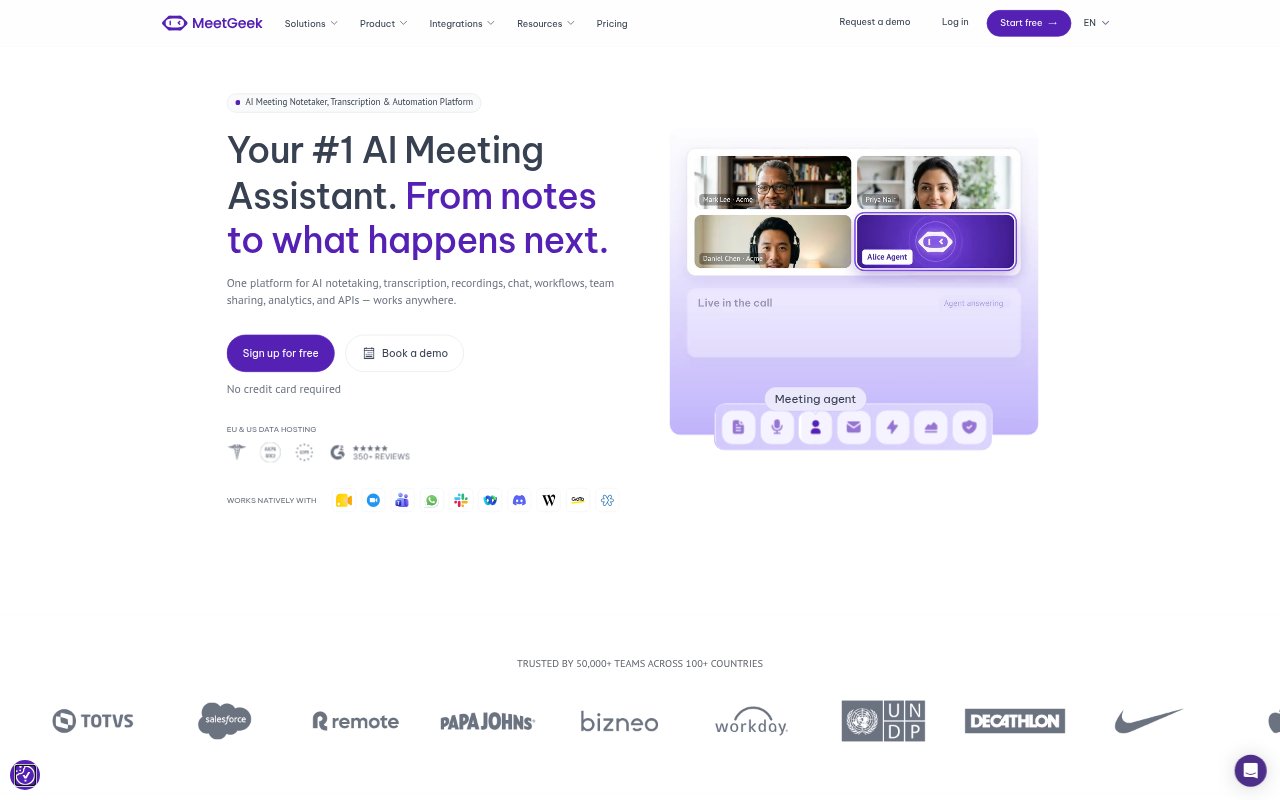
MeetGeek records, transcribes and summarizes meetings, then helps teams turn the discussion into follow-up work. It supports online, hybrid and in-person conversations through a meeting agent, desktop and mobile apps, and MeetGeek Wave. Sales, customer success, product, marketing and other teams can keep meeting notes and insights in one place, share them with colleagues, and connect them to tools they already use.
MeetGeek Features:
Meeting Capture: Record online meetings with a meeting agent, or capture conversations from a desktop, mobile device or MeetGeek Wave without requiring a bot.
Transcripts and Notes: Turn recorded conversations into transcripts, AI-generated notes and summaries, with transcription offered in more than 30 languages.
Meeting Library: Keep recordings, transcripts and meeting insights in a library that teams can revisit to search past discussions and find relevant information.
Meeting Analytics: Review meeting quality, talk-to-listen ratios and coaching moments, with a weekly digest available for teams tracking their conversations.
Workflow Automation: Set actions to run after a meeting, on a keyword or pattern, or on a schedule, including creating tasks and updating CRM records.
Connected Tools: Send meeting information to services including Slack, Notion, Asana, Salesforce, HubSpot and Google Drive, or build custom connections with the public API.
MeetGeek Benefits:
Less Manual Note-Taking: With recordings, transcripts and summaries in one workflow, participants can spend more of the conversation listening and less time writing notes.
Clearer Follow-Through: Turning discussion points into assigned tasks, CRM updates or shared documentation makes it easier for teams to carry decisions into their next steps.
Shared Meeting Context: A searchable library gives teammates a way to catch up on past conversations and check what was said without relying on someone's memory.
More Useful Coaching: Reviewing talk patterns and coaching moments can help managers focus feedback on specific meeting behaviors rather than general impressions.
Flexible Recording: Options for online, desktop, mobile and in-person capture let teams keep meeting records across different locations and conversation formats.
Use Cases:
Sales Call Follow-Up: Capture customer conversations, review summaries and use meeting details to update a CRM or track deal information.
Customer Success Reviews: Look for churn signals in customer calls and route an alert to the account team when a relevant pattern appears.
Product Research: Record user feedback sessions and product discovery meetings, then revisit transcripts and summaries while planning product changes.
Hiring Interviews: Record candidate interviews, review screening summaries and use meeting outcomes to identify candidates for further consideration.
Team Meeting Actions: Capture standups or internal meetings, then turn bug mentions, decisions and action items into tasks or updates in connected tools.