
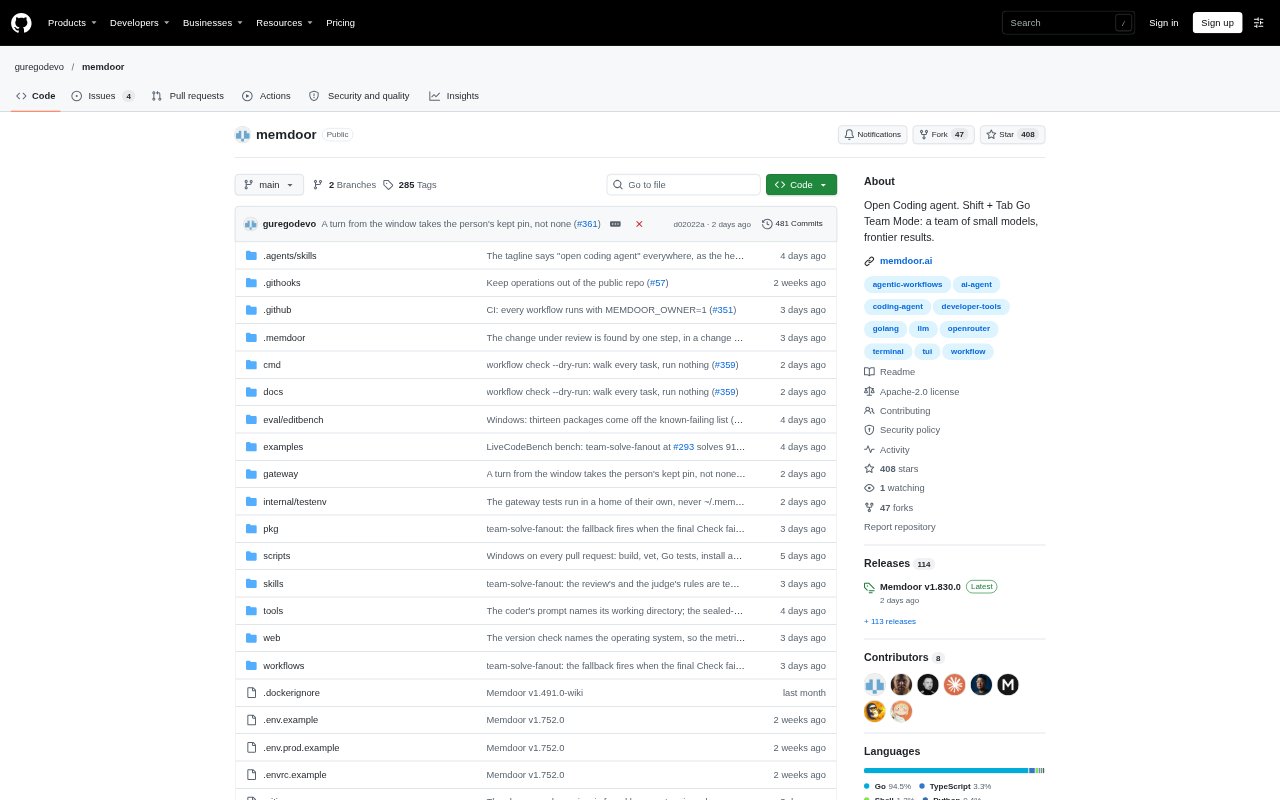
What is Memdoor?
Memdoor is an open-source coding agent and workflow runner for people working in software repositories. It can read files, edit code and run checks, either as an interactive terminal session or through repeatable workflows. Developers can run it on macOS, Linux or Windows, use local models or connect a provider, and start work from a terminal, editor, script, CI job or schedule.
Memdoor Features:
Coding Agent: Give the agent a coding task and it can inspect project files, make edits and run checks in the repository.
Team Mode: Switch to a team workflow where multiple fresh agent contexts work on a task, with results checked against project tests, samples or a judge.
Workflow Runner: Define workflows as steps in a graph, with checks for completion, parallel execution of independent steps, approval gates and resumption from a failed step.
Decision Model: A decision model filters search results, file sections and logs, selects tools for each turn and stops turns that stall.
Model Connections: Connect local models through janis, Ollama, llama.cpp, vLLM or LM Studio, or use provider keys and OpenAI-compatible endpoints.
Remote Control: Open a conversation on a phone through a link or QR code, or share a watch-only link for live viewing.
Automation Interfaces: Run headless tasks from scripts or CI, use the Agent Client Protocol in supported editors, and trigger workflows from GitHub Actions or local cron.
Memdoor Benefits:
Lower Reading Costs: Filtering can reduce input-token use on codebase questions, though the savings depend on the task and edits may show no reduction.
Fewer Repeated Steps: Workflow checks and resumption let teams continue from a failed step instead of rerunning completed work.
More Review Control: Approval gates give reviewers a chance to inspect a diff before a workflow proceeds.
Flexible Model Spend: Using a local model or a provider key lets teams choose where model calls run and which model costs they incur.
Clearer Automation Results: Headless runs return output and exit codes that help scripts and CI distinguish checked work from errors or unresolved questions.
Use Cases:
Fixing Failing Tests: Ask the agent to locate a failing test, change the code and run checks, then use the result in a terminal or CI job.
Pull Request Review: Run a review workflow in GitHub Actions to verify findings against code and fail the job only when a blocker is found.
Nightly Issue Work: Schedule a workflow to select an open issue, work on it in a branch and create a pull request when its check passes.
Release Preparation: Use a workflow to turn commits since the previous tag into release notes grouped as Added, Changed and Fixed.
Remote Coding Session: Start a task on another machine over SSH, then follow the conversation from a phone or share a watch-only view.