

What is Memoe?
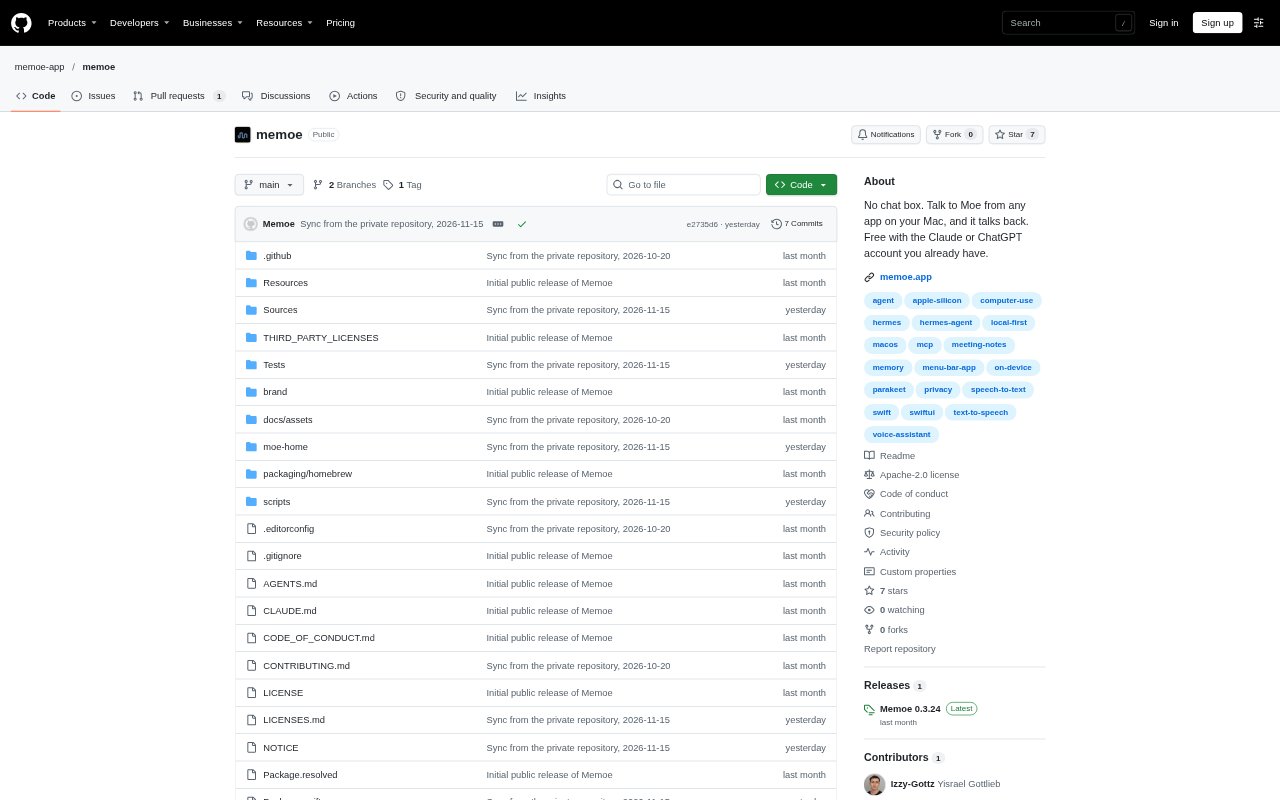
Memoe is a voice assistant for Apple silicon Macs running macOS 15 or later, designed for people who want AI help without opening a chat window. Hold a key in any app, speak, and Moe responds aloud or carries out work on the Mac. It can use a Claude or ChatGPT plan, an API key, or a local model, and the Mac app is free. Optional Away keeps it running in the cloud when the Mac is asleep; the product is in beta.
Memoe Features:
Voice From Any App: Hold a key or enable the “Hey Moe” wake phrase to ask a question, give an instruction, and hear a spoken response.
Mac App Control: Moe can open apps, use menus, fill in fields, and browse the web, using app data and scripting before clicking.
App Connections: It can work with Mac apps including Mail, Calendar, Notes, and Reminders, as well as services such as Gmail, Slack, Notion, and GitHub.
Send Approval: Before an email, message, invitation, or shared file goes out, a review sheet shows the recipient and content for approval or editing.
Meeting Notes: Moe records and transcribes both sides of a call on the Mac, separates speakers, and prepares notes without joining as a bot.
Editable Memory: Moe keeps user-provided facts in plain files on the Mac, which can be read, corrected, or deleted.
Memoe Benefits:
Less App Switching: People can ask for help while staying in their current app, rather than pausing to open a separate chat interface.
More Natural Input: Speaking ordinary requests lets users describe a task in their own words instead of composing a detailed prompt.
Review Before Sending: A required confirmation gives users a chance to catch errors or revise outgoing content before it reaches someone else.
Retained Context: Readable, editable memory helps Moe keep useful personal details available across later conversations.
Private Meeting Capture: Local recording and transcription let users get written call notes without adding an automated participant to the meeting.
Use Cases:
Drafting an Email: Ask Moe to prepare an email or send an invoice, then check its recipient and contents before approving the send.
Updating a Calendar: Use a spoken request to work with calendar events or invitations while you are in another Mac app.
Capturing Call Notes: Record a work call and have Moe separate the speakers and turn the conversation into notes on your Mac.
Remembering Commitments: Ask what you promised someone, then use Moe’s saved details to recall a date or set a reminder.
Running While Away: Use the optional Away service to message Moe from your phone or have it check connected services on a schedule while your Mac sleeps.