

What is Memory-Catalog?
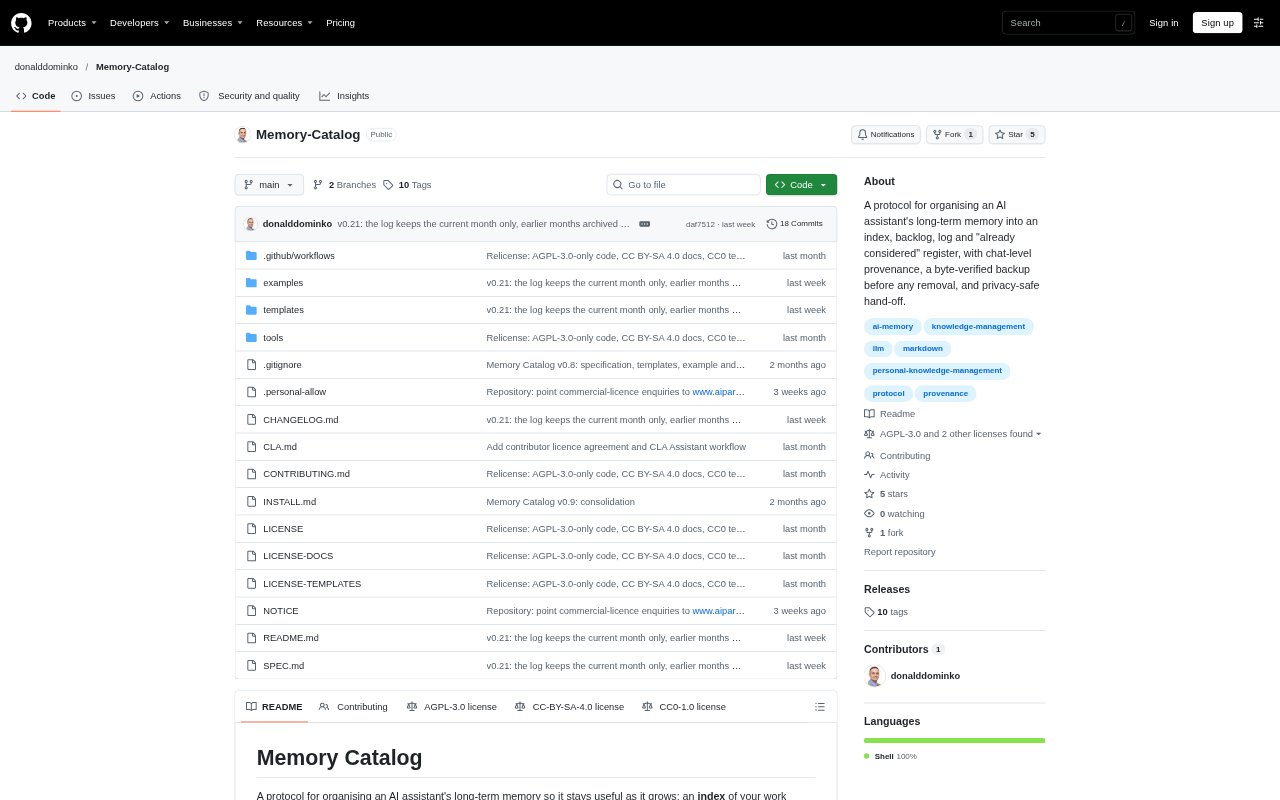
Memory-Catalog is a plain-Markdown protocol for keeping an AI assistant’s long-term memory organised as work grows. It separates work streams, open tasks, dated history, adopted principles and ideas already considered, while linking entries to the chat turns they came from. It was built for Claude’s memory and Projects, but its file-based structure is intended to carry over to other assistants that can work with files. Setup happens in chat by attaching the specification and approving the proposed files.
Memory-Catalog Features:
Catalog Structure: The catalog separates an index of work streams, a backlog of open tasks, a dated log, adopted principles and checkpoints into distinct Markdown files.
Chat Provenance: Entries can include chat keys, turn numbers and anchor phrases that identify where an idea was proposed and accepted.
Approval Gate: During cataloging, the assistant proposes candidates and asks questions, then writes the catalog only after the user approves.
Considered Ideas: A register records ideas that were declined or raised without discussion, including the reason for declining an idea when available.
Verified Cleanup: Cleanup procedures provide a backup and a cut list for approval, while bash tools check that a backup is complete and removed material exists elsewhere.
Chat Handoffs: Handoff and pickup commands record a resume line for work streams, check it against recent chats and the source of truth, and identify the next step.
Memory-Catalog Benefits:
Less Status Drift: Keeping task status in the backlog and history in the log reduces conflicting or repeated updates across memory files.
Traceable Decisions: Turn references and anchor phrases help users distinguish their accepted decisions from assistant suggestions and revisit the original context.
Fewer Repeated Ideas: Recording declined and undiscussed ideas makes it easier to recognise when a suggestion has already been considered.
Safer Maintenance: A backup and reviewable cut list give users a chance to check proposed removals before cleanup changes their stored memory.
Clearer Resumption: A checked resume line helps users return to a work stream with its current position, next step and open decisions in view.
Use Cases:
Organize Existing Memory: Use the setup flow to sort existing assistant memory into work streams, tasks, history and other catalog files after reviewing the proposal.
Capture a Chat: Catalog a conversation to identify new decisions, tasks and principles, then approve which candidates become part of long-term memory.
Review Past Chats: Catalog earlier conversations about a topic or work stream to recover useful updates and record where they came from.
Resume a Work Stream: Hand off a stream at the end of a chat, then use pickup in a later chat to check its status and open decisions before continuing.
Clean Memory Files: Slim an area file when it has grown unwieldy, reviewing the backup and proposed cut list before approving any removal.