

What is Memsaga?
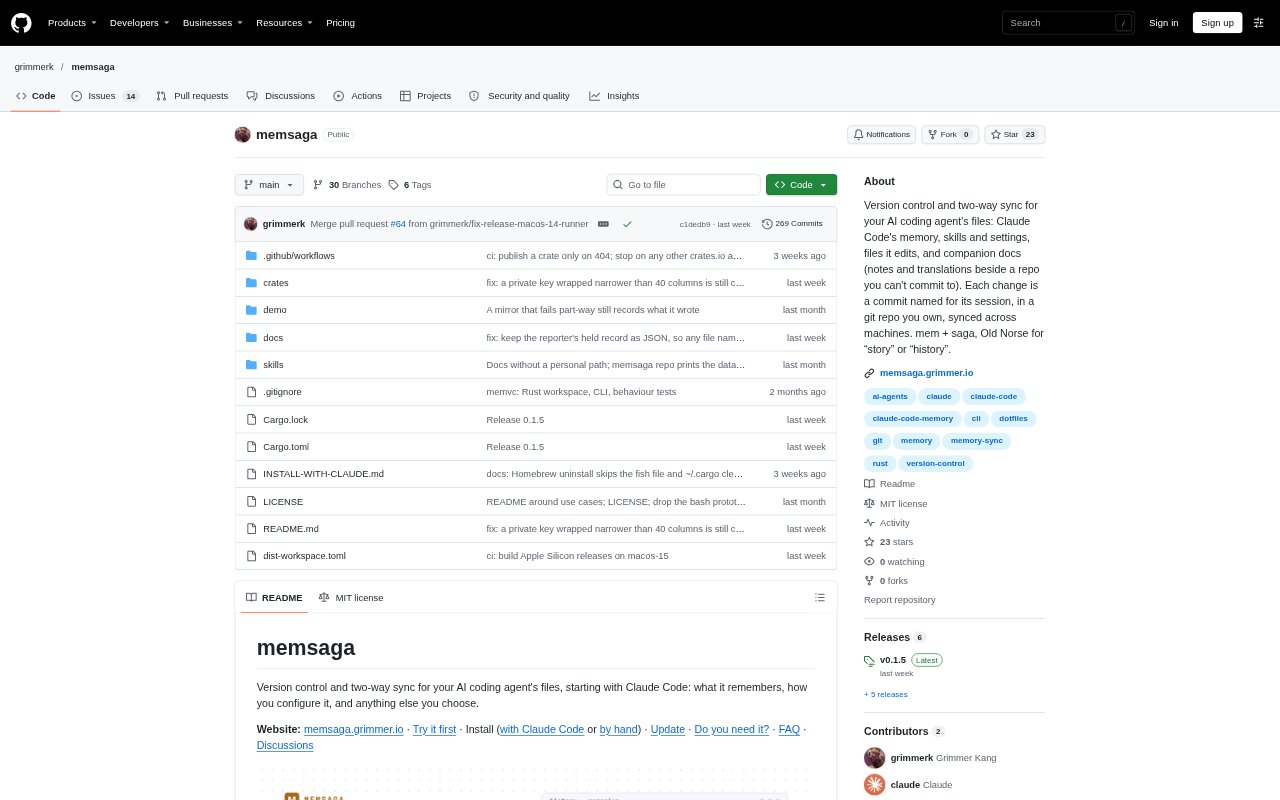
Memsaga keeps a version history of the files Claude Code reads and edits, including its memory, instructions and skills. It copies changes into a Git repository you own and names each commit after the conversation that made it. Optional syncing with a remote repository lets changes move between machines and return to the files Claude Code uses. The tool is for Claude Code users on macOS or Linux; it is free, open source under the MIT licence, and keeps data in your repository.
Memsaga Features:
Session History: At the end of a Claude Code reply, Memsaga commits changed files and records the conversation title and ID with the commit.
Two-Way Sync: With a remote repository configured, Memsaga pushes changes and brings edits from GitHub or another machine back to the live files.
Conflict Handling: When both the local and remote copies change the same line, Memsaga keeps both versions and tells you to resolve the conflict.
File Coverage: Memsaga tracks Claude Code configuration files, such as memory, CLAUDE.md instructions and skills, as well as individual files you choose elsewhere.
Credential Exclusions: Credentials, transcripts and caches are not copied, and files containing lines that match known API key or token formats are held back.
Companion Documents: A companion-docs skill and terminal command help create and list notes, translations and drafts stored alongside a project's path in the data repository.
Memsaga Benefits:
Clear Provenance: You can trace a change in an instruction or memory back to the conversation that produced it, making it easier to understand why Claude Code knows something.
Safer Changes: Reviewing a diff before restoring an earlier version helps you undo an unwanted edit without blindly replacing useful updates.
Continuity Across Machines: Keeping the same notes and configuration available across computers means you can pick up work without manually copying files.
Fewer Lost Edits: When you update a memory away from your main computer, the change can reach Claude Code while preserving edits made locally.
Data Ownership: Keeping the history in a repository you control lets you inspect and manage the files without relying on a separate hosted service.
Use Cases:
Review Memory Changes: Check what Claude Code added to its memory after a project session and find the conversation behind a particular change.
Undo Memory Cleanup: Restore a memory file or CLAUDE.md after a tidy-up removes a note you still need, reviewing the diff before confirming.
Share Across Computers: Use one Claude Code history across a work computer and a personal computer, with updates picked up in later sessions.
Edit Notes Remotely: Correct a project memory from GitHub or a phone and have the revised text returned to the file Claude Code reads.
Keep Project Companions: Store a translation, review note or early design draft beside a project when the document should not be committed to that project's repository.